A CNC router and engraving designer turns logos, patterns and lettering into toolpaths that cut and carve wood, MDF, acrylic and other materials. This roadmap covers drawing basics, CorelDRAW artwork, AutoCAD outlines, ArtCAM toolpaths and CNC machine basics.
Understand scales, dimensions, projections and how to read a job drawing, so your cut and carved parts match the size and shape the customer needs.
Draw logos, lettering, borders and jali patterns, trace sketches and images into clean vectors, and export files that CAM software can read.
Prepare exact outlines for doors, panels and fixtures, arrange parts on a sheet to reduce waste, and save the DXF files that router software and customers commonly use.
Build 2D designs and 3D reliefs, select cutters, set depths, feeds and speeds, create profiling, pocketing, V-carving and engraving toolpaths, and simulate them before cutting.
Learn machine axes, work zero and offsets, tool setting, G-code basics and safe operation on CNC turning and milling machines. The same principles apply when you run a router.
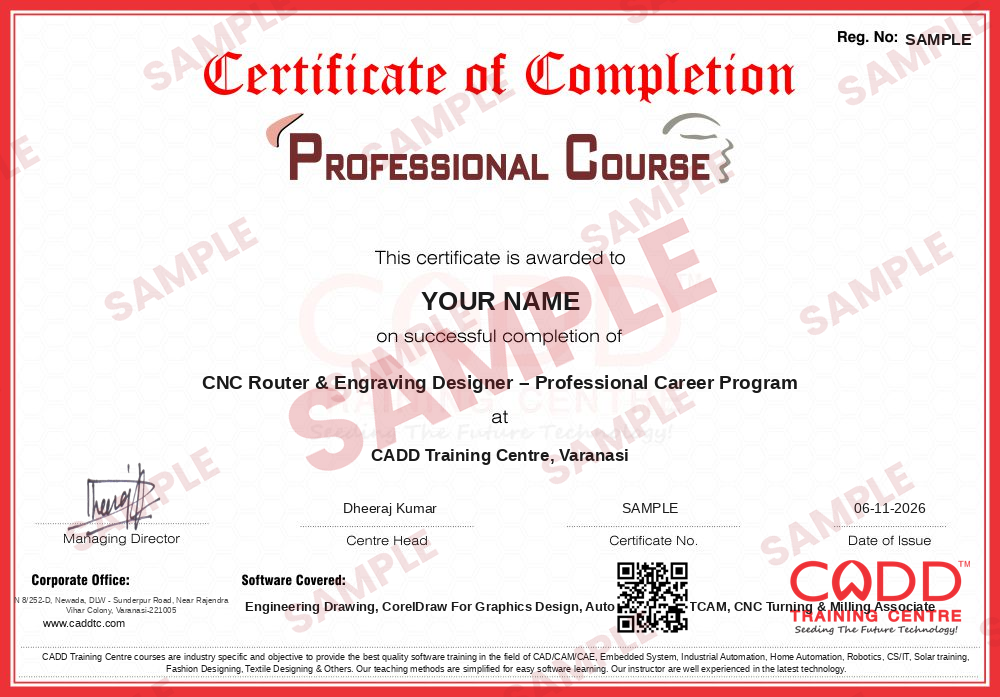
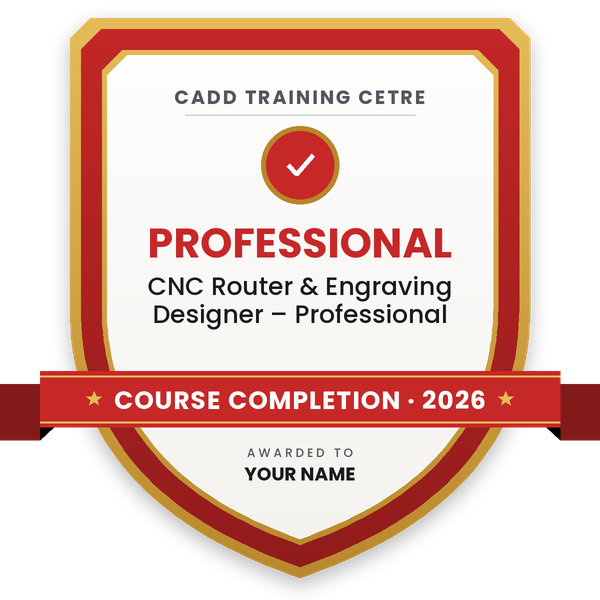
Finish the program and its project — you get the course-completion certificate and a digital completion badge with your name.
Take the certification exam: a theory test on the software of the program and a practical task of the job — at the centre or online.
Pass the exam and get the certified certificate with your marksheet. Anyone can check it online with its QR code.
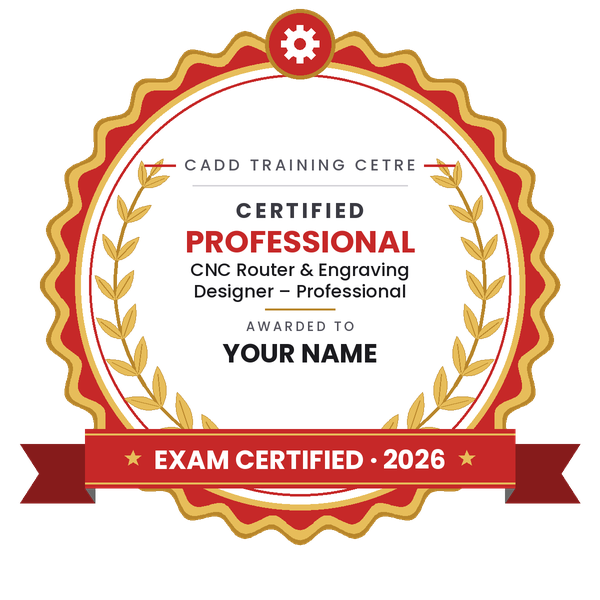
Your certified badge — add it to LinkedIn and share it anywhere; it opens its own verify page.
Make your CV in your student panel (Career → My CV) — your program, certificates and projects are added for you. Send it as a link with a preview picture, apply to jobs and answer Hire Me requests from companies.
The counsellor can shorten or extend this plan for your qualification and the time you have. Ask for your personal plan →
Join at the level that suits you — each level is a complete course you can enrol in.
Entry job — the first steps of the roadmap
The whole roadmap — every software of the job
A CNC router and engraving designer prepares the designs and toolpaths that a CNC router or engraving machine cuts. On a normal day you redraw a customer's logo or sketch as clean vector artwork, design jali screens, door panels, nameplates, signage letters and furniture or temple carvings, choose the right cutter, depth and feed, create toolpaths in CAM software, simulate the result and send the program to the machine.
These designers work in signage and advertising workshops, furniture and modular kitchen units, wooden door and handicraft makers, acrylic and gift item manufacturers, interior fit-out contractors, and trophy and nameplate shops. Many run their own router or engraving machine and take job work from local businesses.
CNC routers are now common in small workshops, but a machine is only as useful as the files it receives. Owners often struggle to find someone who can create attractive artwork and also turn it into safe, accurate toolpaths, so learning design and machine basics together makes you valuable. ArtCAM is no longer sold as a new product, but it still runs in many workshops, and the same skills carry over to newer relief and router CAM software.
Learn vector design in CorelDRAW, accurate drawing in AutoCAD and toolpath creation in router CAM software such as ArtCAM, along with basic CNC machine operation. Build a portfolio of signs, panels and carvings, and start in a workshop where you can see your files being cut.
CorelDRAW and AutoCAD are widely used to prepare artwork and outlines. For toolpaths and 3D reliefs, workshops use router CAM software such as ArtCAM, which this roadmap teaches, or newer packages that follow a very similar workflow.
ArtCAM is no longer sold as a new product, but many workshops still use it. The concepts you learn, such as reliefs, V-carving, tool selection and toolpath simulation, transfer directly to newer router software, so the effort is not wasted.
A CNC router is usually lighter and faster, with a large bed for sheets of wood, MDF, acrylic and composite panels. A milling machine is heavier and built to cut metal parts accurately. Axes, offsets and G-code basics are the same on both.
Yes. Many router designers start after 10th or ITI. A good eye for design, basic computer skills and patient practice matter more than a degree for most workshop jobs.
The design and CAM software can be learned in live online classes, which CADD Training Centre runs alongside classroom batches. Machine operation is best practised hands-on, so try to get time on a real machine in a workshop as well.
More questions? Ask our counsellor or see all career roadmaps.
 Architectural Draughtsman & VisualizerAn architectural draughtsman and visualizer prepares working drawings and turns designs into realistic 3D images and walkthroughs. This roadmap covers AutoCAD, Revit, SketchUp, 3ds Max with V-Ray, Lumion and Photoshop.
 Interior DesignerAn interior designer plans functional, attractive spaces and presents them through drawings and realistic 3D views. This roadmap builds your software skills in AutoCAD, SketchUp, V-Ray, 3ds Max, Photoshop and the basics of Vastu.
 Mechanical Design EngineerA mechanical design engineer turns product ideas into 3D models and manufacturing drawings. This roadmap takes you from drawing basics to SolidWorks modelling, sheet metal, GD&T and simulation.
 Product / Industrial DesignerProduct and industrial designers shape how everyday products look, feel and get made. This roadmap builds surface modelling, design-for-moulding and photoreal rendering skills for a strong design portfolio.
 CAE / FEA AnalystA CAE / FEA analyst uses simulation to predict stress, vibration, heat and fluid flow before a product is built. This roadmap moves from 3D CAD to Ansys structural and CFD work plus result scripting.
 CNC ProgrammerA CNC programmer writes the G-code and CAM toolpaths that run turning and milling machines. This roadmap covers drawing reading, CNC operation, NC editing, part modelling and Mastercam programming.