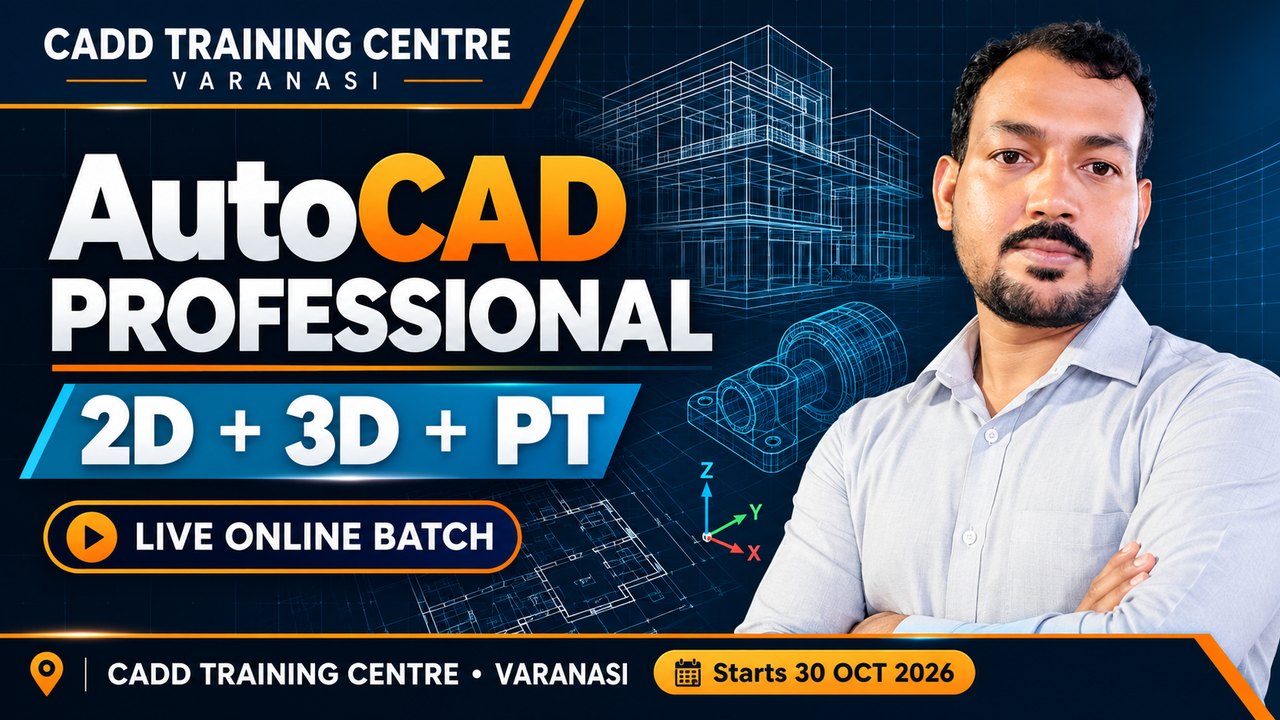
Live online classes

Learn live from certified instructors — wherever you are

Real-time, instructor-led batches of the same job-ready courses we teach in our centres. Watch the instructor's screen, ask questions live, revise every class from its recording, and earn the same certificate.

  • Live screen sharing & voice
  • Every class recorded for revision
  • Small batches, personal doubt-solving
  • Same exam & certificate as classroom
Truly liveInstructor-led classes on a fixed timetable — not pre-recorded videos.
Recorded for youMissed a class or need a revision? Watch its recording any time.
Secure CADD appClasses run in our own protected app — no third-party meeting links.
Recognised certificateSame exams and verifiable certificate as our classroom students.
💰 Share & Earn: share these batches and earn 10% of the fee when someone joinsCreate a free earning account →

Upcoming & running online batches

1 live batch open for admission

Need a different timing?

How live online training works

From your first counselling call to your certificate — the same course and support as in our centres.

  1. Choose your batchPick the software, timing and instructor that suit you.
  2. Free counselling / demoTalk to our counsellor or attend a free live demo class.
  3. Enrol & install the CADD appYour login opens the CADD desktop app on your Windows computer.
  4. Learn live, practise dailyWatch the instructor's screen, ask by voice or chat, share your screen for doubts.
  5. Revise & get certifiedEvery class is recorded for revision. Pass the exam and get your certificate.

What you need

  • A Windows 10 / 11 laptop or desktop (8 GB RAM recommended for CAD / BIM software)
  • Stable internet — 4 Mbps or better
  • Headphones with a microphone
  • The course software installed (our team helps you set it up)

Why not on a mobile phone?

  • Software classes need you to practise in the software while you learn — a phone cannot run AutoCAD, Revit or similar.
  • Classes open only in the secure CADD app, so the course content stays protected.
  • Screen recording and screenshots are blocked in the app; every screen carries your name.

Questions about online classes

Still unsure? Talk to a counsellor — it's free.

Is a live online class as good as a classroom class?

Yes. You see the instructor's screen in full HD, hear every step, ask questions by voice or chat, and the instructor can see your screen when you are stuck. You get the same course, exams and certificate as classroom students.

What if I miss a class?

Every live class is recorded. The recording appears in your student login (Online Classes) and plays inside the CADD app, so you can revise it any time during your course.

Can I join from my phone?

No. Software classes need a computer, and the classes open only in the CADD desktop app for Windows to protect the course content.

Do I get a certificate?

Yes — the same certificate as a classroom student, after you pass the course exam. You can verify it on our website.

How big are the batches?

Online batches are kept small so the instructor can help every student. The seats left are shown on each batch.

Can I attend a free demo first?

Yes. Many batches show a free demo class — book it from the batch page, or ask our counsellor to arrange one.