A mechanical design engineer turns product ideas into 3D models and manufacturing drawings. This roadmap takes you from drawing basics to SolidWorks modelling, sheet metal, GD&T and simulation.
Projections, sections, views, dimensioning and title blocks. You will read any shop drawing and know how a part is represented on paper before you touch CAD.
Use standard parts libraries, layers, hole charts and BOM tools to produce clean 2D detail and assembly drawings that follow drafting standards.
Build parametric parts, create assemblies with mates, check interference and generate drawings. This is the core skill most design job openings ask for.
Design bent enclosures with flat patterns and bend allowances, and build welded frames from structural profiles with cut lists for fabrication.
Create production-ready drawings with sections, BOMs and balloons, and apply geometric tolerances so parts fit together and can be inspected correctly.
Run basic static stress and deflection studies on parts and assemblies to spot weak areas before a prototype is built.
Finish the program and its project — you get the course-completion certificate and a digital completion badge with your name.
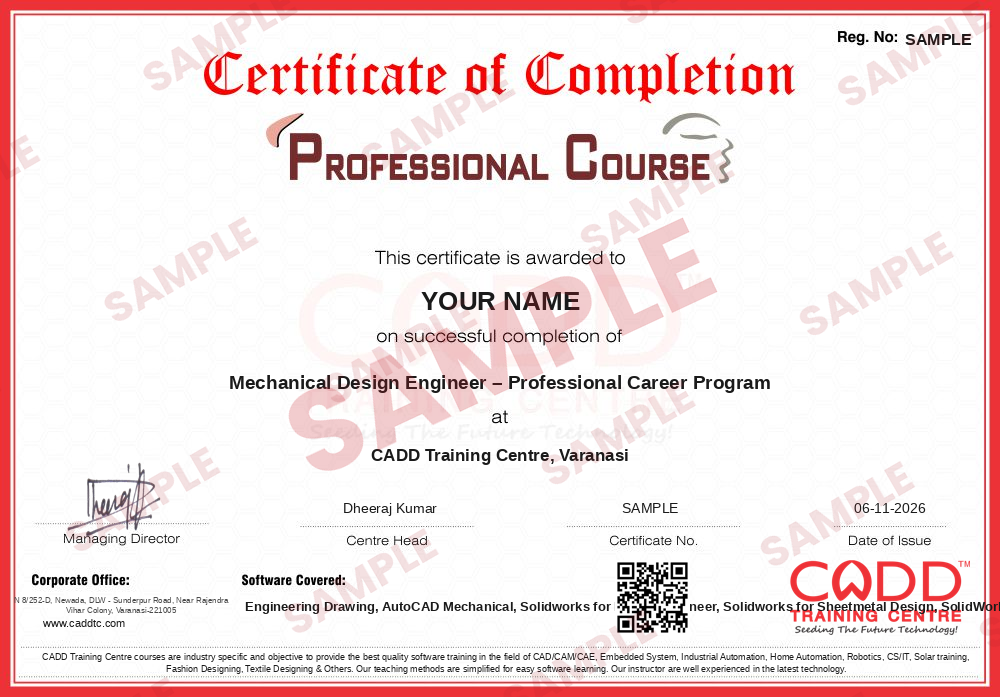
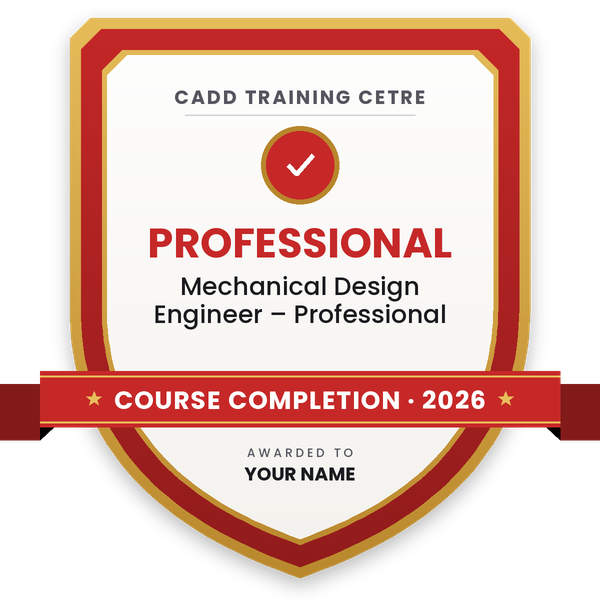
Take the certification exam: a theory test on the software of the program and a practical task of the job — at the centre or online.
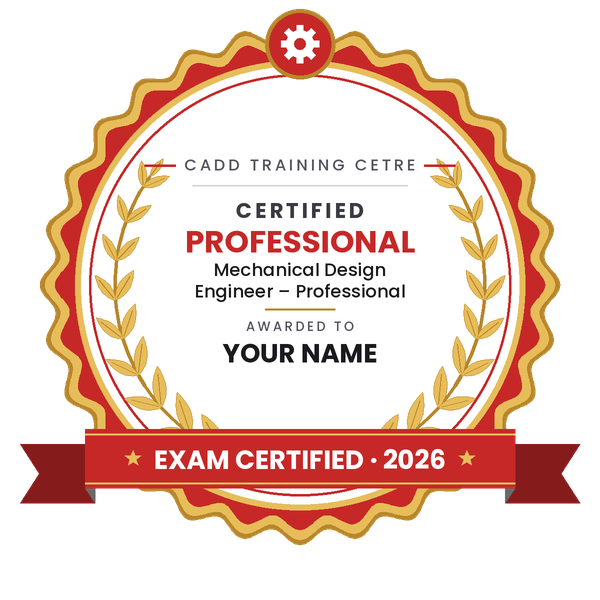
Pass the exam and get the certified certificate with your marksheet. Anyone can check it online with its QR code.
Your certified badge — add it to LinkedIn and share it anywhere; it opens its own verify page.
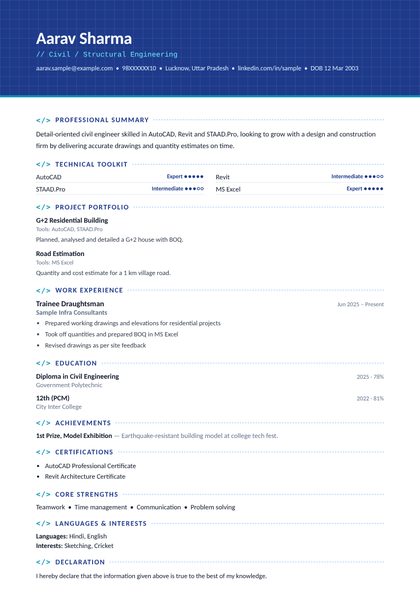
Make your CV in your student panel (Career → My CV) — your program, certificates and projects are added for you. Send it as a link with a preview picture, apply to jobs and answer Hire Me requests from companies.
The counsellor can shorten or extend this plan for your qualification and the time you have. Ask for your personal plan →
Join at the level that suits you — each level is a complete course you can enrol in.
Entry job — the first steps of the roadmap
The whole roadmap — every software of the job
The whole roadmap + next-level software
A mechanical design engineer creates the parts, assemblies and drawings that a factory needs to build a machine or product. A typical day includes modelling components in 3D CAD, checking fits and clearances in assemblies, preparing 2D drawings with dimensions and tolerances, making bills of materials and revising designs after feedback from production or quality teams.
Design engineers work for machine builders, automotive and tractor component suppliers, sheet metal and fabrication shops, special purpose machine (SPM) makers, pump and valve companies, consumer product firms and engineering service companies that handle design work for clients in India and abroad.
Demand stays steady because every manufactured product starts as a CAD model and a released drawing. Companies look for engineers who can model quickly, apply standard practices such as GD&T, and check a part with simulation before money is spent on tooling and prototypes.
Learn engineering drawing, then 2D drafting in AutoCAD Mechanical and 3D modelling in SolidWorks. Add sheet metal, weldments and GD&T, build a portfolio of models and drawings, and apply for trainee CAD or design engineer roles.
SolidWorks is common in machine building and SPM companies, while CATIA, NX and Creo are popular in automotive and large OEMs. AutoCAD Mechanical is still used for 2D layouts and drawing updates. Learn one 3D tool deeply first.
The six steps add up to about 260 hours: Engineering Drawing 20, AutoCAD Mechanical 60, SolidWorks for Design Engineer 80 and five 20-hour modules for sheet metal, weldments, drawing tools, GD&T and simulation.
Yes. GD&T tells the shop and the quality team how much a feature may vary and from which datum it is measured. Drawings without proper tolerances cause rejections, so interviewers often ask basic GD&T questions.
Yes. CADD Training Centre runs live online classes as well as classroom batches, so you can learn SolidWorks and AutoCAD Mechanical from home with a trainer, as long as your computer can run the software.
An ITI draughtsman or fitter can start as a CAD draftsman after learning drawing and CAD. With experience and further study such as a diploma, many move up to design engineer responsibilities.
More questions? Ask our counsellor or see all career roadmaps.
 Product / Industrial DesignerProduct and industrial designers shape how everyday products look, feel and get made. This roadmap builds surface modelling, design-for-moulding and photoreal rendering skills for a strong design portfolio.
 CAE / FEA AnalystA CAE / FEA analyst uses simulation to predict stress, vibration, heat and fluid flow before a product is built. This roadmap moves from 3D CAD to Ansys structural and CFD work plus result scripting.
 CNC ProgrammerA CNC programmer writes the G-code and CAM toolpaths that run turning and milling machines. This roadmap covers drawing reading, CNC operation, NC editing, part modelling and Mastercam programming.
 Automotive Design Engineer (CATIA / NX)Automotive design engineers create body, trim, chassis and powertrain parts for vehicles. This roadmap builds the CATIA and NX part, assembly and surface skills that carmakers and their suppliers expect.
 MEP Design EngineerMEP design engineers plan HVAC, plumbing, fire fighting and electrical services for buildings. This roadmap moves from AutoCAD drafting to AutoCAD MEP, Revit MEP modelling and Navisworks coordination.
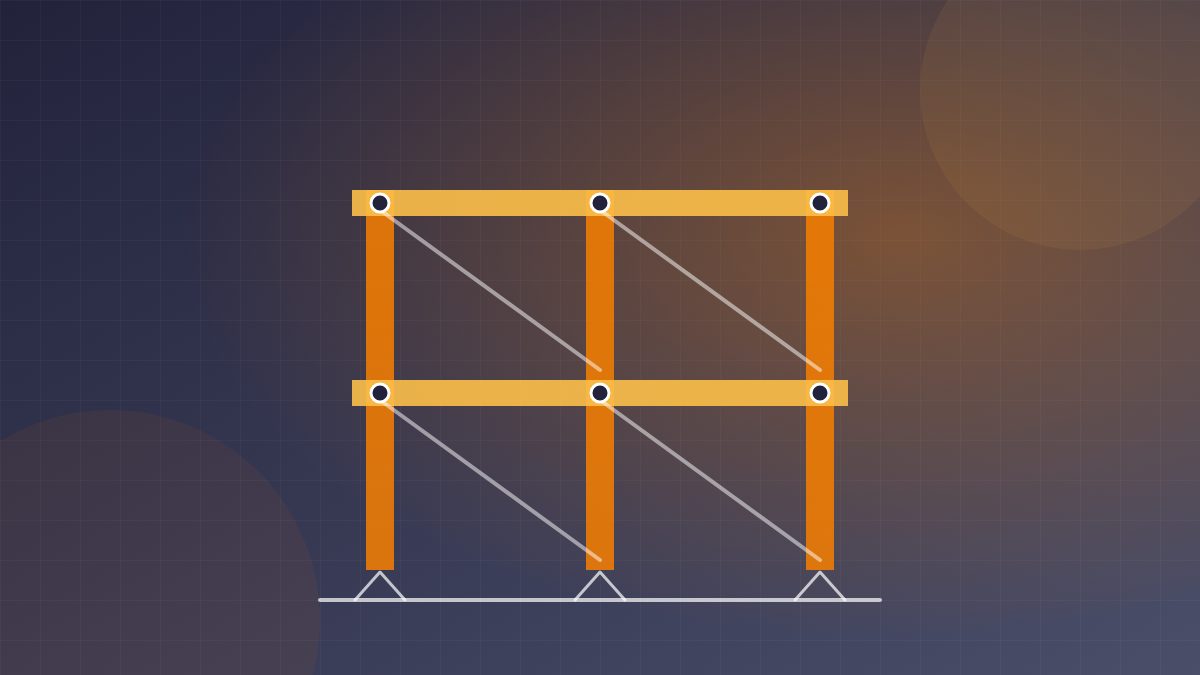 Steel Structure Detailer (Tekla / Advance Steel)A steel structure detailer models steel buildings and produces the fabrication and erection drawings shops and sites work from. This roadmap covers drawing basics, AutoCAD, Advance Steel, Tekla Structures and STAAD Pro.