
Choose your field, pick a professional design and fill simple boxes — with a hint under every box in English and Hinglish. See your CV live as you type, then download a print-ready PDF.
Pick the job you want from 209 professions -- the boxes, hints and suggestions follow it.
25 professional designs: 15 standard (classic, modern sidebar, infographic, two-column ...) and 10 premium international designs (Ivy League, Executive Navy, Euro Grid, Gulf Professional ...).
Personal details, objective, education, experience, skills, projects, achievements -- with a hint under every box.
See it live while you type. Unlock once and download your print-ready PDF as often as you like.
Every design is A4, one click to switch — your text stays. Pick one to start.
Researched against recruiter and ATS rules for India, the Gulf, Europe, the UK and the US: real text, standard section names, clean fonts, a one-page A4 layout. Preview free.
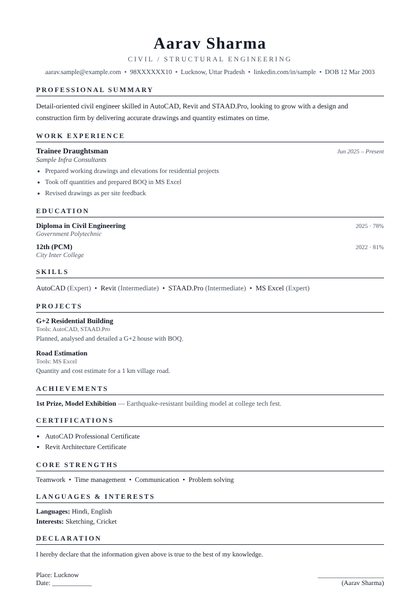 ⭐ PremiumUse this design
Ivy LeagueClassic serif, centred — the US / UK standard recruiters trust
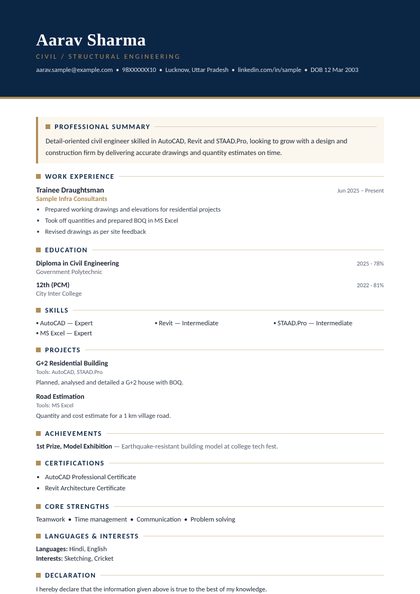 ⭐ PremiumUse this design
Executive NavyNavy and gold — a confident leadership look
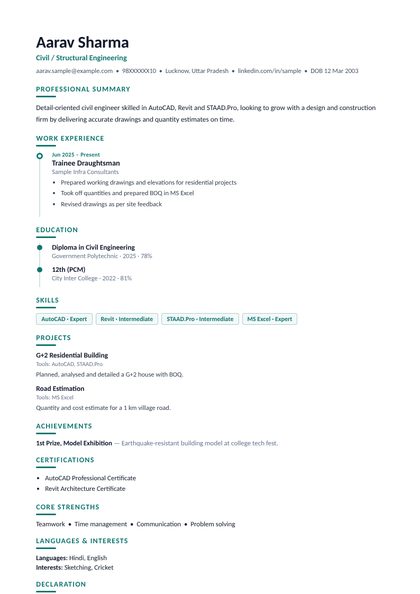 ⭐ PremiumUse this design
Career TimelineYour journey on a clean vertical timeline
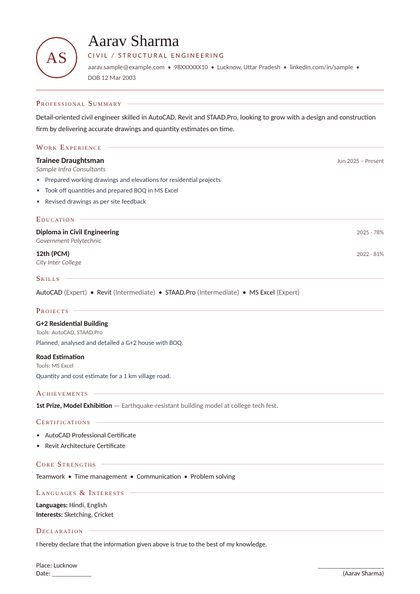 ⭐ PremiumUse this design
MonogramPersonal initials crest, refined and elegant
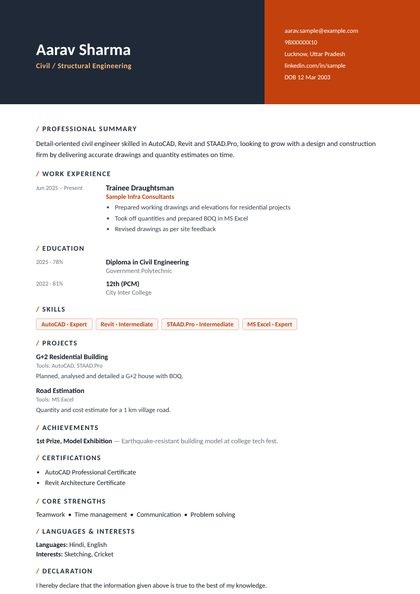 ⭐ PremiumUse this design
Split HeaderTwo-tone header with a contact panel
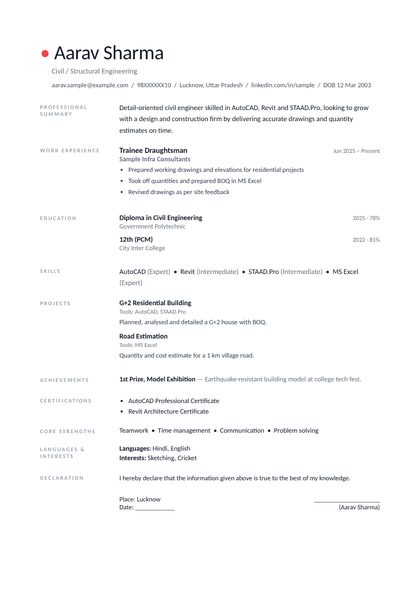 ⭐ PremiumUse this design
Nordic MinimalAiry label grid — maximum clarity
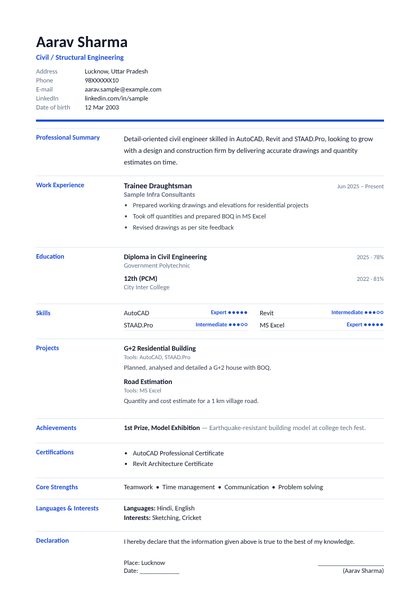 ⭐ PremiumUse this design
Euro GridEuropean tabular CV with photo (Germany, EU)
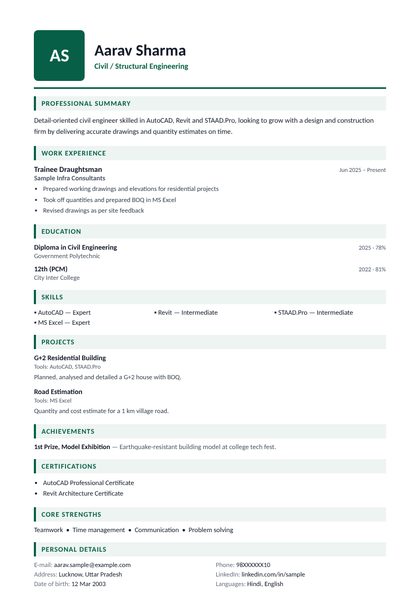 ⭐ PremiumUse this design
Gulf ProfessionalPhoto and personal details — Gulf and India ready
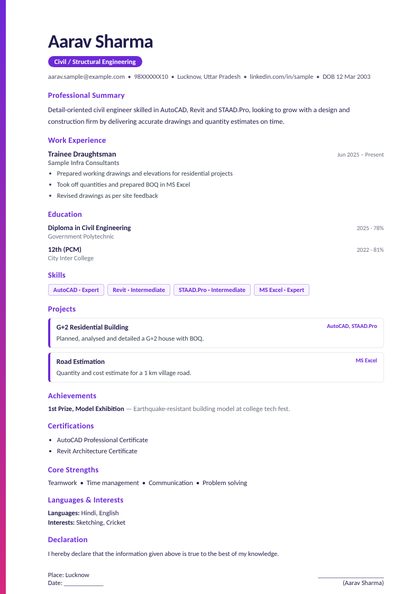 ⭐ PremiumUse this design
Accent StripeBold side stripe and project cards
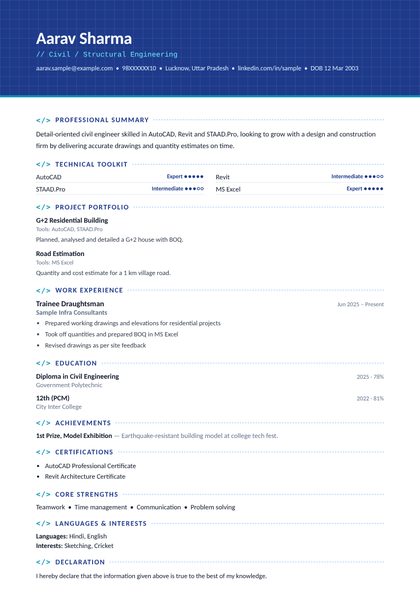 ⭐ PremiumUse this design
Engineer BlueprintBlueprint header, tools first — for CAD and engineering
 Use this design
Classic BlueClean blue header — most popular
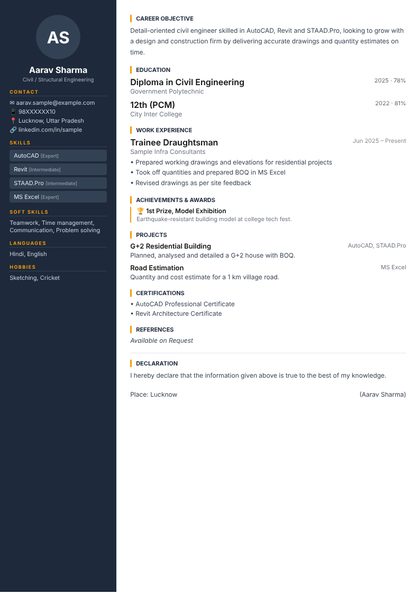 Use this design
Modern SidebarDark navy sidebar with amber highlights
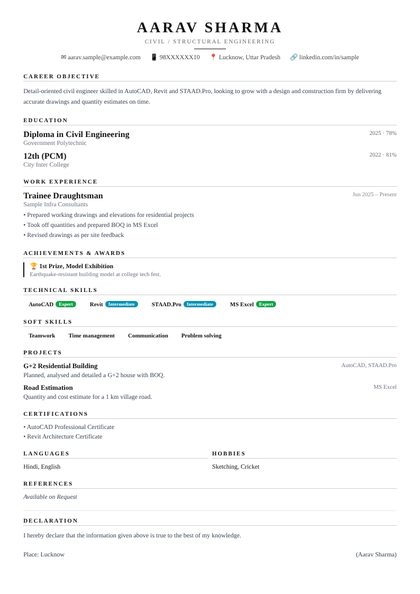 Use this design
Executive SerifElegant serif design for senior profiles
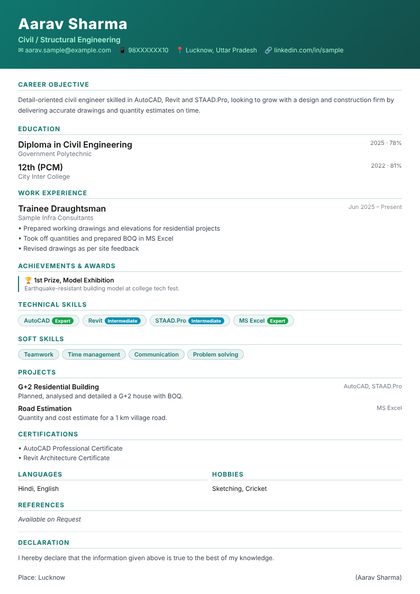 Use this design
Bold BannerFull-width teal header — stands out instantly
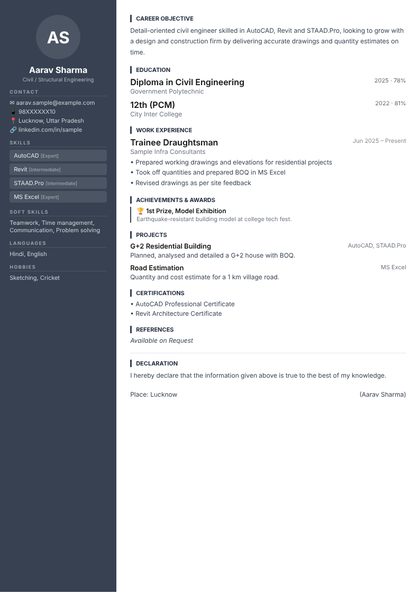 Use this design
Corporate GreyGrey sidebar, formal and professional
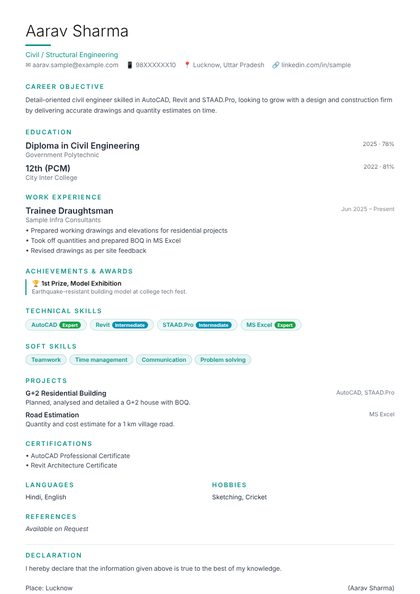 Use this design
Teal MinimalTeal accents, lots of whitespace — elegant
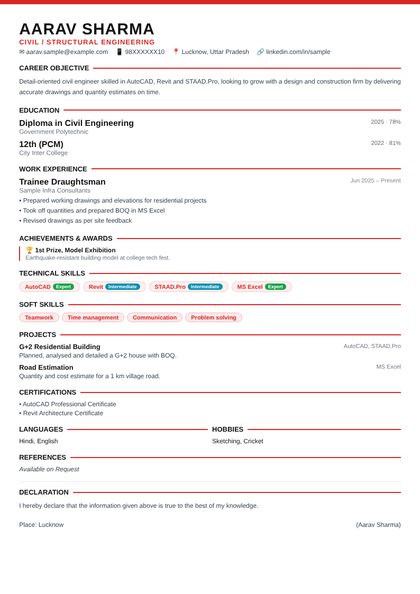 Use this design
Red BoldRed accent lines, strong bold typography
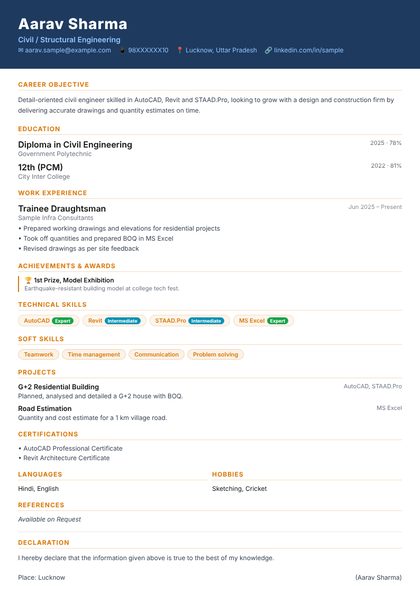 Use this design
Navy & GoldDark navy header, premium gold text
 Use this design
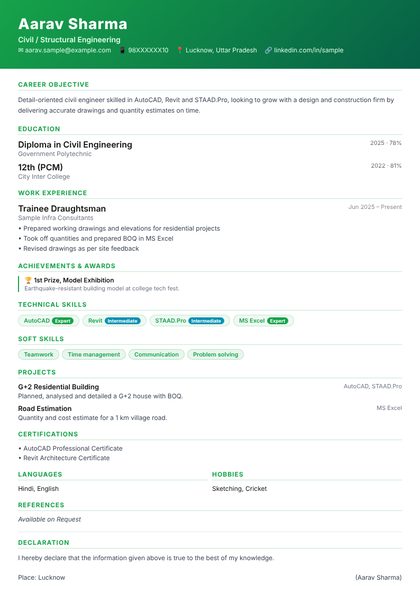
Fresh GreenGreen gradient header — fresh and modern
 Use this design
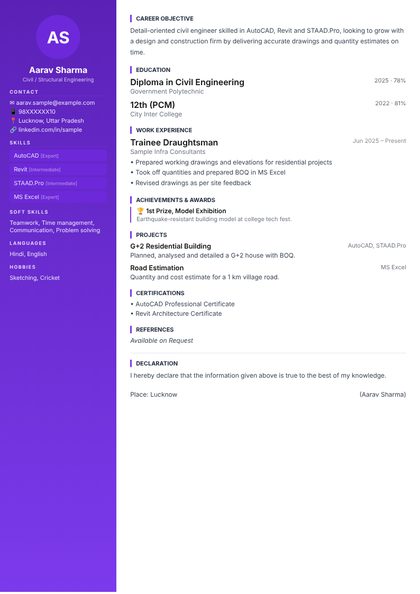
Purple ProPurple gradient sidebar, creative professional
 Use this design
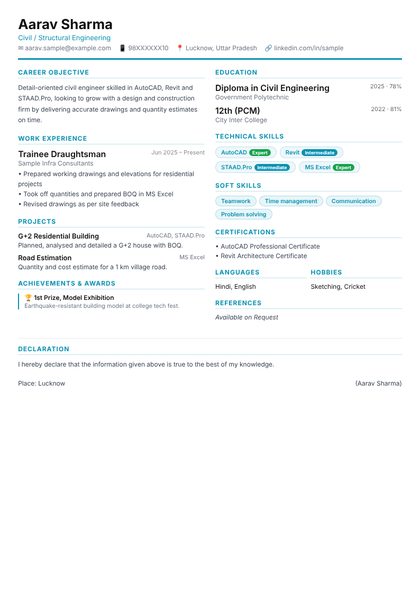
Two ColumnEqual two-column layout, maximises space
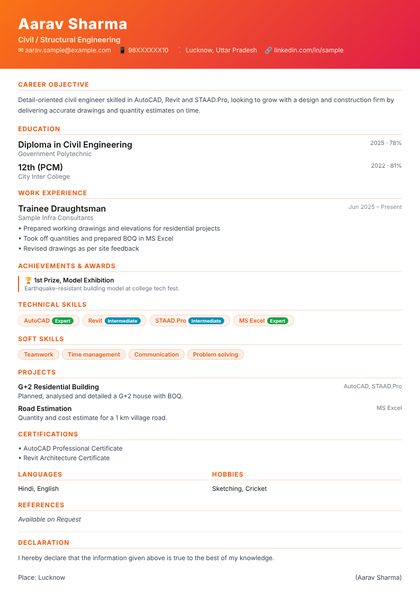 Use this design
Orange CreativeWarm orange/coral — creative field standout
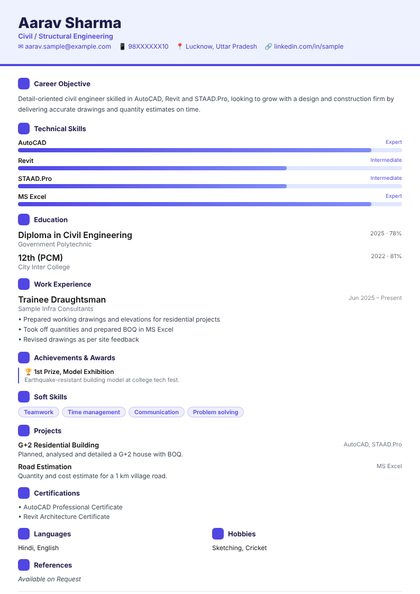 Use this design
InfographicVisual skill bars and icons — very modern
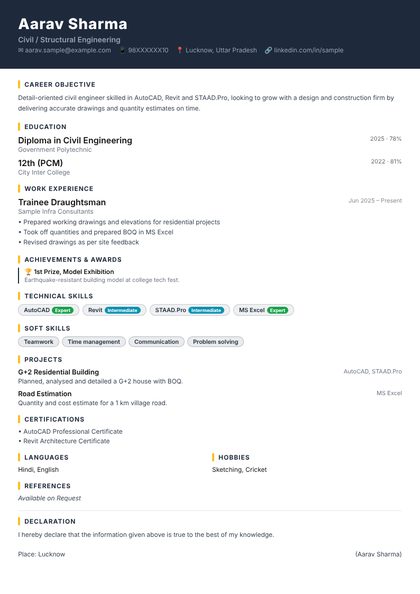 Use this design
Dark ProfessionalCharcoal dark header, striking premium look
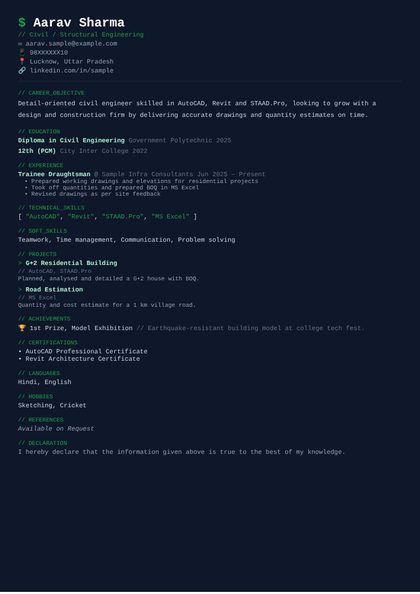 Use this design
Mono TechMonospace font, code-style — perfect for IT/CAD
Each field has its own page — the skills employers look for, a sample objective, project ideas and tips.
⬆️ Have a Standard plan? Upgrade it to Premium — pay only the difference.
Making & preview free · every unlocked CV stays yours for ever (even after a plan ends) · 100% ad-free · no hidden charges · no watermark on your PDF · secure UPI / card payment
Making, editing and previewing your CV is free and 100% ad-free. To download the PDF, pick a plan: ₹49 for 2 CVs, ₹199 for unlimited CVs for a month, or ₹499 for unlimited CVs for a year. Every CV you unlock stays yours for ever -- edit it and download it as often as you like, even after a plan ends.
CVs are kept safe for you and can always be edited -- they are not deleted, so your plan's count stays right. If you want your personal details removed, use “Remove my data” on My CVs.
No. Start straight away -- your CV is kept on this device. Save your private link (shown on “My CVs”) to open it on another phone or computer.
A one-page CV with a short career objective, education, skills and projects works best. Pick your field first: the boxes, hints and examples follow it.
Yes. Make a separate CV for each field (for example one for a site engineer job and one for an AutoCAD draughtsman job). Each CV is unlocked on its own.
Press “Download PDF” and choose “Save as PDF” in the print window. The text stays real text, so job portals and company software can read it.
Yes. Every unlocked CV gets its own link with a preview picture -- send it on WhatsApp, LinkedIn or e-mail. It always opens your latest version, so you never have to send a new PDF after a change.
Open your CV link and press Edit, or use “Find my CVs” -- a 6-digit code comes to your e-mail and your CVs open. You can change the design any time; your text stays.
On “My CVs”: every CV shows paid, waiting for confirmation or not paid, with the amount, date and payment reference. A receipt mail with the link to your CVs is also sent.
10 extra designs made to international CV standards -- Ivy League (US / UK), Executive Navy, Career Timeline, Euro Grid (Europe / Germany), Gulf Professional (Gulf / India, with photo and personal details), Engineer Blueprint and more. All are ATS-friendly: real text, standard section names, clean fonts. Preview them free; to download one choose a Premium plan: ₹79 for 2 CVs, ₹249 for a month unlimited, ₹599 for a year unlimited.
Yes. Upgrade your plan to Premium by paying only the difference. Every CV of that plan can then use the premium designs too.
In India and the Gulf the two words mean the same thing: a 1-2 page document with your skills, education and work. In the US a résumé is a short 1-2 page summary and a CV is a longer academic record; in the UK and Europe “CV” is the usual word. Every design here works as a CV or a resume -- one page for freshers, two pages when you have more experience.
Yes. A job biodata is a CV with personal details (date of birth, languages, address). Fill them in Personal Information and pick the Gulf Professional or Euro Grid design, which show them neatly. (This is for jobs, not a marriage biodata.)
Want the skills employers ask for? See our courses and the career guide.
