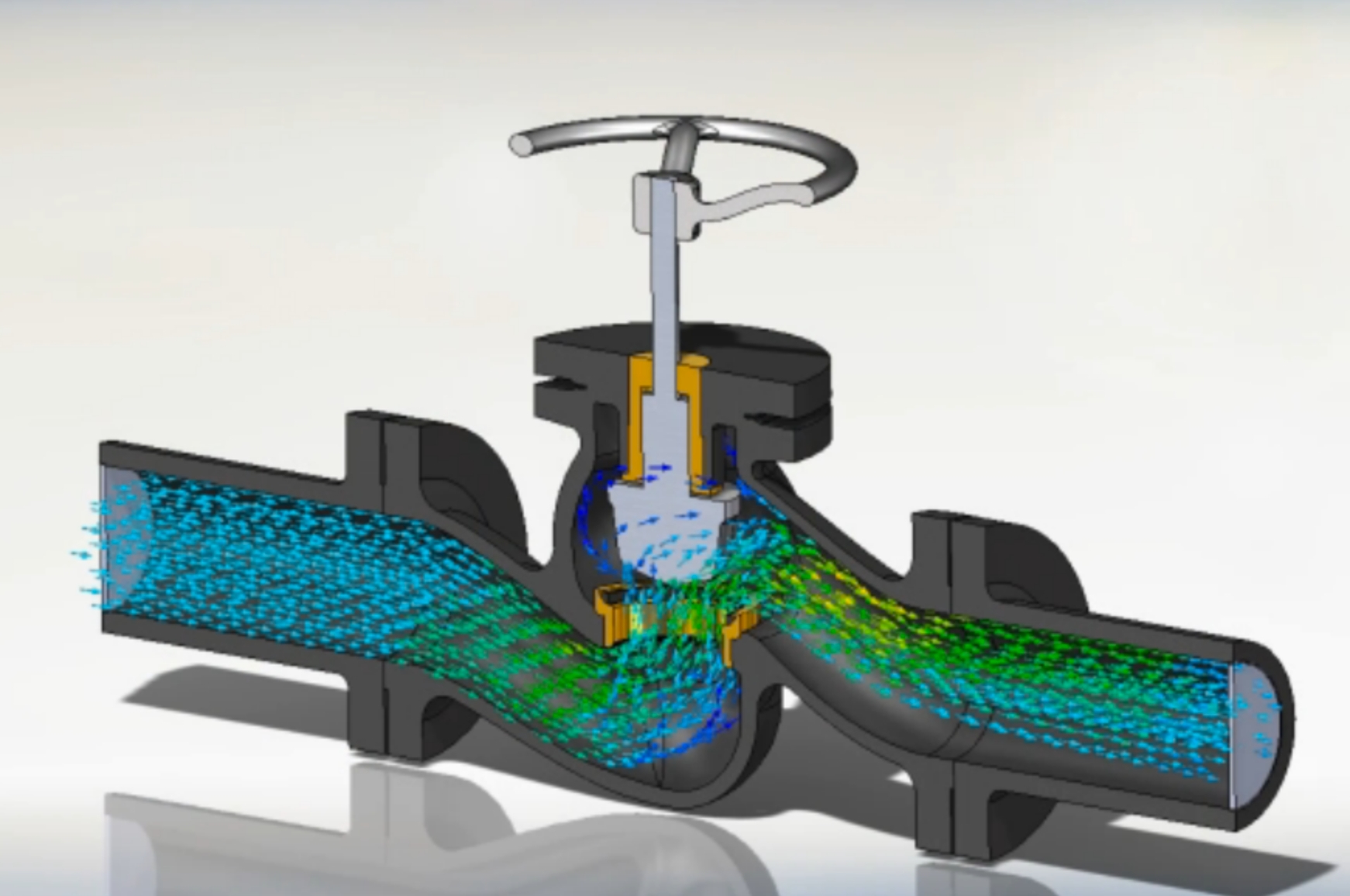
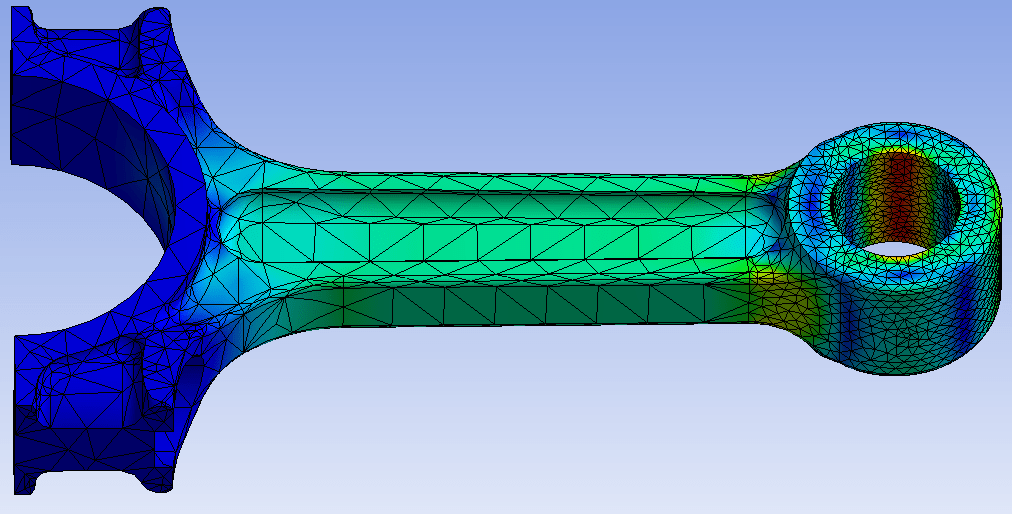
Learn SolidWorks weldments: structural members, trim/extend, gussets, end caps, weld beads and cut lists.
Talk to our counsellor — choose the right course, batch time and mode.
Join at a CADD centre near you or online. You get your student login and ID card.
20 Hours of hands-on SolidWorks for Weldment classes — in the classroom or live online.
Exercises in every class and a final project, checked by your trainer.
Finish the course and get your course-completion certificate and a digital completion badge with your name.

Take the certification exam: a theory test and a practical task — at the centre or online.
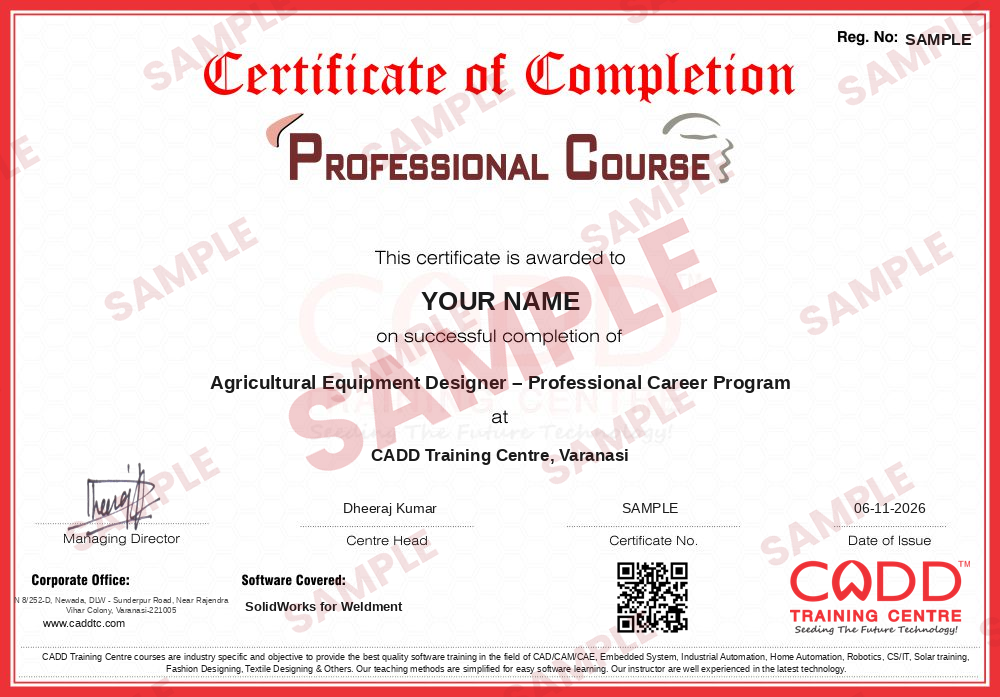
Pass the exam and get the certified certificate with your marksheet. Anyone can check it online with its QR code.
Your certified badge — add it to LinkedIn and share it anywhere; it opens its own verify page.

Make your CV in your student panel (Career → My CV) — your course, certificates and projects are added for you. Send it as a link with a preview picture, and apply to jobs and Hire Me requests from companies.
Many machines and structures are built from welded steel sections: machine bases, conveyor frames, skids, trolleys, platforms, railings and storage racks. SOLIDWORKS Weldments lets designers create these frames quickly by sketching a layout and placing standard profiles such as angles, channels, beams, pipes and square tubes along it, with an automatic cut list for fabrication.
In this 20-hour add-on course you learn the complete weldment workflow: 2D and 3D layout sketches, Structural Member with standard and custom profiles, corner treatments, Trim/Extend, End Cap, Gusset, Weld Bead and fillet beads, and creating your own profile library. You then manage cut list items and properties and prepare weldment drawings with cut list tables and balloons. All practice is hands-on on the software using frame and structure examples, in the classroom at a CADD centre or in live online classes.
The course is ideal for design engineers in fabrication, material handling and special purpose machine companies, and pairs well with the SolidWorks Sheet Metal and Simulation courses.
Students rate the course after they finish it — their ratings appear here.
Weldments are multi-body parts built from structural profiles placed along sketch lines. They are used for welded frames such as machine bases, conveyor frames, platforms and racks, with an automatic cut list.
SolidWorks users in mechanical design, such as students, draughtsmen and design engineers, who need to design welded frames and structures. Basic part modeling skills are needed.
The weldment course is 20 hours, covering layout sketches, structural members, frame features, profile libraries, cut lists and weldment drawings.
You can choose either: a CADD centre classroom or live online SolidWorks Weldment classes, where you build each welded frame on your PC and get doubts cleared during the session.
You receive a CADD Training Centre certificate for SolidWorks Weldment. Its unique verification code lets a fabrication company check it online at any time.
They are used in fabrication shops, conveyor and material handling firms, special purpose machine builders and structural equipment makers, for roles like design engineer and fabrication draughtsman.
Yes. You can create your own profile sketches, for example Indian standard sections, save them as library features in the weldment profiles folder and use them like the built-in profiles.
More questions? Ask our counsellor or read the general FAQ.