Classroom & live online 20 Hours Verifiable certificate Syllabus ↓

Solidworks for Sheetmetal Design Course

Learn SolidWorks sheet metal: base, edge and miter flanges, bends, forming tools, flat patterns and DXF.

Your roadmap — from admission to certificate

  1. Free counselling

    Talk to our counsellor — choose the right course, batch time and mode.

  2. Admission

    Join at a CADD centre near you or online. You get your student login and ID card.

  3. Learn step by step

    20 Hours of hands-on Solidworks for Sheetmetal Design classes — in the classroom or live online.

    Sheetmetal Design
  4. Practice & project

    Exercises in every class and a final project, checked by your trainer.

  5. Course completion certificate + completion badge

    Finish the course and get your course-completion certificate and a digital completion badge with your name.
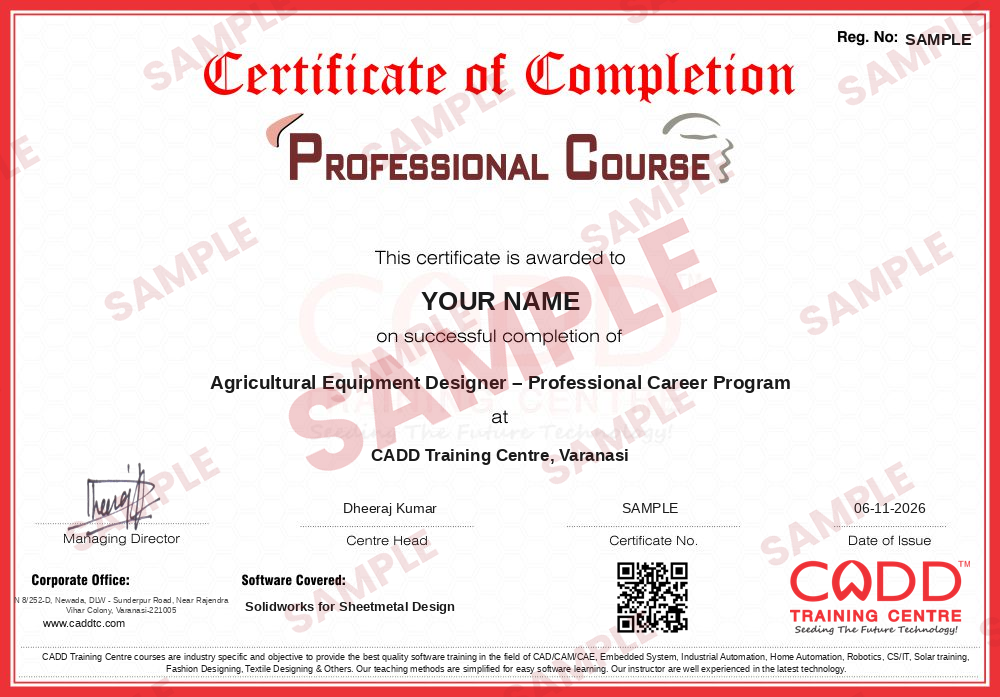
    Sample course-completion certificate — Agricultural Equipment Designer – Professional Career Program
    Course-completion certificate (sample) — Agricultural Equipment Designer – Professional Career Program · verifiable online
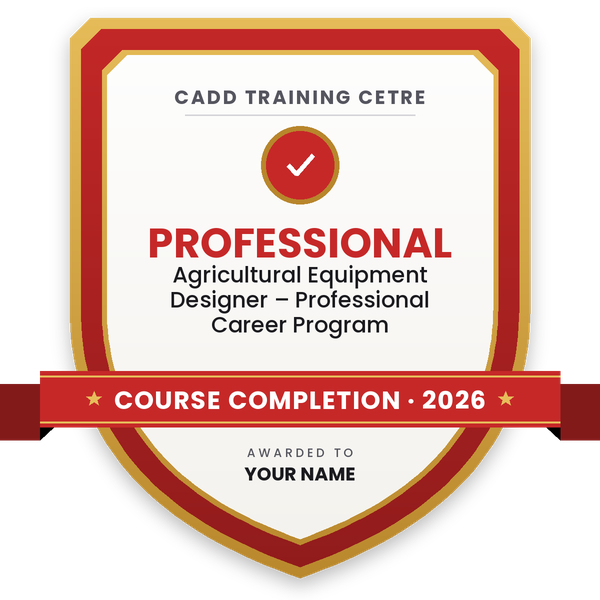
    Course-completion badge — Agricultural Equipment Designer – Professional Career Program
    Course-completion badge
    Course
    Agricultural Equipment Designer – Professional Career Program
    Issued by
    CADD Training Cetre
    Training
    Classroom or live online
    How to earn
    Complete the course and its project
    With your name and year · its own verify link · “Add to profile” on LinkedIn
  6. Certification exam

    Take the certification exam: a theory test and a practical task — at the centre or online.

  7. Certified certificate + marksheet

    Pass the exam and get the certified certificate with your marksheet. Anyone can check it online with its QR code.

  8. Certified badge

    Your certified badge — add it to LinkedIn and share it anywhere; it opens its own verify page.

    Certified badge — Agricultural Equipment Designer – Professional Career Program
    Certified badge
    Course
    Agricultural Equipment Designer – Professional Career Program
    Issued by
    CADD Training Cetre
    Training
    Classroom or live online
    How to earn
    Pass the certification exam
    You also get
    Certified certificate + marksheet
    With your name and year · its own verify link · “Add to profile” on LinkedIn
  9. Make your CV & apply for jobs

    Make your CV in your student panel (Career → My CV) — your course, certificates and projects are added for you. Send it as a link with a preview picture, and apply to jobs and Hire Me requests from companies.

About the Solidworks for Sheetmetal Design course

Sheet metal parts are everywhere in industry: electrical panels and enclosures, machine guards, brackets, ducts, cabinets and automotive parts. SOLIDWORKS Sheet Metal tools let design engineers model these parts with real bend radii, thickness and bend allowance, then produce an accurate flat pattern for laser cutting, punching and press brake bending.

This 20-hour add-on course focuses only on sheet metal design in SolidWorks. You learn sheet metal parameters, gauge tables, K-factor and bend allowance, then create parts with Base Flange/Tab, Edge Flange, Miter Flange, Hem, Jog, Sketched Bend and Lofted Bend. You also convert solid bodies to sheet metal, add corner reliefs, forming tools and vents, and prepare flat pattern drawings and DXF files for manufacturing. Every topic is practised hands-on on the software with enclosure and bracket exercises, in the classroom at a CADD centre or in live online classes.

The course suits design engineers working with fabrication, panel building and enclosure manufacturing. It fits well with the SolidWorks Weldment and Drawing tools courses.

You will be able to

  • Set sheet metal parameters: thickness, bend radius, K-factor and bend allowance
  • Create parts with base flange, edge flange, miter flange, hem and jog features
  • Use sketched bends, lofted bends and convert solid parts to sheet metal
  • Add corner reliefs, closed corners, forming tools and vents
  • Generate accurate flat patterns and export them as DXF for cutting
  • Prepare sheet metal drawings with bend notes and bend tables

Who it is for

  • Mechanical and production engineering students who know SolidWorks basics
  • Design engineers in panel, enclosure and fabrication industries
  • Draughtsmen who prepare flat patterns for laser cutting and bending
  • SolidWorks users who want a focused sheet metal skill

What you need

  • Working knowledge of SolidWorks part modeling and sketching
  • Basic understanding of bending and fabrication processes is helpful
  • For live online classes: a Windows PC with at least 16 GB RAM and a dedicated graphics card

Courses that include Solidworks for Sheetmetal Design

Agricultural Equipment Designer – Professional Career ProgramProfessional Career Program · 290 Hours · 8 software
Enquire →
Mechanical Design Engineer – Professional Career ProgramProfessional Career Program · 260 Hours · 8 software
Enquire →
Mechanical Design Engineer – Master Career ProgramMaster Career Program · 340 Hours · 9 software
Enquire →

Solidworks for Sheetmetal Design Syllabus

1 chapter · 14 topics
01 Sheetmetal Design 14 topics
  1. Introduction of Sheet Metal
  2. K-Factor
  3. Bend Allowance and Bend Deduction
  4. Bending calculation options
  5. Gauge Tables
  6. Linear Edge Flange
  7. Miter Flange
  8. Hem
  9. Jog
  10. Sketched Bend
  11. Closed Corner
  12. Forming Tool
  13. Unfold and Fold
  14. Flatten

Ratings & reviews

Students rate the course after they finish it — their ratings appear here.

Solidworks for Sheetmetal Design course — FAQ

What is SolidWorks Sheet Metal used for?

It is used to design bent sheet metal parts such as panels, enclosures, brackets, covers and ducts, with correct thickness and bend data, and to create flat patterns for laser cutting and press brake bending.

Who can join the SolidWorks sheet metal course?

SolidWorks users from mechanical and production backgrounds can join, including students, draughtsmen and design engineers. You should already be comfortable with basic SolidWorks part modeling.

How long is the SolidWorks sheet metal design course?

It is a 20-hour add-on course, focused only on sheet metal tools, flat patterns and sheet metal drawings in SolidWorks.

Can I learn SolidWorks sheet metal online?

Yes. SolidWorks Sheet Metal is taught live online as well as in CADD Training Centre classrooms. Online, you model enclosures and brackets step by step on your PC with the trainer.

Do I receive a certificate for the sheet metal module?

You do. Finishing SolidWorks Sheet Metal gives you a CADD Training Centre certificate, and because it can be verified online, a panel or enclosure maker can trust it without calling the centre.

What jobs need SolidWorks sheet metal skills?

Sheet metal skills help in roles such as sheet metal design engineer, enclosure designer, fabrication design engineer and CAD draughtsman in panel, HVAC, automotive and machinery companies.

What is K-factor in SolidWorks sheet metal?

K-factor is the ratio that locates the neutral axis within the sheet thickness during bending. SolidWorks uses it, or a bend table, to calculate the flat length so that bent parts come out to the right size.

More questions? Ask our counsellor or read the general FAQ.

Solidworks for Sheetmetal Design20 Hours
Enquire now