Classroom & live online 60 Hours Verifiable certificate Syllabus ↓

Adobe Illustrator For Graphics Design Course

Learn Adobe Illustrator for graphic design: vector drawing, logos, typography, icons and print-ready layouts.

Your roadmap — from admission to certificate

  1. Free counselling

    Talk to our counsellor — choose the right course, batch time and mode.

  2. Admission

    Join at a CADD centre near you or online. You get your student login and ID card.

  3. Learn step by step

    60 Hours of hands-on Adobe Illustrator For Graphics Design classes — in the classroom or live online.

    Getting startedWork SpaceDrawingColorColor managementPaintingSelecting and arranging objectsReshaping objectImporting, Exporting SavingType
  4. Practice & project

    Exercises in every class and a final project, checked by your trainer.

  5. Course completion certificate + completion badge

    Finish the course and get your course-completion certificate and a digital completion badge with your name.
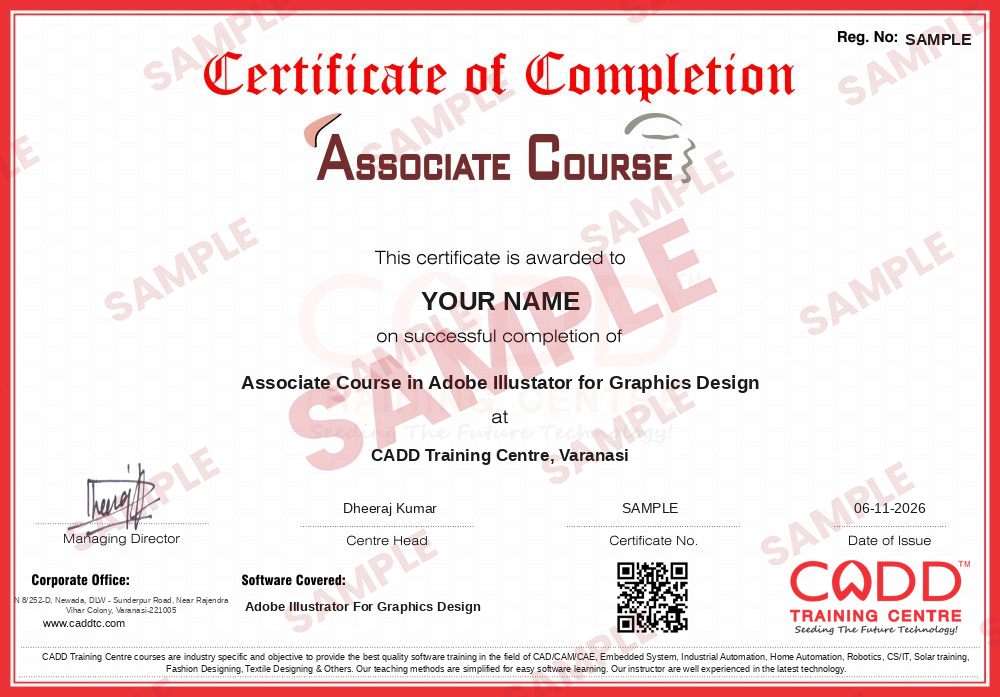
    Sample course-completion certificate — Associate Course in Adobe Illustator for Graphics Design
    Course-completion certificate (sample) — Associate Course in Adobe Illustator for Graphics Design · verifiable online
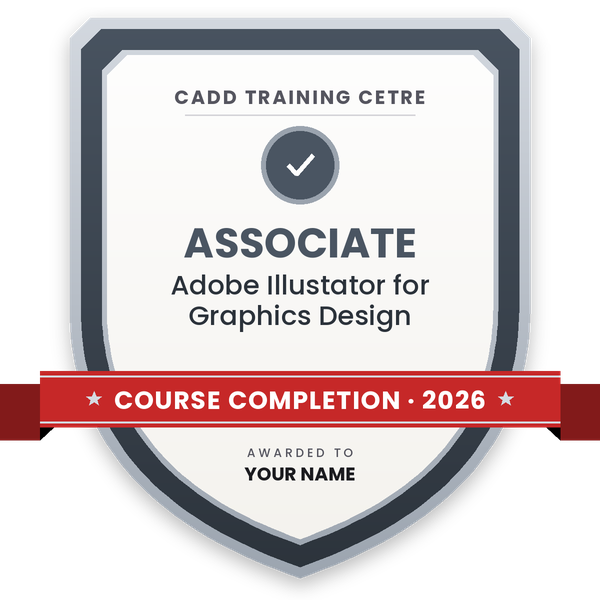
    Course-completion badge — Associate Course in Adobe Illustator for Graphics Design
    Course-completion badge
    Course
    Associate Course in Adobe Illustator for Graphics Design
    Issued by
    CADD Training Cetre
    Training
    Classroom or live online
    How to earn
    Complete the course and its project
    With your name and year · its own verify link · “Add to profile” on LinkedIn
  6. Certification exam

    Take the certification exam: a theory test and a practical task — at the centre or online.

  7. Certified certificate + marksheet

    Pass the exam and get the certified certificate with your marksheet. Anyone can check it online with its QR code.

  8. Certified badge

    Your certified badge — add it to LinkedIn and share it anywhere; it opens its own verify page.
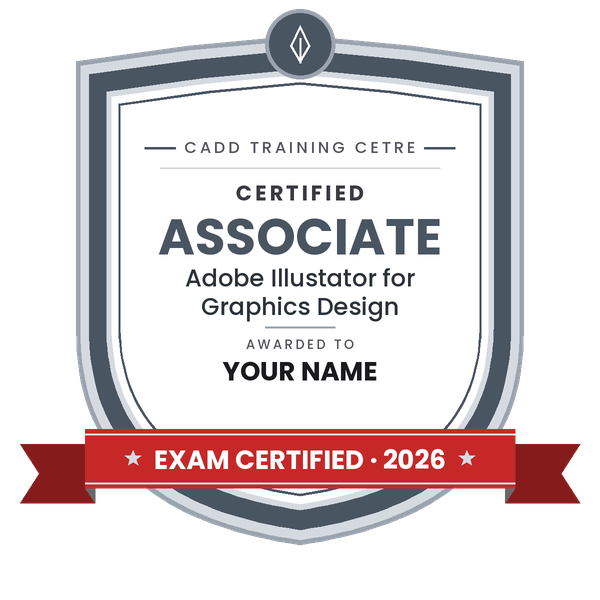
    Certified badge — Associate Course in Adobe Illustator for Graphics Design
    Certified badge
    Course
    Associate Course in Adobe Illustator for Graphics Design
    Issued by
    CADD Training Cetre
    Training
    Classroom or live online
    How to earn
    Pass the certification exam
    You also get
    Certified certificate + marksheet
    With your name and year · its own verify link · “Add to profile” on LinkedIn
  9. Make your CV & apply for jobs

    Make your CV in your student panel (Career → My CV) — your course, certificates and projects are added for you. Send it as a link with a preview picture, and apply to jobs and Hire Me requests from companies.

About the Adobe Illustrator For Graphics Design course

Adobe Illustrator CC is a vector graphics software designed for professional graphic designers and artists. It is part of Adobe Creative Cloud, which is a collection of Adobe desktop and mobile apps. Built with wide variety of tools, filters, and effects; Adobe Illustrator is used by graphic designers to create graphic designs for websites, video games, brand logos, and promotion materials, or print media. This tool, which seamlessly works with vector graphics, can also create designs, illustrations, sketches, and topography for product packaging, billboards, clothes, AND business cards.

As a vector drawing and editing tool used for all types of media, Adobe Illustrator CC has the capability to produce artworks with pixel-perfect accuracy. It helps graphic designers and artists create designs faster, as it offers design presets and templates, which are easy to search and access. Moreover, since Adobe Illustrator is integrated with Adobe Creative Cloud, sharing of creative assets and art projects among designers and within teams is made easy.

You will be able to

  • Draw precise vector artwork with the Pen, Curvature and shape tools
  • Design logos and brand marks using Shape Builder and Pathfinder
  • Work with type: character styles, type on a path and outlines
  • Create icons, illustrations and patterns with swatches and gradients
  • Design business cards, brochures, packaging and social creatives
  • Prepare print-ready files with bleed, CMYK colour and correct export
  • Build a vector design portfolio from course projects

Who it is for

  • Students who want a career in graphic or logo design
  • Photoshop users adding vector design skills
  • Printing press and DTP staff
  • Marketing and social media teams creating brand material
  • Entrepreneurs designing their own branding

What you need

  • Basic computer skills; no design background needed
  • Interest in drawing, typography and branding helps
  • For live online classes: a PC or Mac with 8 GB RAM and stable internet

Courses that include Adobe Illustrator For Graphics Design

Associate Course in Adobe Illustator for Graphics DesignAssociate Course · 60 Hours
Enquire →
Associate Course in Graphics DesignAssociate Course · 220 Hours · 3 software
Enquire →
UI / UX Designer – Associate Career ProgramAssociate Career Program · 200 Hours · 3 software
Enquire →
Graphic Designer – Professional Career ProgramProfessional Career Program · 280 Hours · 4 software
Enquire →
Video Editor – Professional Career ProgramProfessional Career Program · 220 Hours · 4 software
Enquire →
UI / UX Designer – Professional Career ProgramProfessional Career Program · 300 Hours · 5 software
Enquire →

Adobe Illustrator For Graphics Design Syllabus

11 chapters · 66 topics
01 Getting started 2 topics
  1. Instillation
  2. Adobe help
02 Work Space 4 topics
  1. Work Area Basic
  2. Customizing the Workspace
  3. Tools
  4. File Template
03 Drawing 7 topics
  1. Drawing Basic
  2. Drawing Simple Line and Space
  3. Drawing Flars
  4. Drawing with the Pencil Tool
  5. Drawing with the pen tool
  6. Edit Path
  7. Symbols
04 Color 5 topics
  1. Selecting color
  2. Using and creating swatches
  3. Managing swatches
  4. Working with color group
  5. Adjusting color
05 Color management 3 topics
  1. Understanding color management
  2. Keeping colors consistence
  3. Color managing imported image
06 Painting 7 topics
  1. About painting
  2. Painting with fills and strokes
  3. Live paint groups
  4. Brushes
  5. Transparency and blending modes
  6. Gradients, meshes and color blends
  7. Pattern
07 Selecting and arranging objects 8 topics
  1. Selecting object
  2. Grouping and expanding objects
  3. Moving, aligning, and distributing objects
  4. Rotating and reflecting object
  5. Using layer
  6. Locking hiding, and deleting objects
  7. Stacking objects
  8. Duplicating object
08 Reshaping object 10 topics
  1. Reshaping objects
  2. Transforming object
  3. Scaling, shearing, and distorting objects
  4. Reshaping using envelopes
  5. Combining object
  6. Cutting and Dividing object
  7. Clipping masks
  8. Blending object
  9. Reshaping objects with effects
  10. Creating 3D objects
09 Importing, Exporting Saving 5 topics
  1. Importing files
  2. Importing bits Images
  3. Importing Adobe pdf files
  4. Importing, EPS, DCS, and AutoCAD files
  5. Importing artwork Photoshop
10 Type 11 topics
  1. Creating and importanting type
  2. Working with Area type
  3. Working with type on a path
  4. Scalling and rotating type
  5. Spelling and language dictionaries
  6. Fonts
  7. Formatting type
  8. Line and character spacing
  9. Special characters and Formatting paragraph
  10. Tab
  11. Exporting text
11 Creating special effects 4 topics
  1. Appearance attributes
  2. Working with effects and filters
  3. Summary of effects and filters
  4. Drop shadow, glows, and feathering

Ratings & reviews

Students rate the course after they finish it — their ratings appear here.

Adobe Illustrator For Graphics Design course — FAQ

What is Adobe Illustrator used for?

Illustrator is vector design software used for logos, icons, illustrations, typography, packaging, brochures and any artwork that must stay sharp at every size, from business cards to hoardings.

Can beginners learn Illustrator for graphic design?

Yes. The course starts with the workspace and basic shapes before moving to the Pen tool and advanced design, so beginners with basic computer skills can join.

How long is the Illustrator for Graphic Design course?

The Adobe Illustrator for Graphics Design course runs for 60 hours, including several portfolio projects.

Can I learn Adobe Illustrator online?

Both are available. In live online Adobe Illustrator for Graphics Design classes you create logos and layouts on your PC and the trainer reviews your paths and print settings, and classroom batches at CADD centres follow the same plan.

Will I get a certificate for Illustrator?

Every student who completes the Adobe Illustrator for Graphics Design course gets a CADD Training Centre certificate. A branding or print agency can verify it online with the printed QR code or verification code.

What jobs can I get after learning Illustrator?

Logo designer, graphic designer, illustrator, packaging designer and DTP designer are common roles. Career guidance and placement support are included.

What is the difference between Illustrator and Photoshop?

Illustrator works with vector paths, ideal for logos and print artwork, while Photoshop works with pixels, ideal for photo editing. Graphic designers usually need both.

More questions? Ask our counsellor or read the general FAQ.

Adobe Illustrator For Graphics Design60 Hours
Enquire now