Classroom & live online 40 Hours Verifiable certificate Syllabus ↓

PVsyst Course

PVsyst course: meteo data, orientation, 3D near shading, module and inverter sizing, losses, P50/P90 and simulation reports.

Your roadmap — from admission to certificate

  1. Free counselling

    Talk to our counsellor — choose the right course, batch time and mode.

  2. Admission

    Join at a CADD centre near you or online. You get your student login and ID card.

  3. Learn step by step

    40 Hours of hands-on PVsyst classes — in the classroom or live online.

    Solar PV and PVsyst BasicsSite and Meteorological DataOrientation and Far ShadingModules, Inverters and System SizingNear Shading 3D SceneDetailed LossesSimulation and ResultsStandalone and Battery SystemsReports and DocumentationSolar Plant Design Project
  4. Practice & project

    Exercises in every class and a final project, checked by your trainer.

  5. Course completion certificate + completion badge

    Finish the course and get your course-completion certificate and a digital completion badge with your name.
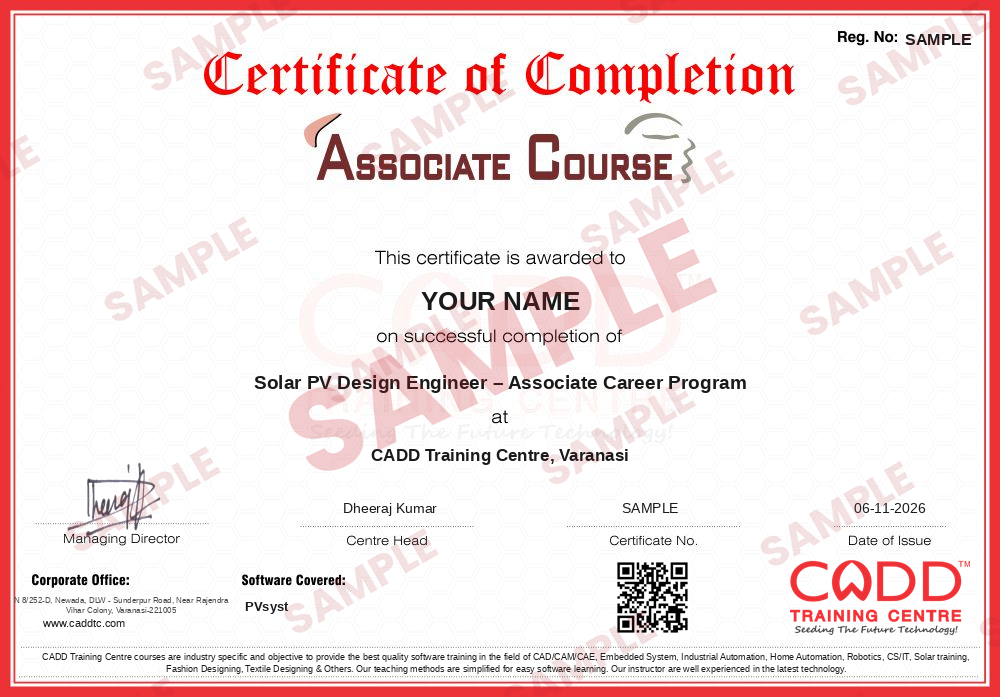
    Sample course-completion certificate — Solar PV Design Engineer – Associate Career Program
    Course-completion certificate (sample) — Solar PV Design Engineer – Associate Career Program · verifiable online
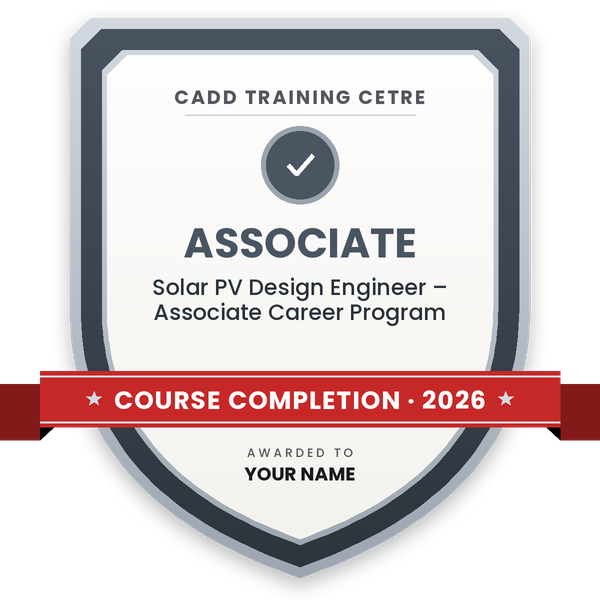
    Course-completion badge — Solar PV Design Engineer – Associate Career Program
    Course-completion badge
    Course
    Solar PV Design Engineer – Associate Career Program
    Issued by
    CADD Training Cetre
    Training
    Classroom or live online
    How to earn
    Complete the course and its project
    With your name and year · its own verify link · “Add to profile” on LinkedIn
  6. Certification exam

    Take the certification exam: a theory test and a practical task — at the centre or online.

  7. Certified certificate + marksheet

    Pass the exam and get the certified certificate with your marksheet. Anyone can check it online with its QR code.

  8. Certified badge

    Your certified badge — add it to LinkedIn and share it anywhere; it opens its own verify page.
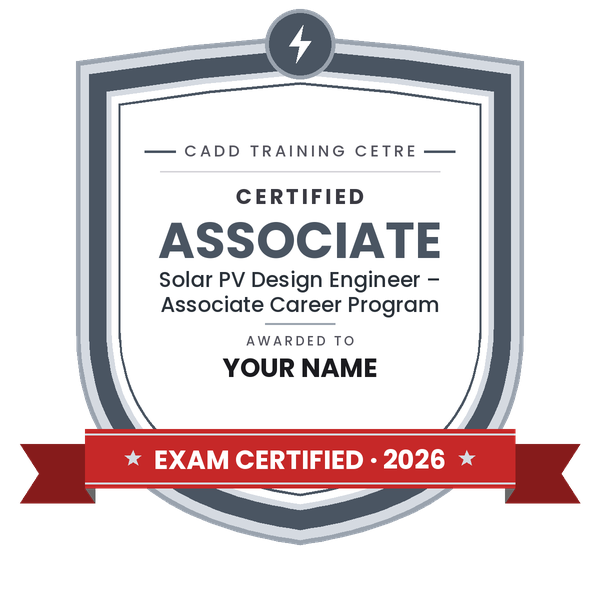
    Certified badge — Solar PV Design Engineer – Associate Career Program
    Certified badge
    Course
    Solar PV Design Engineer – Associate Career Program
    Issued by
    CADD Training Cetre
    Training
    Classroom or live online
    How to earn
    Pass the certification exam
    You also get
    Certified certificate + marksheet
    With your name and year · its own verify link · “Add to profile” on LinkedIn
  9. Make your CV & apply for jobs

    Make your CV in your student panel (Career → My CV) — your course, certificates and projects are added for you. Send it as a link with a preview picture, and apply to jobs and Hire Me requests from companies.

About the PVsyst course

PVsyst is a widely used software for studying, sizing and simulating solar photovoltaic systems. Solar EPC companies, developers, consultants and lenders' engineers use its simulation reports to estimate how much energy a rooftop or ground-mounted plant will produce, where the losses come from and how the design can be improved. A clear PVsyst report is often part of the technical documents for a solar project.

This 40-hour course explains both the software and the solar design thinking behind it. You start with the project workflow, site coordinates and meteorological data from sources such as Meteonorm, PVGIS and NASA, and add a horizon profile for far shading. You then compare fixed tilt, seasonal and tracking orientations, select modules and inverters from the database and size strings within the inverter voltage and current limits while checking the DC/AC ratio. A full chapter is given to building the near shading 3D scene with module tables, nearby buildings and trees. You then set detailed losses such as soiling, temperature, wiring, mismatch, IAM, module quality and ageing, run the simulation and read the loss diagram, performance ratio and specific yield, along with P50/P90 estimates. Grid-connected and standalone systems with batteries are both covered.

Classes run in the classroom at CADD centres or in live online classes, and the centre provides the software for practice. You finish with a complete rooftop or ground-mounted plant study and receive a CADD Training Centre certificate that can be verified online.

The skills support roles such as solar design engineer, PV simulation engineer and solar project engineer. Learners often add AutoCAD for layouts or a solar PV design course for electrical sizing and site work.

You will be able to

  • Create PVsyst projects and import site and meteorological data from standard sources
  • Add horizon profiles and compare fixed, seasonal and tracking orientations
  • Select PV modules and inverters and size strings within voltage and current limits
  • Build a near shading 3D scene and assess shading losses on module strings
  • Define detailed losses such as soiling, thermal, wiring, mismatch, IAM and ageing
  • Run simulations and interpret the loss diagram, performance ratio, specific yield and P50/P90 values
  • Design both grid-connected and standalone battery systems and prepare a clear simulation report

Who it is for

  • Electrical, electronics and energy engineering students
  • Solar EPC, rooftop installer and solar consultancy professionals
  • Diploma holders and technicians moving into solar design work
  • Engineers preparing technical reports for solar projects

What you need

  • Basic understanding of electricity: voltage, current and power
  • Basic knowledge of solar PV modules and inverters is helpful
  • For live online classes: a Windows PC with 8 GB RAM or more

Courses that include PVsyst

Solar PV Design Engineer – Associate Career ProgramAssociate Career Program · 130 Hours · 3 software
Enquire →
Solar PV Design Engineer – Professional Career ProgramProfessional Career Program · 214 Hours · 5 software
Enquire →

PVsyst Syllabus

10 chapters · 54 topics
01 Solar PV and PVsyst Basics 5 topics
  1. Solar radiation: GHI, DNI, DHI and plane-of-array irradiance
  2. PV system types: grid-connected, standalone and pumping
  3. PVsyst interface and the project design workflow
  4. Preliminary design versus project design
  5. Project files, variants and backups
02 Site and Meteorological Data 5 topics
  1. Defining a site with coordinates and altitude
  2. Meteorological data from Meteonorm, PVGIS and NASA-SSE
  3. Importing hourly data and custom meteo files
  4. Comparing meteo sources and their limits
  5. Albedo settings
03 Orientation and Far Shading 5 topics
  1. Tilt and azimuth for Indian locations
  2. Fixed tilt, seasonal tilt and tracker options
  3. Optimisation tool for orientation
  4. Horizon profile and far shading
  5. Sun path diagram
04 Modules, Inverters and System Sizing 6 topics
  1. Reading PV module and inverter datasheets
  2. Selecting components from the PVsyst database
  3. String sizing with temperature-corrected voltages
  4. MPPT ranges and inverter limits
  5. DC/AC ratio and power limitation losses
  6. Multiple sub-arrays and orientations
05 Near Shading 3D Scene 6 topics
  1. Building the 3D scene with PV tables
  2. Adding buildings, parapets and trees as shading objects
  3. Row spacing and ground coverage ratio
  4. Linear shading and shading according to module strings
  5. Shading animation and the iso-shading diagram
  6. Importing a scene from external files
06 Detailed Losses 6 topics
  1. Thermal loss parameters
  2. Ohmic wiring losses on DC and AC sides
  3. Module quality, LID and mismatch losses
  4. Soiling loss and IAM
  5. Ageing and degradation
  6. Unavailability and auxiliary losses
07 Simulation and Results 6 topics
  1. Running the simulation
  2. Loss diagram and how to read it
  3. Performance ratio and specific yield
  4. Monthly energy tables and graphs
  5. P50 and P90 estimates with year-to-year variability
  6. Comparing design variants
08 Standalone and Battery Systems 5 topics
  1. Load profile definition
  2. Battery sizing and autonomy
  3. Charge controller and system configuration
  4. Solar fraction and missing energy
  5. Self-consumption basics for grid-tied systems
09 Reports and Documentation 5 topics
  1. Simulation report structure
  2. Adding project information and comments
  3. Exporting results to Excel
  4. Basic financial evaluation in PVsyst
  5. Checking a report before sharing
10 Solar Plant Design Project 5 topics
  1. Project brief: rooftop or ground-mounted solar plant
  2. Site, meteo and orientation study
  3. System sizing and near shading scene
  4. Loss settings and simulation
  5. Final simulation report with P50/P90 summary

Ratings & reviews

Students rate the course after they finish it — their ratings appear here.

PVsyst course — FAQ

What is PVsyst used for?

PVsyst is used to design and simulate solar PV systems. It estimates annual energy generation, shows where losses occur and produces a detailed simulation report for rooftop, ground-mounted and standalone systems.

Who can join the PVsyst course?

Electrical, electronics and energy engineering students, solar EPC staff, installers and consultants can join. Basic knowledge of electricity and solar panels helps you follow the sizing chapters.

How long is the PVsyst course?

The PVsyst course is 40 hours long, covering meteo data, orientation, sizing, near shading, losses, simulation, standalone systems and a final plant study.

Can I learn PVsyst online, and do I need to buy the software?

You can learn in CADD centre classrooms or in live online classes. The centre provides the software for practice during the course, so you do not need to buy a licence to learn.

What is P50 and P90 in PVsyst?

P50 is the yearly energy that the plant is expected to exceed half of the time, while P90 is the level expected to be exceeded in nine years out of ten. Lenders and developers use them to judge energy risk.

Is there a certification exam for PVsyst?

This course does not include a global certification exam. You complete an internal theory and practical assessment and receive a CADD Training Centre certificate that can be verified online.

More questions? Ask our counsellor or read the general FAQ.

PVsyst40 Hours
Enquire now