Prepare for the Autodesk Certified Professional AutoCAD exam: drawing, editing, layouts and annotation.
Talk to our counsellor — choose the right course, batch time and mode.
Join at a CADD centre near you or online. You get your student login and ID card.
60 Hours of hands-on Autodesk Certified Professional: AutoCAD Exam Prep classes — in the classroom or live online.
Exercises in every class and a final project, checked by your trainer.
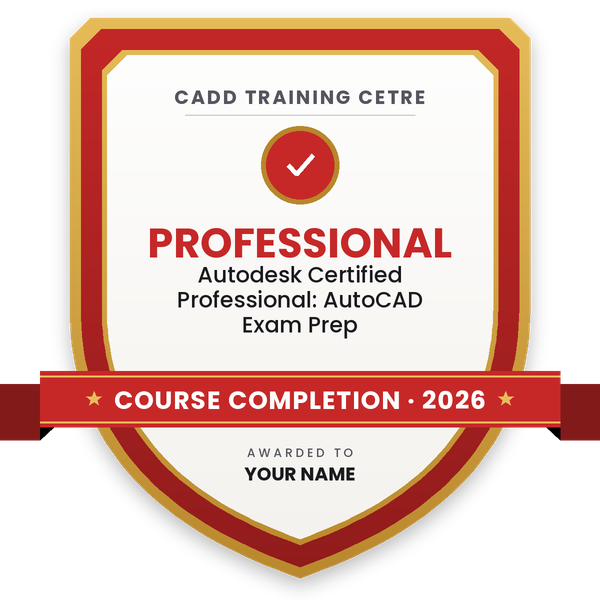
Finish the course and get your course-completion certificate and a digital completion badge with your name.
Take the certification exam: a theory test and a practical task — at the centre or online.
Pass the exam and get the certified certificate with your marksheet. Anyone can check it online with its QR code.
Your certified badge — add it to LinkedIn and share it anywhere; it opens its own verify page.
Make your CV in your student panel (Career → My CV) — your course, certificates and projects are added for you. Send it as a link with a preview picture, and apply to jobs and Hire Me requests from companies.
Autodesk Certified Professional: AutoCAD Exam Prep
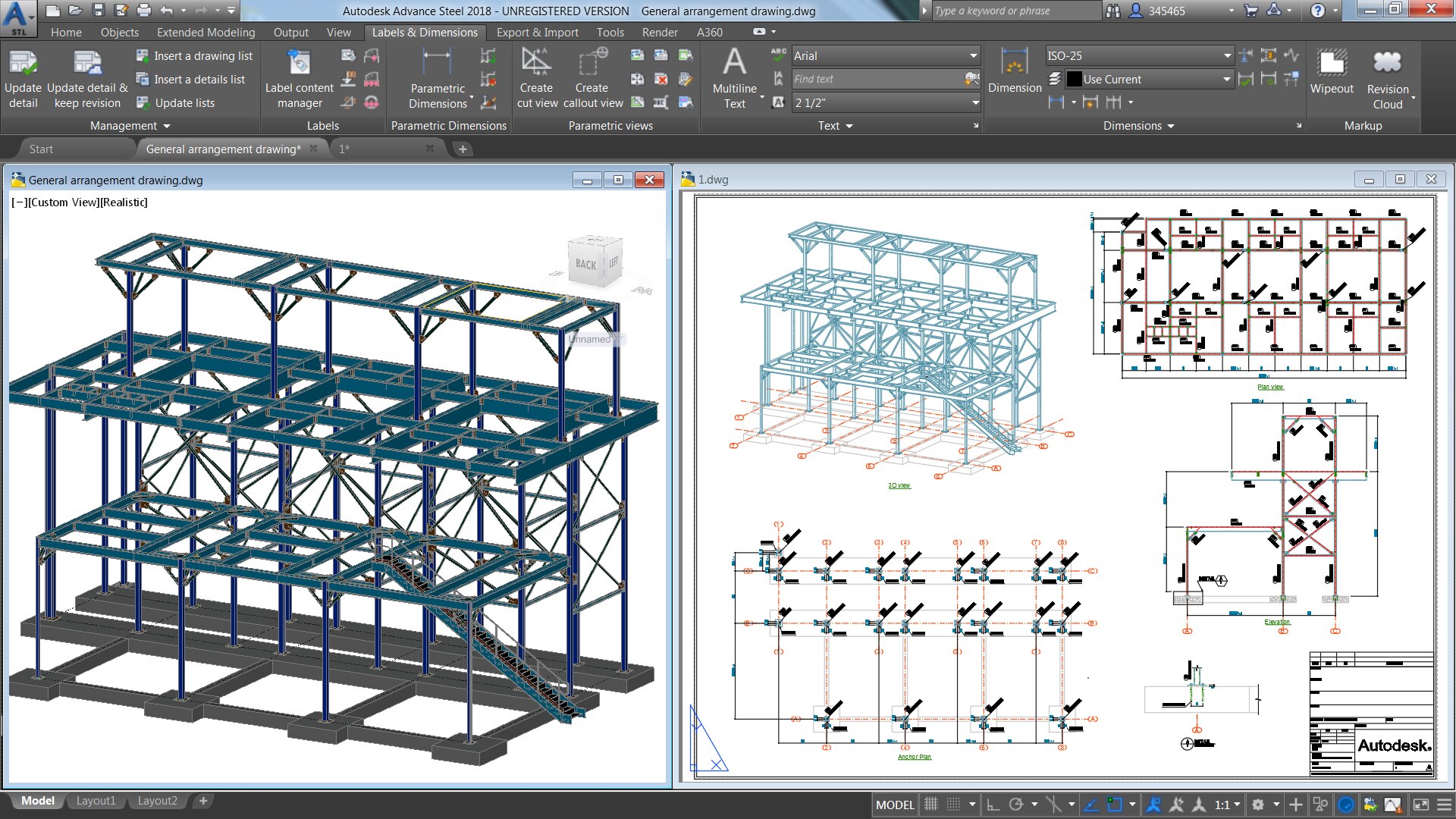
Prove to potential employers that you’re up to the task by becoming an Autodesk Certified Professional. This online course from CADD Training Centre prepares for you according to Autodesk Cert Prep Course, by offering an overview of skills that match what is covered in the Autodesk Certified Professional: AutoCAD for Design and Drafting exam. The video lessons are structured to match the exam’s objective domains and follow the typical workflow and features of the AutoCAD software, including sections on drawing and organizing objects, drawing with accuracy, advanced editing functions, layouts, printing, and outputs, annotation techniques, and reusable content and drawing management.
In the course, you'll create drawing objects, manage layers, apply object snaps, and work with the User Coordinate System. You’ll edit objects and apply rotation and scale, array techniques, grip editing, offsets, fillet and chamfer, and trim and extend. You'll also gain an understanding of exam topics such as layouts and viewports, output formats, and drawing management. Brush up on markup tools, hatch and fill, text, tables, multileaders, dimensioning, and much more.
After completing this course, you'll be able to:
Students rate the course after they finish it — their ratings appear here.
It is Autodesk's professional-level exam for AutoCAD for Design and Drafting. It checks how well you draw, edit, organise, annotate and output drawings. This course prepares you for its skill areas.
No. This course is exam preparation. The exam is booked separately through Autodesk's official certification process, and our counsellor can guide you on current exam details.
It suits people who already use AutoCAD and want to sharpen speed and accuracy. If you are new to AutoCAD, first complete an AutoCAD associate or professional course.
The course is 60 Hours long and is built around exam topics, with timed practice drawings and revision sessions.
Yes. You can join classroom sessions at a CADD Training Centre or live online classes with the trainer checking your practice drawings.
Yes. On completion you get a CADD Training Centre certificate that can be verified online. The Autodesk credential itself is awarded by Autodesk only after you pass its exam.
A professional certification shows employers proven AutoCAD skill and can strengthen applications for draughtsman, CAD designer and design engineer roles across many industries.
More questions? Ask our counsellor or read the general FAQ.