A graphic designer creates logos, posters, social media posts, packaging and videos that communicate a message. This roadmap covers Photoshop, CorelDRAW, Illustrator and Premiere Pro for print and digital work.
Learn layers, masks, selections, retouching and colour correction to edit photos and design posters, social posts and thumbnails.
CorelDRAW is common in Indian print shops for flex banners, visiting cards, letterheads, invitation cards and brochures. Learn page setup, typography and print-ready files.
Build scalable vector logos, icons, illustrations and brand elements, and prepare files for agencies and clients who work in Adobe software.
Cut and arrange clips, add titles, music and transitions, and export reels and promotional videos for social media and YouTube.
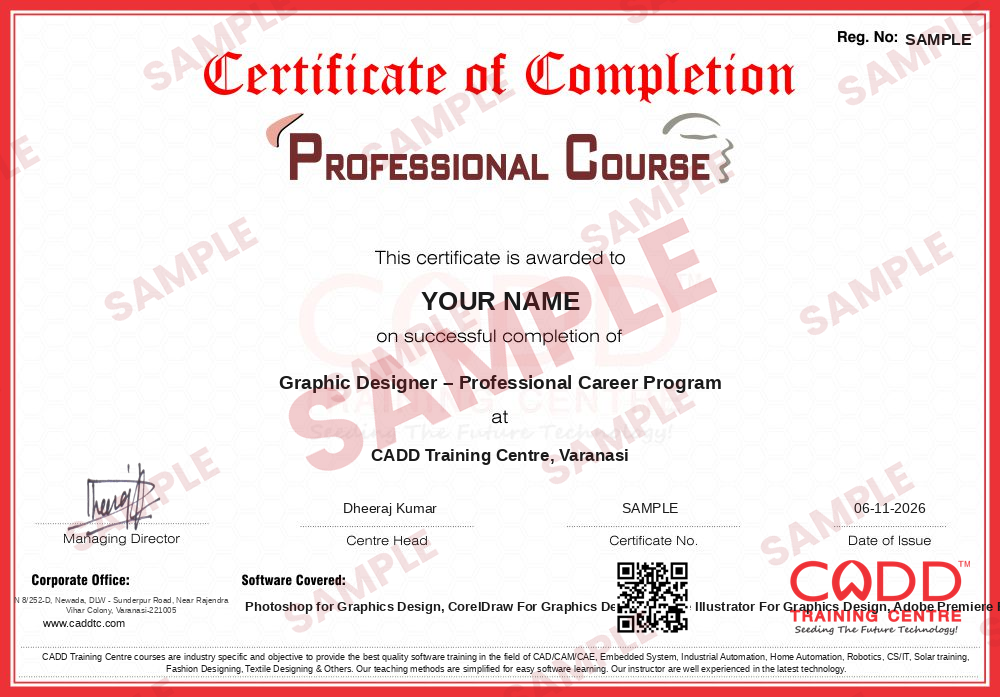
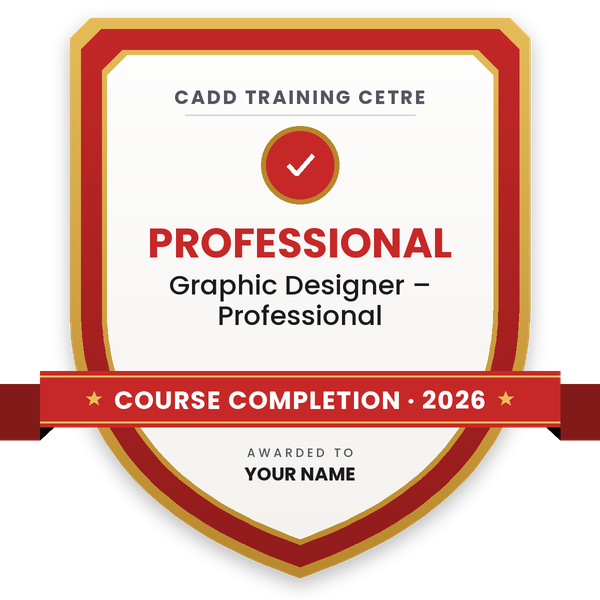
Finish the program and its project — you get the course-completion certificate and a digital completion badge with your name.
Take the certification exam: a theory test on the software of the program and a practical task of the job — at the centre or online.
Pass the exam and get the certified certificate with your marksheet. Anyone can check it online with its QR code.
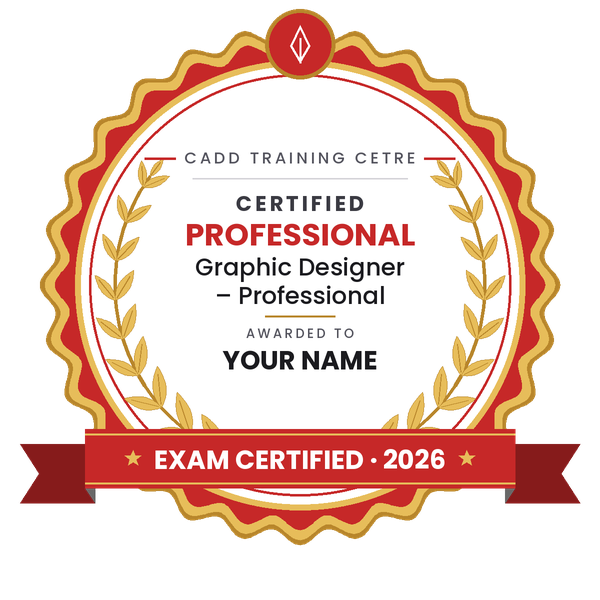
Your certified badge — add it to LinkedIn and share it anywhere; it opens its own verify page.
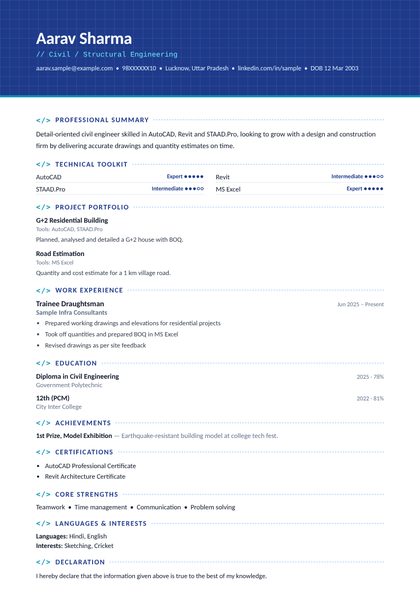
Make your CV in your student panel (Career → My CV) — your program, certificates and projects are added for you. Send it as a link with a preview picture, apply to jobs and answer Hire Me requests from companies.
The counsellor can shorten or extend this plan for your qualification and the time you have. Ask for your personal plan →
Join at the level that suits you — each level is a complete course you can enrol in.
The whole roadmap — every software of the job
A graphic designer turns ideas into visuals. Daily tasks include designing logos and brand identities, editing and retouching photos, preparing flex banners, brochures, visiting cards and wedding cards for print, creating social media creatives and thumbnails, and cutting short promotional videos. You take a brief from a client or manager, present concepts, make revisions and deliver print-ready or web-ready files.
Designers work in advertising agencies, printing presses, digital marketing firms, newspapers and publishing houses, e-commerce and packaging companies, event firms and in-house marketing teams. Freelancing is very common, and many designers run their own print and design studios.
Demand is wide because every business, school, campaign and content creator needs visuals for print and online channels. This roadmap starts with Photoshop for image editing, adds CorelDRAW, which is widely used in Indian print shops, then Illustrator for vector branding, and finally Premiere Pro for video editing.
Learn Photoshop and CorelDRAW first, practise on real jobs such as posters and cards for local shops, then add Illustrator and video editing. Build an online portfolio of your work and apply to print studios and agencies, or start freelancing.
Photoshop for photo editing, CorelDRAW and Illustrator for vector and print design, and Premiere Pro for video. Indian print work often uses CorelDRAW, while agencies and international clients usually prefer Adobe tools.
This roadmap is about 280 hours: Photoshop for Graphics Design 80, CorelDRAW 80, Illustrator 60 and Premiere Pro 60. With regular classes this is roughly six months, depending on batch timing.
Drawing skill helps but is not required. Good layout sense, colour choice, typography and attention to detail matter more, and these improve with practice and feedback.
Yes. All four software are taught in live online classes as well as classroom batches. You need a computer that can run the Adobe and CorelDRAW software smoothly.
Yes. Many designers freelance for local businesses or through online platforms. A strong portfolio, quick turnaround and clear communication with clients are what bring repeat work.
More questions? Ask our counsellor or see all career roadmaps.
 Architectural Draughtsman & VisualizerAn architectural draughtsman and visualizer prepares working drawings and turns designs into realistic 3D images and walkthroughs. This roadmap covers AutoCAD, Revit, SketchUp, 3ds Max with V-Ray, Lumion and Photoshop.
 Interior DesignerAn interior designer plans functional, attractive spaces and presents them through drawings and realistic 3D views. This roadmap builds your software skills in AutoCAD, SketchUp, V-Ray, 3ds Max, Photoshop and the basics of Vastu.
 Product / Industrial DesignerProduct and industrial designers shape how everyday products look, feel and get made. This roadmap builds surface modelling, design-for-moulding and photoreal rendering skills for a strong design portfolio.
 Web DeveloperA web developer builds and maintains websites and web applications. This roadmap covers HTML, CSS, web graphics, server-side Python and hosting basics so you can create and publish complete sites.
 Fashion Designer (CAD)A fashion designer (CAD) creates garment designs, flats, prints, patterns and 3D samples on computer. This roadmap covers Photoshop, Illustrator, CorelDRAW, pattern CAD, 3D garments and portfolio layout.
 Textile Designer (CAD)A textile designer (CAD) creates print designs, motifs, borders and embroidery files for fabrics, sarees, dress materials and home furnishings. This roadmap covers Photoshop, CorelDRAW and Wilcom digitizing.