An office executive keeps a company's documents, spreadsheets, email and records running smoothly. This roadmap takes you from computer basics to confident, job-ready use of Word, Excel, PowerPoint, Outlook and Tally.
Start with the operating system, files and folders, keyboard practice and safe internet use. After this you can handle a PC on your own and type with growing speed.
Learn to format letters, reports and tables in Word, then build clean slide decks in PowerPoint. You will be able to produce professional documents that are ready to print or share.
Cover formulas, sorting, filtering and charts first, then move to lookups, PivotTables and data validation. After this you can manage registers, stock lists and simple MIS reports.
Use Outlook for mail, calendars, contacts and tasks, and understand how Microsoft 365 apps, OneDrive and Teams fit together. You can then manage a manager's schedule and shared files.
Learn to create a company, enter vouchers and print basic reports in Tally. This lets you support the accounts desk, which many small and mid-sized offices expect.
Practise phone etiquette, polite email phrases and everyday office conversation. Clear communication helps you deal with clients and colleagues and stand out in interviews.
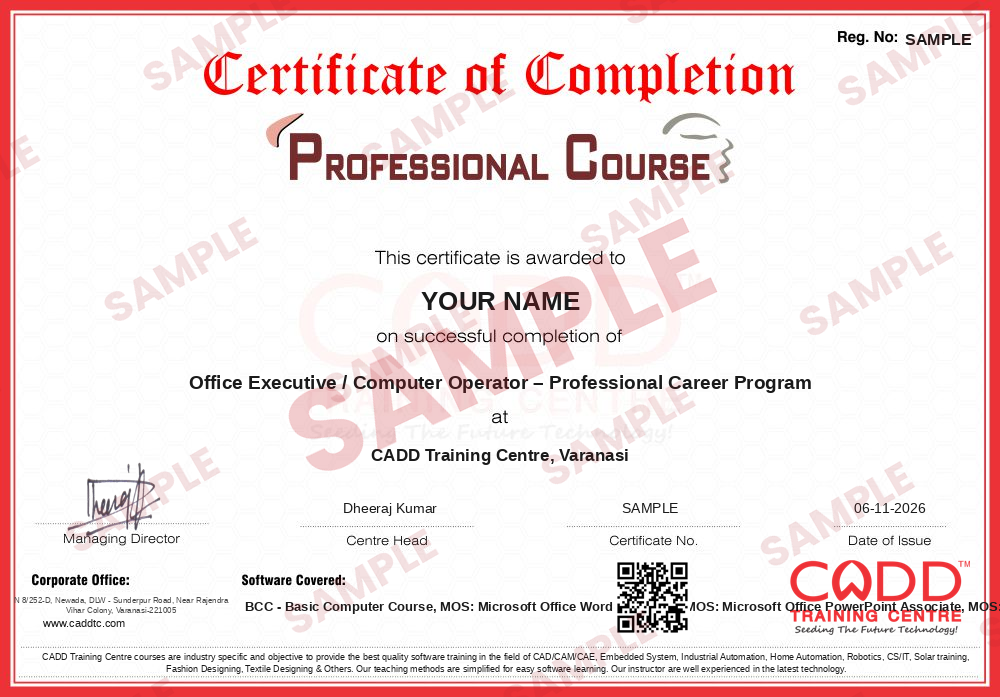
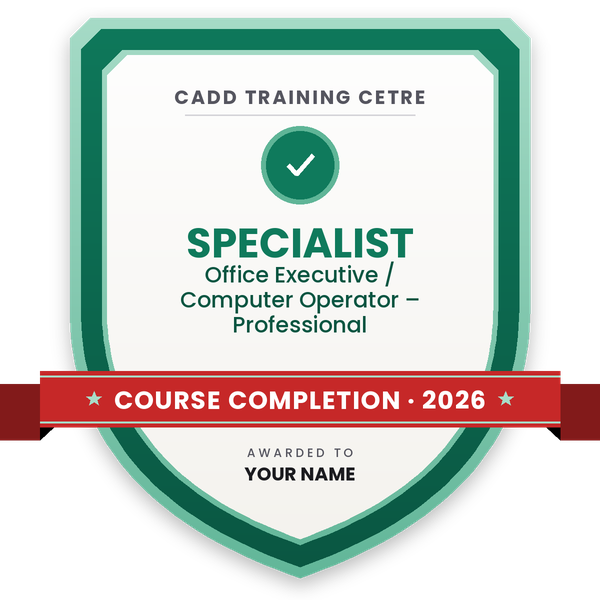
Finish the program and its project — you get the course-completion certificate and a digital completion badge with your name.
Take the certification exam: a theory test on the software of the program and a practical task of the job — at the centre or online.
Pass the exam and get the certified certificate with your marksheet. Anyone can check it online with its QR code.
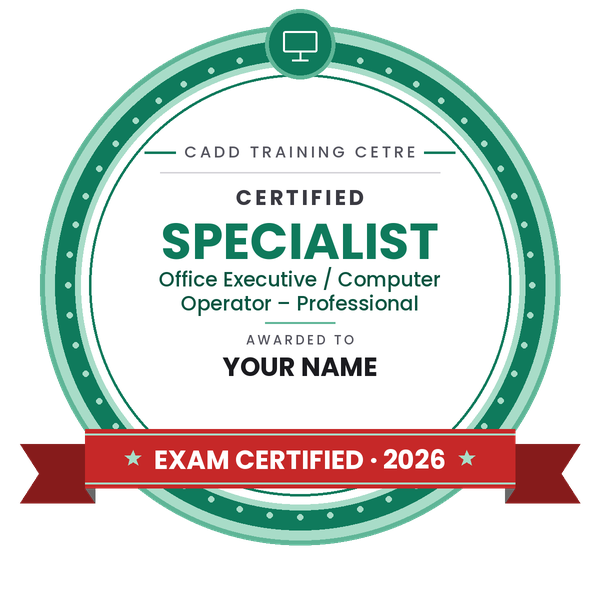
Your certified badge — add it to LinkedIn and share it anywhere; it opens its own verify page.
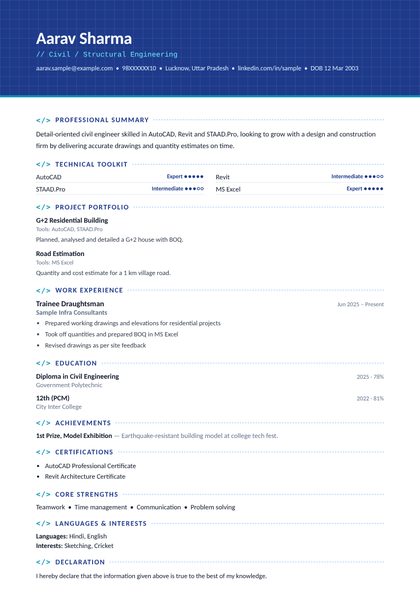
Make your CV in your student panel (Career → My CV) — your program, certificates and projects are added for you. Send it as a link with a preview picture, apply to jobs and answer Hire Me requests from companies.
The counsellor can shorten or extend this plan for your qualification and the time you have. Ask for your personal plan →
Join at the level that suits you — each level is a complete course you can enrol in.
Entry job — the first steps of the roadmap
The whole roadmap — every software of the job
An office executive or computer operator is the person who keeps daily paperwork moving on a computer. A typical day includes typing and formatting letters, quotations and reports in Word, maintaining customer lists, stock sheets and attendance records in Excel, preparing slides for meetings in PowerPoint, and handling email, calendars and meeting invites in Outlook. In smaller firms the same person often enters vouchers and invoices in Tally.
These roles exist in almost every organisation: private companies, schools and coaching institutes, hospitals and clinics, CA and law offices, shops and distributors, construction and real estate firms, and back-office or data-entry centres.
Demand stays steady because every business produces documents and data, and employers prefer staff who can work fast and accurately without constant supervision. Skills that can be shown through recognised exams such as Microsoft Office Specialist (MOS) make it easier to prove your level in an interview. Good written English and a professional email style add further value.
Learn computer basics first, then Word, Excel, PowerPoint and Outlook to a practical level, and add Tally for accounts support. Build a small file of sample letters, Excel sheets and slides to show in interviews. Many employers hire 12th-pass candidates who can prove these skills.
The core set is Microsoft Word, Excel, PowerPoint and Outlook. Many offices also expect Tally for basic accounting and comfortable use of email, browsers and cloud storage such as OneDrive or Google Drive.
The software steps in this roadmap add up to about 224 hours (Basic Computer Course 40, Word and PowerPoint 48, Excel 48, Outlook and Microsoft 365 48, Tally 40). The optional English Speaking course runs for a further 3 months.
Microsoft Office Specialist (MOS) is a set of exams that test practical skills in individual Office apps at Associate and Expert levels. It is not a job by itself, but it gives employers clear proof of your Word, Excel, PowerPoint or Outlook skills.
Both are used daily, but Excel skills usually make the bigger difference. Offices rely on spreadsheets for stock, sales, attendance and reports, so lookups, PivotTables and clean data entry are often tested in interviews.
Yes. CADD Training Centre runs MS Office courses in classrooms and as live online classes, so you can practise on your own computer at home and still ask the trainer questions in real time.
More questions? Ask our counsellor or see all career roadmaps.
 Project Planning Engineer (Primavera / MS Project)A project planning engineer builds and tracks the schedule that keeps a construction or engineering project on time. This roadmap covers Excel, reading drawings, MS Project, Primavera P6 basics and advanced, and 4D planning.
 Embedded Systems EngineerAn embedded systems engineer programs the microcontrollers inside electronic products. This roadmap takes you from C and C++ through Arduino hardware, Proteus simulation and Python to entry-level firmware work.
 Python DeveloperA Python developer writes code for web apps, automation scripts and data tools. This roadmap takes you from core Python through web basics, spreadsheets and databases, and cloud concepts towards entry-level developer work.
 Web DeveloperA web developer builds and maintains websites and web applications. This roadmap covers HTML, CSS, web graphics, server-side Python and hosting basics so you can create and publish complete sites.
 Java DeveloperA Java developer builds enterprise software, web back ends and Android apps in Java. This roadmap moves from programming logic in C to Core Java, HTML and CSS, Advanced Java and cloud concepts.
 Accountant (Tally & GST)An accountant records business transactions, manages GST and prepares reports for owners and auditors. This roadmap covers Tally from basics to expert level, GST in Tally and Excel for MIS reports.