
Learn Microsoft 365 apps, Teams, SharePoint, Intune, Entra ID, security, compliance and licensing for MS-900.
Talk to our counsellor — choose the right course, batch time and mode.
Join at a CADD centre near you or online. You get your student login and ID card.
24 Hours of hands-on Microsoft 365 Fundamentals classes — in the classroom or live online.
Exercises in every class and a final project, checked by your trainer.
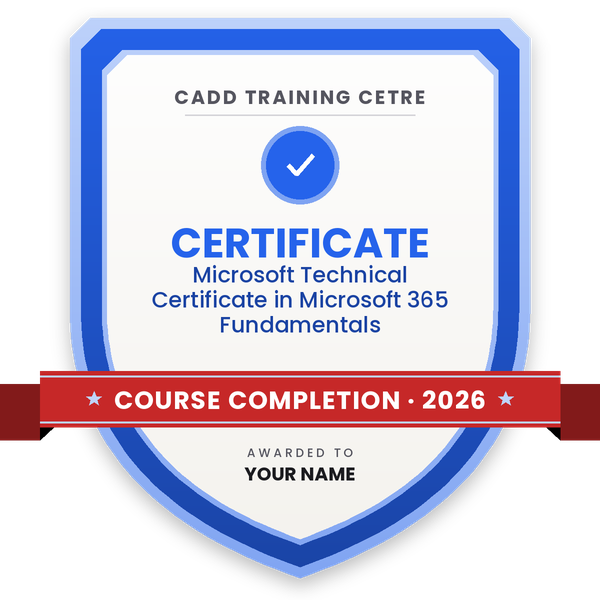
Finish the course and get your course-completion certificate and a digital completion badge with your name.
Take the certification exam: a theory test and a practical task — at the centre or online.
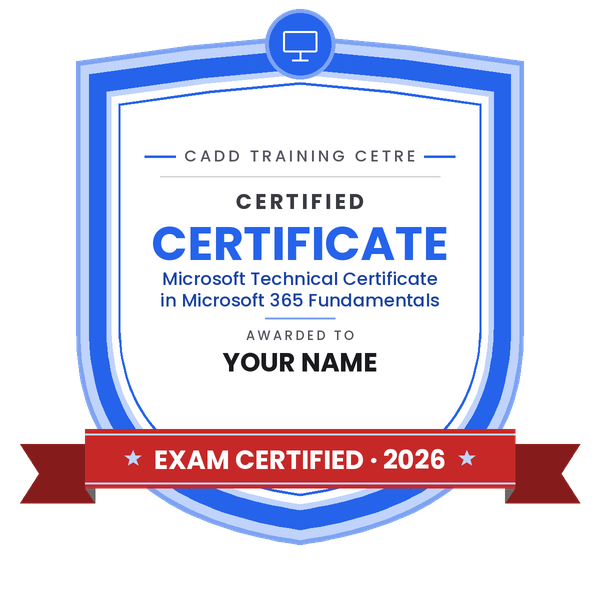
Pass the exam and get the certified certificate with your marksheet. Anyone can check it online with its QR code.
Your certified badge — add it to LinkedIn and share it anywhere; it opens its own verify page.
Make your CV in your student panel (Career → My CV) — your course, certificates and projects are added for you. Send it as a link with a preview picture, and apply to jobs and Hire Me requests from companies.
Microsoft 365 is the cloud subscription that brings together Word, Excel, PowerPoint and Outlook with Exchange Online email, Teams, SharePoint, OneDrive, device management and security services. Organisations of every size run their daily communication and documents on it, so they need people who understand how its services, identities, security and licences fit together.
This 24-hour course follows the skill areas of Microsoft's MS-900 Microsoft 365 Fundamentals exam. You start with cloud concepts, then explore Microsoft 365 apps and services, collaboration in Teams, SharePoint and OneDrive, endpoint management with Intune and Windows 365, identity with Microsoft Entra ID, and security and compliance with Microsoft Defender and Microsoft Purview. You also learn the Microsoft 365 admin center, subscription and licence types and support options. Training is offered in the classroom at CADD centres and in live online classes, with demonstrations and practice questions.
The MS-900 exam is booked separately. The course is a first step towards Microsoft 365 administrator, Teams administrator and modern workplace support roles.
Students rate the course after they finish it — their ratings appear here.
MS-900 is Microsoft's entry-level exam on Microsoft 365. It covers cloud concepts, apps and services, Teams and SharePoint, device management, identity, security, compliance and licensing. This course teaches all of these areas.
It is open to students, freshers, office IT staff, managers and sales people. Anyone who uses email and Office apps can join, as no programming or server knowledge is required.
The Microsoft 365 Fundamentals course is 24 hours. Your counsellor will share the batch timings for classroom and online learning.
Yes. Classes are offered live online and in the classroom at CADD centres. Most Microsoft 365 services open in a web browser, so a normal laptop with internet is enough.
Yes, a CADD Training Centre certificate is given on completion and can be verified online. The MS-900 exam is separate and booked with Microsoft if you wish to take it.
Office 365 mainly meant the Office apps with email and SharePoint. Microsoft 365 is the wider bundle that adds device management, advanced security and other services on top of those apps.
Microsoft 365 knowledge helps in roles like IT support executive, Microsoft 365 administrator trainee, Teams support specialist, helpdesk engineer and modern workplace consultant.
More questions? Ask our counsellor or read the general FAQ.
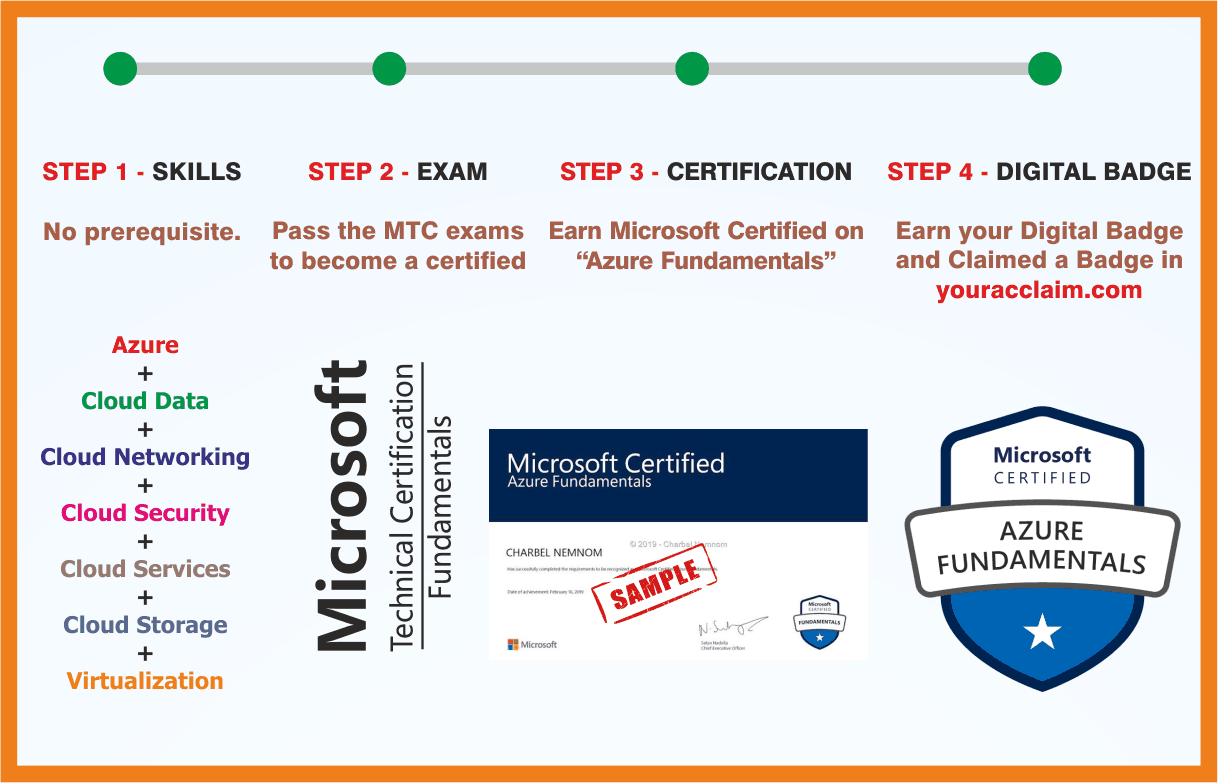 Azure Fundamentals
 MCE: Microsoft Certified Educator
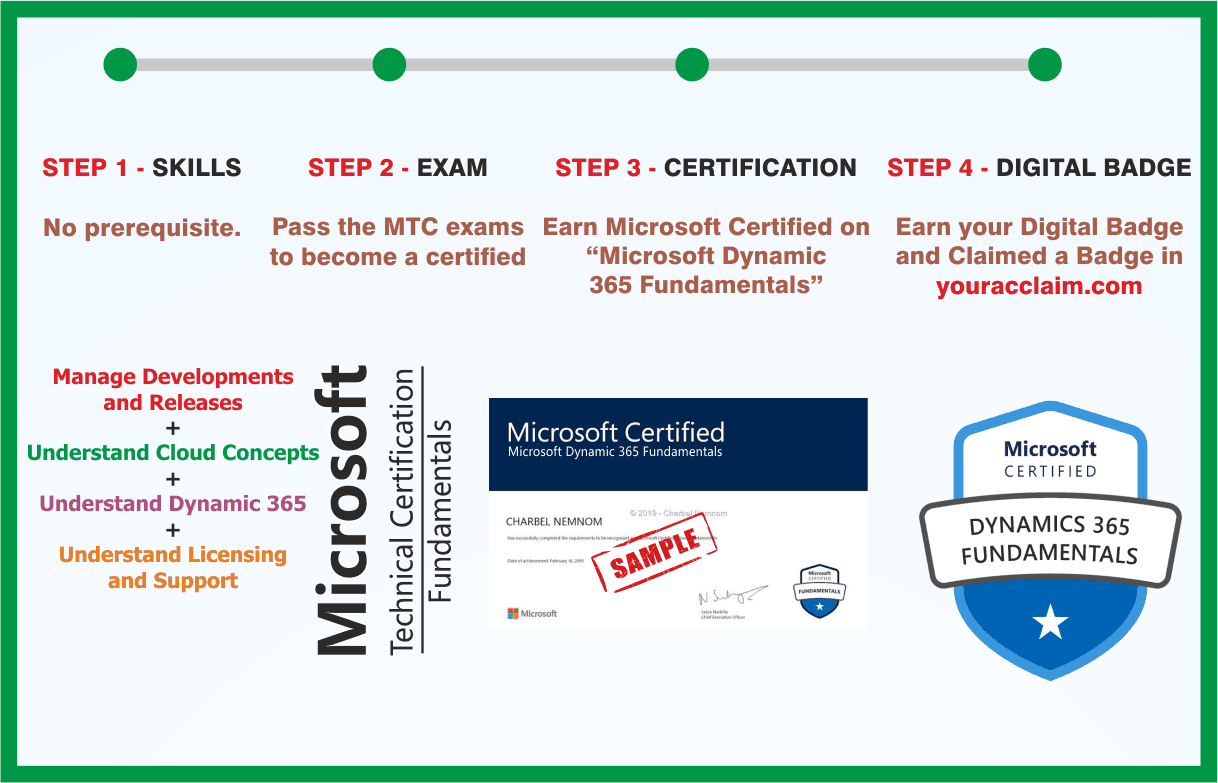 Microsoft Dynamics 365 Fundamentals
 MOS: Microsoft Office Access Associate
 MOS: Microsoft Office Access Expert
 MOS: Microsoft Office Excel Associate
 MOS: Microsoft Office Excel Expert
 MOS: Microsoft Office Outlook Associate

