Classroom & live online40 HoursVerifiable certificateSyllabus ↓
Tally Associate Course
Learn TallyPrime accounting basics: company setup, ledgers, vouchers, inventory, GST and reports with MS Excel.
Your roadmap — from admission to certificate
1
Free counselling
Talk to our counsellor — choose the right course, batch time and mode.
2
Admission
Join at a CADD centre near you or online. You get your student login and ID card.
3
Learn step by step
40 Hours of hands-on Tally Associate classes — in the classroom or live online.
Fundamentals of AccountingGetting Started with TallyPrimeGroups and LedgersVoucher EntryInventory BasicsIntroduction to GST in TallyReports and PrintingMS Word and Excel for Accounts Work
4
Practice & project
Exercises in every class and a final project, checked by your trainer.
5
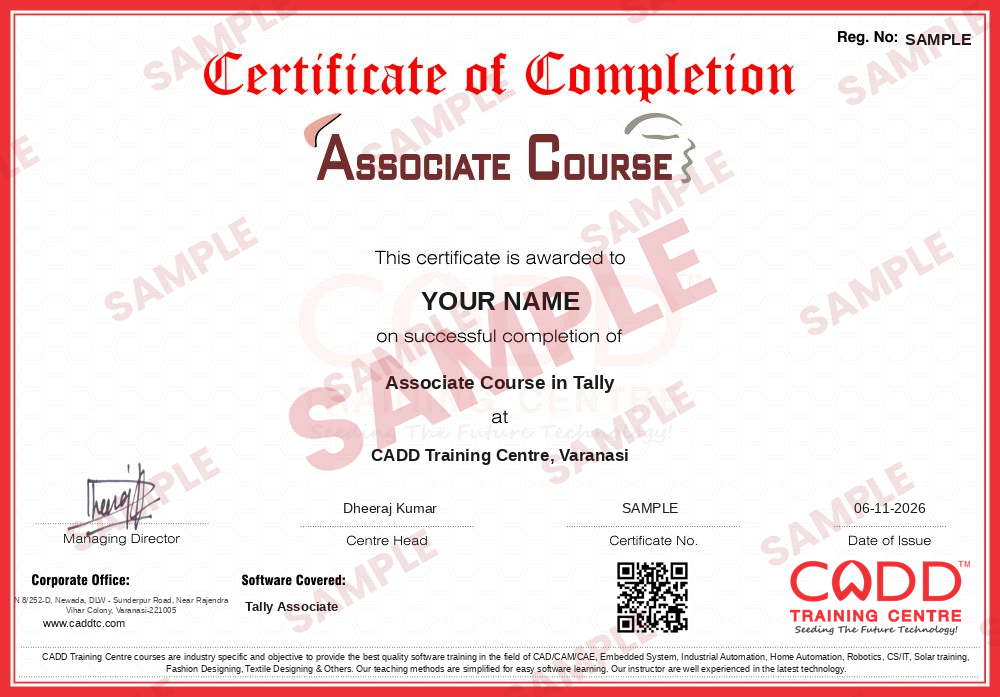
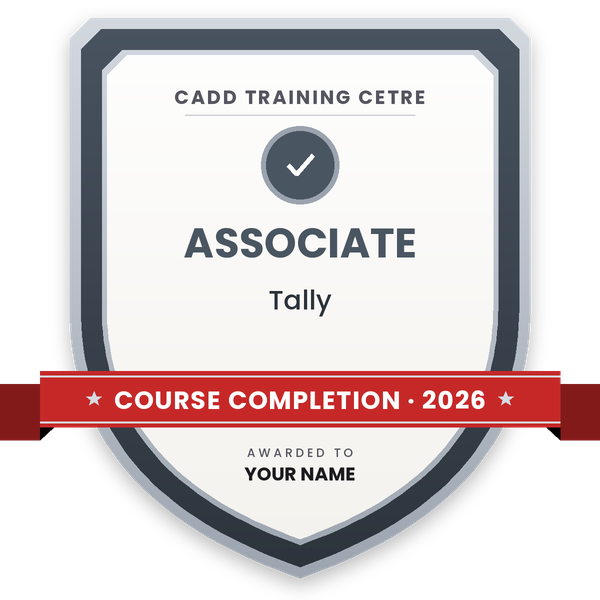
Course completion certificate + completion badge
Finish the course and get your course-completion certificate and a digital completion badge with your name.
With your name and year · its own verify link · “Add to profile” on LinkedIn
6
Certification exam
Take the certification exam: a theory test and a practical task — at the centre or online.
7
Certified certificate + marksheet
Pass the exam and get the certified certificate with your marksheet. Anyone can check it online with its QR code.
8
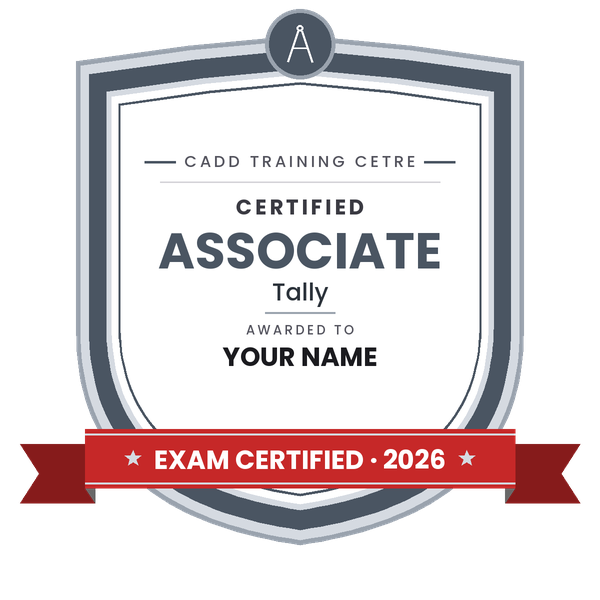
Certified badge
Your certified badge — add it to LinkedIn and share it anywhere; it opens its own verify page.
Certified badge
Course
Associate Course in Tally
Issued by
CADD Training Cetre
Training
Classroom or live online
How to earn
Pass the certification exam
You also get
Certified certificate + marksheet
With your name and year · its own verify link · “Add to profile” on LinkedIn
9
Make your CV & apply for jobs
Make your CV in your student panel (Career → My CV) — your course, certificates and projects are added for you. Send it as a link with a preview picture, and apply to jobs and Hire Me requests from companies.
The Programme on Accounting with Tally.ERP9 would enable the students to record the business transactions and manage the accounts information for an organization using the popular Tally Business Accounting Software. In addition, students will be able to solve his/her day-to-day tasks efficiently by using the various Office productivity tools such as Microsoft Word and Microsoft Excel, generally used for financial analysis and report making.
You will be able to
Explain basic accounting terms, the golden rules and double-entry bookkeeping
Create and alter companies, groups and ledgers in TallyPrime
Record contra, payment, receipt, journal, sales and purchase vouchers
Maintain basic inventory with stock groups, units and stock items
Create GST-enabled sales and purchase invoices
View and print Day Book, Trial Balance, Profit & Loss and Balance Sheet
Use MS Word and Excel for business letters and simple financial reports
Who it is for
Class 12 and commerce graduates (B.Com, BBA) starting a career in accounts
Students from any stream who want an office accounting job
Small shop and business owners who want to maintain their own books
Job seekers preparing for accountant assistant roles
What you need
Basic computer skills
Basic commerce or accounting knowledge is helpful but not compulsory
A PC or laptop with TallyPrime (educational mode is fine) for live online classes
Courses that include Tally Associate
Associate Course in TallyAssociate Course · 40 Hours
Students rate the course after they finish it — their ratings appear here.
Tally Associate course — FAQ
What is Tally used for?
Tally is accounting software used by businesses in India to record transactions, manage inventory, handle GST and prepare financial reports such as the Trial Balance, Profit & Loss account and Balance Sheet.
Which Tally version is taught in this course?
The course is taught on TallyPrime, the current Tally product. Students who come across older Tally.ERP 9 data in offices will find the concepts the same.
Who can join the Tally Associate course?
Commerce students, graduates from any stream, small business owners and job seekers can join. Basic computer skills are enough; accounting basics are taught from the start.
How long is the Tally Associate course?
The Tally Associate course is 40 Hours long and covers accounting basics, TallyPrime vouchers, inventory, GST basics and simple MS Office work.
Can I learn Tally online?
Yes. Tally classes run in the classroom at CADD Training Centre branches and as live online classes, with practice entries in every session.
Will I get a certificate for the Tally course?
Yes. Completing Tally Associate earns you a CADD Training Centre certificate. Employers hiring accounts assistants can confirm it online with the QR code or verification code.
What jobs can I get after a Tally Associate course?
You can apply for roles such as accounts assistant, billing executive, data entry operator for accounts and junior accountant. The Tally Professional course takes you further.