A computer teacher teaches students how to use computers, office software and basic programming. This roadmap covers CCC Plus, Word, PowerPoint and Excel, NIELIT O Level, Python and the Microsoft Certified Educator credential.
Cover computer fundamentals, operating system use, the internet, email and office software thoroughly, the same topics you will later teach to beginners.
Learn to create well-formatted documents, worksheets and presentations, both to teach these tools and to prepare your own teaching material.
Learn formulas, functions, tables and charts in Excel, a topic students value highly and one you will be asked to teach regularly.
Take the O Level programme covering IT tools, web design, Python programming and IoT basics, a qualification that many institutes and some recruitments ask for.
Go deeper into Python, the language commonly used in school computer science courses, so you can teach coding and guide student projects with confidence.
Prepare for the MCE credential, which focuses on using technology effectively in lessons, planning digital learning activities and building students' digital skills.
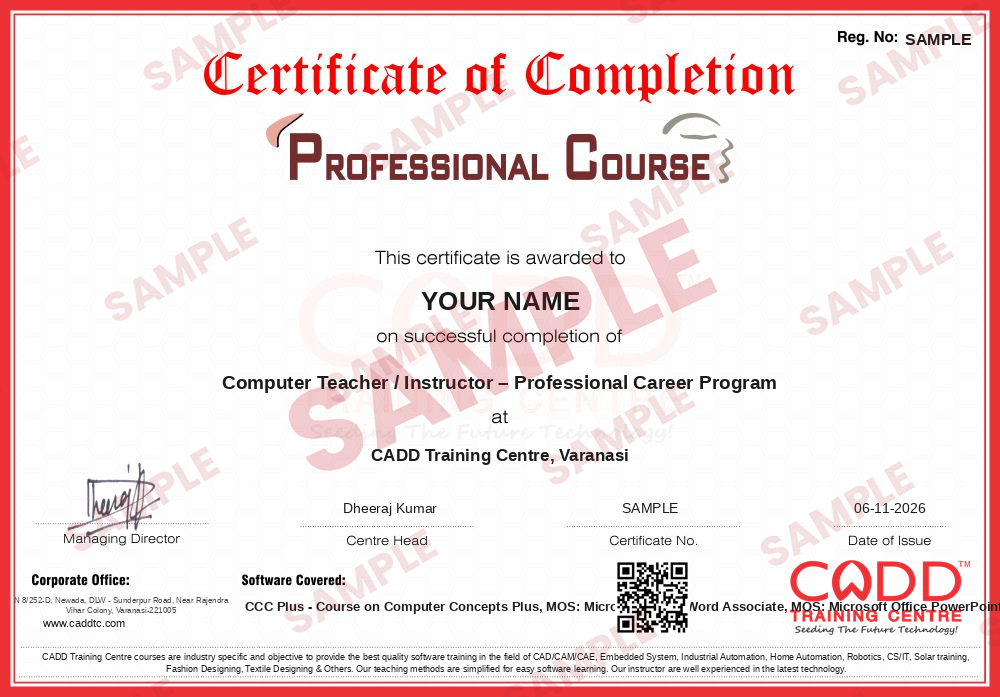
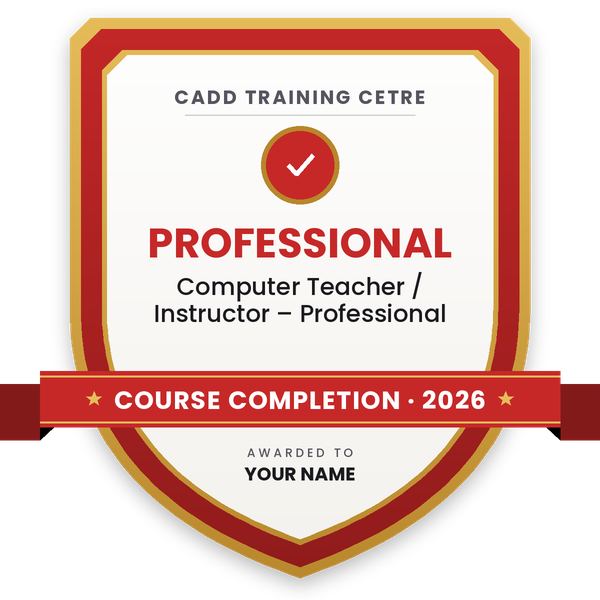
Finish the program and its project — you get the course-completion certificate and a digital completion badge with your name.
Take the certification exam: a theory test on the software of the program and a practical task of the job — at the centre or online.
Pass the exam and get the certified certificate with your marksheet. Anyone can check it online with its QR code.
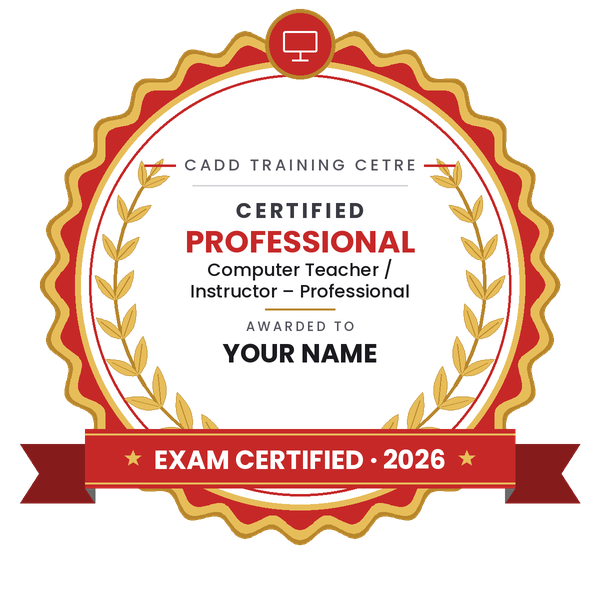
Your certified badge — add it to LinkedIn and share it anywhere; it opens its own verify page.
Make your CV in your student panel (Career → My CV) — your program, certificates and projects are added for you. Send it as a link with a preview picture, apply to jobs and answer Hire Me requests from companies.
The counsellor can shorten or extend this plan for your qualification and the time you have. Ask for your personal plan →
Join at the level that suits you — each level is a complete course you can enrol in.
Entry job — the first steps of the roadmap
The whole roadmap — every software of the job
A computer teacher or instructor teaches students to use computers confidently, from basics such as files, typing and the internet to office software, safe online behaviour and introductory programming. Daily work includes planning lessons, demonstrating in the lab, guiding students through practical exercises, preparing worksheets and tests, checking projects, keeping lab computers in basic working order and tracking each student's progress.
Computer teachers work in private schools, computer training institutes and coaching centres, ITIs and skill development centres, colleges running foundation courses, NGOs running digital literacy programmes and corporate training teams. Many also take home tuition batches or run their own computer centre.
Computer studies are taught at almost every school level, and digital skills are needed in nearly every job, so there is steady need for teachers who know the subject well and can explain it simply. Employers look for strong practical skills, recognised qualifications and the ability to handle a class. Eligibility for government school teaching posts is set in each recruitment notification and usually includes a specific degree and sometimes B.Ed, so check those rules if you are aiming for a government post.
Build strong practical computer skills, earn recognised qualifications such as NIELIT CCC Plus and O Level, and get comfortable explaining topics to a class. Start at a computer centre or as an assistant instructor, and work towards a degree and B.Ed if you want to teach in schools.
It depends on the school and the board. Private schools often look for a degree such as BCA, B.Sc or B.Tech with good practical skills, and many prefer B.Ed. Government school posts follow the eligibility in each recruitment notification, so always read it carefully.
Yes. NIELIT O Level covers IT tools, web design, Python programming and IoT basics, and many computer institutes and some recruitments recognise it. It also gives you a structured syllabus to teach from.
MCE is a Microsoft credential for teachers that focuses on using technology well in teaching and learning. It shows employers that you can plan lessons that build students' digital skills.
You can start as an assistant instructor at a computer training centre after 12th if your skills are strong. For school teaching and senior roles, continue your studies to graduation.
Yes. CADD Training Centre runs live online classes as well as classroom batches. Practising by teaching a friend or a small group is also a good way to build confidence.
More questions? Ask our counsellor or see all career roadmaps.
 Project Planning Engineer (Primavera / MS Project)A project planning engineer builds and tracks the schedule that keeps a construction or engineering project on time. This roadmap covers Excel, reading drawings, MS Project, Primavera P6 basics and advanced, and 4D planning.
 Embedded Systems EngineerAn embedded systems engineer programs the microcontrollers inside electronic products. This roadmap takes you from C and C++ through Arduino hardware, Proteus simulation and Python to entry-level firmware work.
 Python DeveloperA Python developer writes code for web apps, automation scripts and data tools. This roadmap takes you from core Python through web basics, spreadsheets and databases, and cloud concepts towards entry-level developer work.
 Web DeveloperA web developer builds and maintains websites and web applications. This roadmap covers HTML, CSS, web graphics, server-side Python and hosting basics so you can create and publish complete sites.
 Java DeveloperA Java developer builds enterprise software, web back ends and Android apps in Java. This roadmap moves from programming logic in C to Core Java, HTML and CSS, Advanced Java and cloud concepts.
 Accountant (Tally & GST)An accountant records business transactions, manages GST and prepares reports for owners and auditors. This roadmap covers Tally from basics to expert level, GST in Tally and Excel for MIS reports.