Classroom & live online126 HoursVerifiable certificateSyllabus ↓
CCC Plus - Course on Computer Concepts Plus Course
CCC Plus course: advanced Writer, Calc and Impress, database basics, internet, e-governance, cyber security and future skills.
Your roadmap — from admission to certificate
1
Free counselling
Talk to our counsellor — choose the right course, batch time and mode.
2
Admission
Join at a CADD centre near you or online. You get your student login and ID card.
3
Learn step by step
126 Hours of hands-on CCC Plus - Course on Computer Concepts Plus classes — in the classroom or live online.
Computer FundamentalsOperating Systems and File ManagementWord Processing EssentialsAdvanced Word ProcessingSpreadsheets EssentialsAdvanced SpreadsheetsPresentationsDatabase BasicsInternet, Email and Cloud Collaboratione-Governance and Digital Financial Services
4
Practice & project
Exercises in every class and a final project, checked by your trainer.
5
Course completion certificate + completion badge
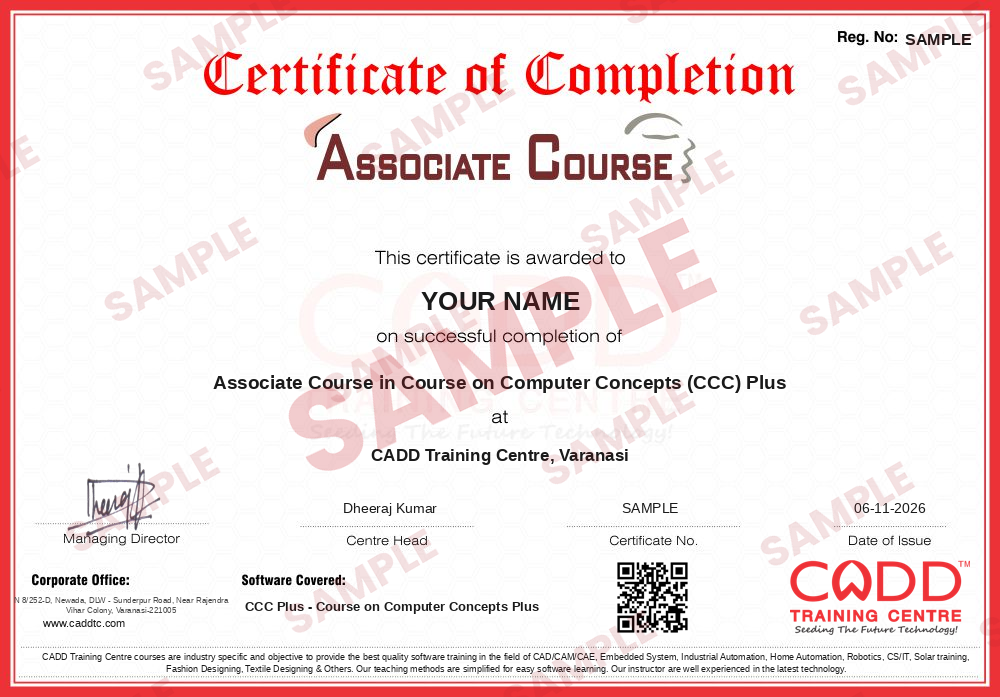
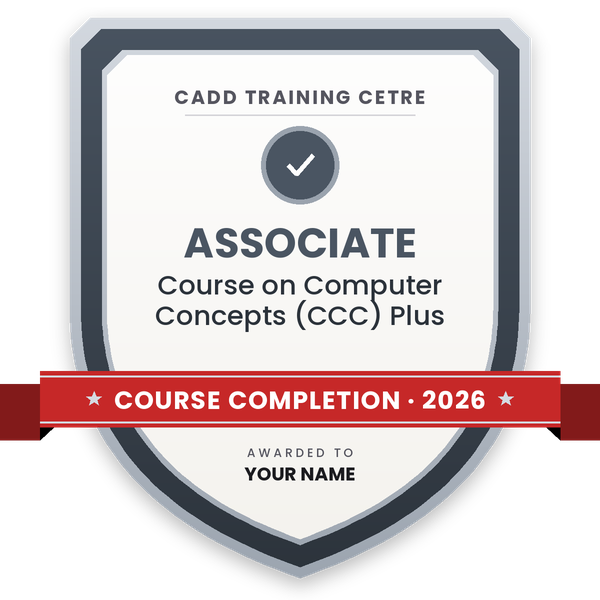
Finish the course and get your course-completion certificate and a digital completion badge with your name.
Course-completion certificate (sample) — Associate Course in Course on Computer Concepts (CCC) Plus · verifiable online
Course-completion badge
Course
Associate Course in Course on Computer Concepts (CCC) Plus
Issued by
CADD Training Cetre
Training
Classroom or live online
How to earn
Complete the course and its project
With your name and year · its own verify link · “Add to profile” on LinkedIn
6
Certification exam
Take the certification exam: a theory test and a practical task — at the centre or online.
7
Certified certificate + marksheet
Pass the exam and get the certified certificate with your marksheet. Anyone can check it online with its QR code.
8
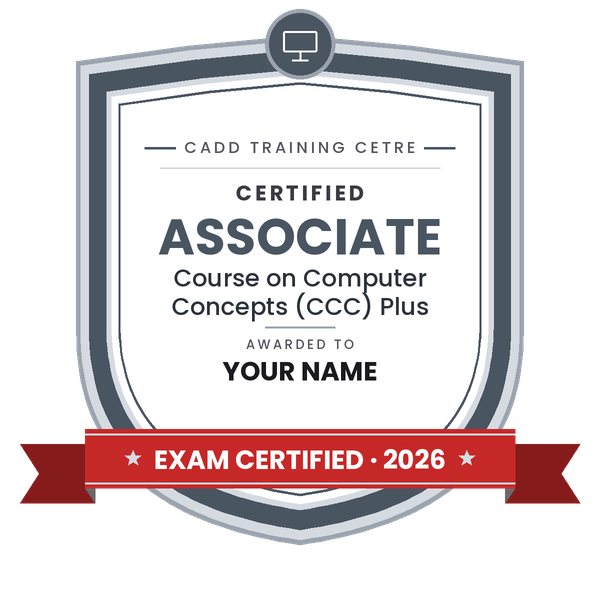
Certified badge
Your certified badge — add it to LinkedIn and share it anywhere; it opens its own verify page.
Certified badge
Course
Associate Course in Course on Computer Concepts (CCC) Plus
Issued by
CADD Training Cetre
Training
Classroom or live online
How to earn
Pass the certification exam
You also get
Certified certificate + marksheet
With your name and year · its own verify link · “Add to profile” on LinkedIn
9
Make your CV & apply for jobs
Make your CV in your student panel (Career → My CV) — your course, certificates and projects are added for you. Send it as a link with a preview picture, and apply to jobs and Hire Me requests from companies.
About the CCC Plus - Course on Computer Concepts Plus course
Objective
The course is a certificate level course, with an aim to equip the workforce entering into / working in government sector with the vital skill set, that is, necessary to cope up with the ever-changing scenario in IT sphere. The course is designed in such a manner, so that, it not only educate an individual with the basic skill set but also enhances the ability of individual to easily grasp the new changes in the dynamic IT field. The course is aimed at skill development in masses, students, employees in professional sectors at middle level. The course may also be considered as an ideal course for re-skilling of an individual and technological advancement. After going through the course, an individual is expected to be equipped with not only the office automation skills but also with the understanding of the latest technologies and e-Gov applications. The module on financial literacy will enable the individuals to understand the various financial services and be aware of the various schemes of Government of India.
Duration
126 Hours. (21 days @ 6 hours/day – Full Time or 42 Days @ 3 hours/day – Part Time)
You will be able to
Manage files, folders, users and settings in Windows and Linux desktops
Prepare long official documents with styles, templates, tables of contents and mail merge
Analyse data in spreadsheets with functions, validation, pivot tables and charts
Create structured presentations with master slides, charts and multimedia
Build a simple database with tables, queries, forms and reports
Use internet, email, cloud collaboration, e-governance and digital payment services
Apply cyber security practices and explain emerging technologies such as AI and IoT
Who it is for
Government and public sector employees who want stronger IT skills
Learners who finished CCC and want a deeper course
Students and job seekers preparing for office and clerical roles
Middle-level staff in private offices who handle documents and data
What you need
Basic computer knowledge; CCC or BCC is helpful but not compulsory
Ability to read English instructions on screen
A Windows PC or laptop with at least 4 GB RAM and a stable internet connection for live online classes
Courses that include CCC Plus - Course on Computer Concepts Plus
Associate Course in Course on Computer Concepts (CCC) PlusAssociate Course · 126 Hours
CCC Plus - Course on Computer Concepts Plus Syllabus
12 chapters · 54 topics
01Computer Fundamentals5 topics+
Computer generations and types
Hardware components and peripherals
Memory, storage and units
System and application software
Number systems and data representation
02Operating Systems and File Management5 topics+
Windows and Linux desktops
File managers, paths and drives
User accounts and permissions
Installing and removing software
Compression, backup and printers
03Word Processing Essentials4 topics+
Creating and formatting documents
Tables, images and shapes
Page layout, sections, header and footer
Find and replace, spell check and AutoCorrect
04Advanced Word Processing5 topics+
Styles and templates
Table of contents, index and footnotes
Mail merge for letters and labels
Track changes and comments
Export to PDF
05Spreadsheets Essentials4 topics+
Data entry and cell formatting
Formulas, relative and absolute references
Common functions: SUM, IF, COUNTIF, ROUND
Charts and printing
06Advanced Spreadsheets5 topics+
Lookup functions: VLOOKUP and HLOOKUP
Sorting, AutoFilter and Standard Filter
Data validation and conditional formatting
Pivot tables
Goal Seek and scenarios
07Presentations5 topics+
Slide layouts and master slides
Tables, charts and SmartArt-style diagrams
Audio, video and hyperlinks
Animations, transitions and rehearsed timing
Presenter view and handouts
08Database Basics4 topics+
Database concepts: table, record, field, key
Creating tables and relationships
Queries with criteria
Forms and reports
09Internet, Email and Cloud Collaboration5 topics+
Networking basics and internet connections
Browsers, search techniques and bookmarks
Email, calendar and contacts
Cloud storage and shared documents
Video conferencing tools
10e-Governance and Digital Financial Services4 topics+
Citizen portals: DigiLocker, UMANG and others
Online applications and grievance portals
UPI, net banking and AePS
Safe digital payments
11Cyber Security and Future Skills4 topics+
Malware, phishing and social engineering
Passwords, two-factor authentication and backups
Data privacy basics
AI, IoT, cloud, big data and blockchain overview
12Project Work and Exam Preparation4 topics+
Office document and spreadsheet project
Practical exercises on all modules
MCQ mock tests
Revision and doubt clearing
Ratings & reviews
Students rate the course after they finish it — their ratings appear here.
CCC Plus - Course on Computer Concepts Plus course — FAQ
What is CCC Plus?
CCC Plus is the extended version of the Course on Computer Concepts. Along with CCC topics it goes deeper into word processing, spreadsheets and presentations and adds database basics, cloud collaboration and more cyber security.
What is the difference between CCC and CCC Plus?
CCC covers essential computer literacy in 80 hours. CCC Plus runs longer and adds advanced office features such as mail merge, pivot tables and master slides, plus database basics, making it better for office and government work.
How long is the CCC Plus course?
The CCC Plus course is 126 hours long. The counsellor will explain the class schedule and how long it takes at your preferred pace.
Who should do the CCC Plus course?
It is meant for government and office employees, CCC holders who want more depth, and students preparing for clerical and office jobs. Basic computer knowledge is enough to start.
Can I attend CCC Plus classes online?
Yes, both options are available: classroom training at CADD centres and live online classes with practice on your own computer.
Will I get a certificate after CCC Plus?
Yes. You receive a CADD Training Centre certificate that can be verified online. If you want a NIELIT certificate, the counsellor will guide you on the NIELIT registration and exam.
Which jobs is CCC Plus useful for?
CCC Plus skills help in roles such as clerk, data entry operator, office assistant, computer operator and MIS assistant in government offices and private companies.