Classroom & live online 30 Hours Verifiable certificate Syllabus ↓

LumenRT Course

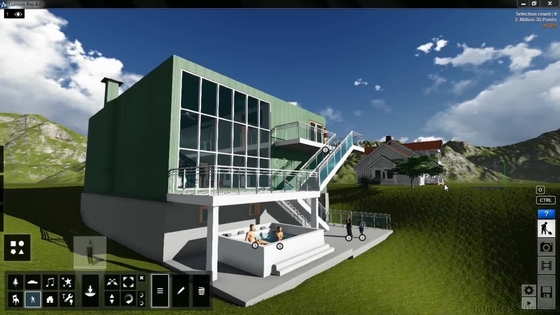
LumenRT course: add landscape, traffic, people and weather to building and infrastructure models, then render videos.

Your roadmap — from admission to certificate

  1. Free counselling

    Talk to our counsellor — choose the right course, batch time and mode.

  2. Admission

    Join at a CADD centre near you or online. You get your student login and ID card.

  3. Learn step by step

    30 Hours of hands-on LumenRT classes — in the classroom or live online.

    Introduction to LumenRTImporting Design ModelsMaterials and TerrainContext Library: Plants, People and VehiclesLighting, Sky and WeatherAnimation, Rendering and Final Project
  4. Practice & project

    Exercises in every class and a final project, checked by your trainer.

  5. Course completion certificate + completion badge

    Finish the course and get your course-completion certificate and a digital completion badge with your name.
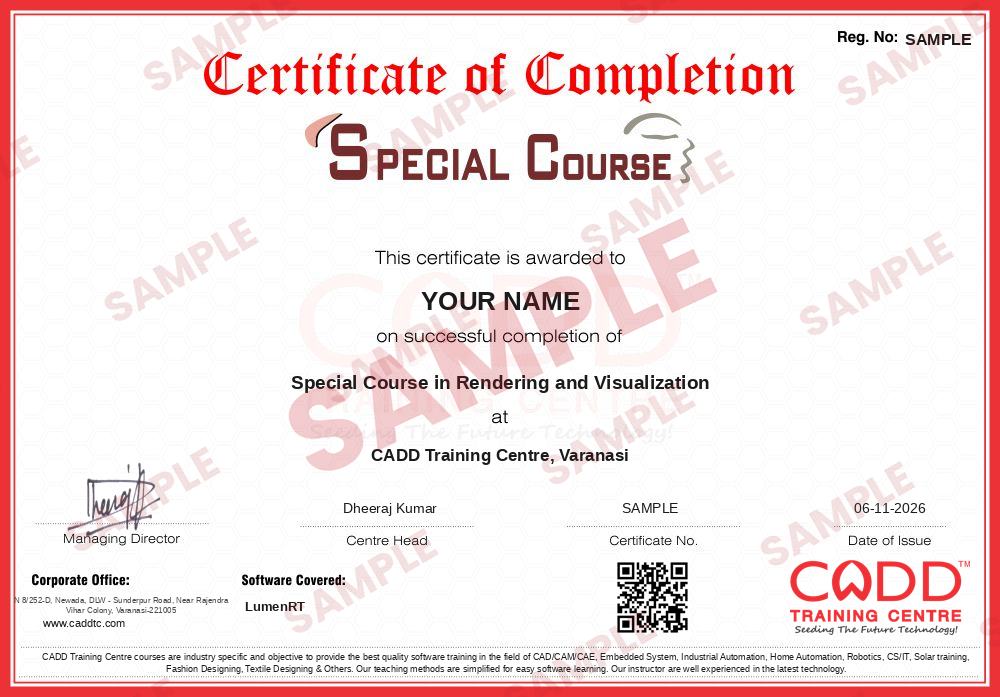
    Sample course-completion certificate — Special Course in Rendering and Visualization
    Course-completion certificate (sample) — Special Course in Rendering and Visualization · verifiable online
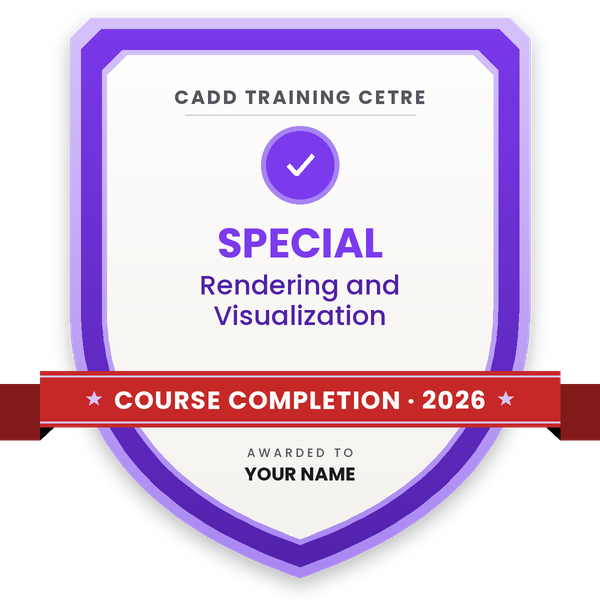
    Course-completion badge — Special Course in Rendering and Visualization
    Course-completion badge
    Course
    Special Course in Rendering and Visualization
    Issued by
    CADD Training Cetre
    Training
    Classroom or live online
    How to earn
    Complete the course and its project
    With your name and year · its own verify link · “Add to profile” on LinkedIn
  6. Certification exam

    Take the certification exam: a theory test and a practical task — at the centre or online.

  7. Certified certificate + marksheet

    Pass the exam and get the certified certificate with your marksheet. Anyone can check it online with its QR code.

  8. Certified badge

    Your certified badge — add it to LinkedIn and share it anywhere; it opens its own verify page.
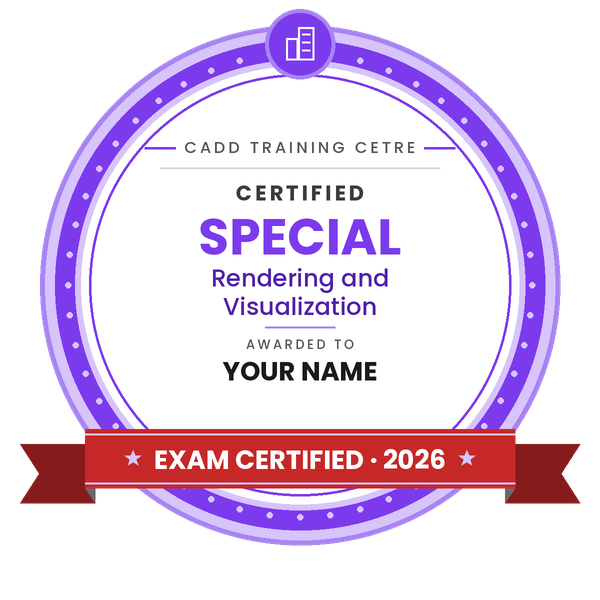
    Certified badge — Special Course in Rendering and Visualization
    Certified badge
    Course
    Special Course in Rendering and Visualization
    Issued by
    CADD Training Cetre
    Training
    Classroom or live online
    How to earn
    Pass the certification exam
    You also get
    Certified certificate + marksheet
    With your name and year · its own verify link · “Add to profile” on LinkedIn
  9. Make your CV & apply for jobs

    Make your CV in your student panel (Career → My CV) — your course, certificates and projects are added for you. Send it as a link with a preview picture, and apply to jobs and Hire Me requests from companies.

About the LumenRT course

LumenRT is real-time visualisation software from Bentley Systems. It turns design models of roads, bridges, rail corridors, buildings and campuses into living scenes with terrain, trees that move in the wind, people, traffic, sky and weather, and then exports them as still images, movies or interactive presentations. Infrastructure consultants, architecture firms and project teams use it to explain designs clearly to clients, authorities and the public.

This short 30-hour course takes you from a raw model to a finished presentation. You learn the interface and camera navigation, bring in models from Bentley applications, SketchUp, Revit and other tools, and organise them in a scene. You then edit materials, sculpt terrain, add roads and paving, and populate the environment with plants, characters, vehicles and street furniture. Lighting with sun position, sky, clouds, rain, fog and seasons follows, and the final sessions cover camera paths, keyframe animation and rendering of images and videos, ending with a road or campus presentation project. You work hands-on in a CADD centre classroom or in live online classes and receive a CADD Training Centre certificate that can be checked online.

LumenRT supports roles such as visualisation engineer, 3D visualiser and infrastructure presentation designer, and pairs well with MicroStation, OpenRoads or SketchUp skills.

You will be able to

  • Explain where LumenRT fits in architecture and infrastructure presentation
  • Bring models into LumenRT from Bentley, SketchUp, Revit and other design tools
  • Build landscape and context with terrain, plants, people and vehicles
  • Animate traffic, characters and objects with paths and keyframes
  • Control sun, sky, weather and seasons for realistic scenes
  • Render high-quality images, movies and shareable presentations

Who it is for

  • Civil and architecture students
  • Road, bridge and infrastructure design engineers who present projects
  • Users of MicroStation, OpenRoads, SketchUp or Revit
  • Visualisation artists working on public infrastructure projects

What you need

  • Basic 3D modeling knowledge in any design software
  • For live online classes: a Windows PC with a dedicated graphics card and 16 GB RAM

Courses that include LumenRT

Special Course in Rendering and VisualizationSpecial Course · 30 Hours
Enquire →
Road & Highway Design Engineer – Professional Career ProgramProfessional Career Program · 184 Hours · 5 software
Enquire →

LumenRT Syllabus

6 chapters · 26 topics
01 Introduction to LumenRT 4 topics
  1. What LumenRT is and who uses it
  2. Real-time visualisation for buildings and infrastructure
  3. Interface, navigation and camera controls
  4. Scene setup and project files
02 Importing Design Models 4 topics
  1. Exporting models from Bentley applications
  2. Bringing in SketchUp, Revit and other 3D models
  3. Model scale, position and updating models
  4. Organising imported objects
03 Materials and Terrain 4 topics
  1. Editing materials and textures
  2. Glass, water and reflective materials
  3. Creating and sculpting terrain
  4. Ground cover, roads and paving
04 Context Library: Plants, People and Vehicles 5 topics
  1. Placing and painting vegetation
  2. Seasonal and wind-animated plants
  3. People and animated characters
  4. Vehicles and traffic paths
  5. Street furniture and props
05 Lighting, Sky and Weather 4 topics
  1. Sun position and time of day
  2. Sky, clouds and atmosphere
  3. Artificial lights
  4. Rain, fog and seasons
06 Animation, Rendering and Final Project 5 topics
  1. Camera paths and movie clips
  2. Keyframe animation of objects
  3. Rendering images and videos
  4. Sharing interactive presentations
  5. Final project: road or campus presentation

Ratings & reviews

Students rate the course after they finish it — their ratings appear here.

LumenRT course — FAQ

What is LumenRT used for?

LumenRT, from Bentley Systems, is real-time visualisation software used to present roads, bridges, buildings and city projects as realistic images, videos and interactive scenes with live landscape and traffic.

Who can join the LumenRT course?

Civil and architecture students, infrastructure designers and anyone who already models in MicroStation, OpenRoads, SketchUp or Revit can join.

How long is the LumenRT course?

The LumenRT course is 30 hours, taking you from model import to an animated final presentation.

Can I learn LumenRT online?

You can choose either: a CADD centre classroom or live online LumenRT classes, where you set up scenes on your PC with a dedicated graphics card while the trainer shares the screen.

Do I get a certificate after LumenRT training?

You receive a CADD Training Centre certificate for LumenRT. Its unique verification code lets an infrastructure consultancy check it online at any time.

What is the difference between LumenRT and Lumion?

Both are real-time renderers. Lumion is mainly used for architecture and interiors, while LumenRT is closely linked to Bentley's infrastructure tools and is popular for road, bridge and city presentations.

What careers does LumenRT help with?

LumenRT supports roles such as visualisation engineer, infrastructure presentation designer and 3D visualiser with infrastructure consultants and architecture firms.

More questions? Ask our counsellor or read the general FAQ.

LumenRT30 Hours
Enquire now