Classroom & live online 80 Hours Verifiable certificate Syllabus ↓

Tekla Structures Course

Tekla Structures course: steel modelling, connections, numbering, GA, assembly and single-part drawings, reports and IFC.

Your roadmap — from admission to certificate

  1. Free counselling

    Talk to our counsellor — choose the right course, batch time and mode.

  2. Admission

    Join at a CADD centre near you or online. You get your student login and ID card.

  3. Learn step by step

    80 Hours of hands-on Tekla Structures classes — in the classroom or live online.

    Introduction to Tekla StructuresGrids, Views and Work PlanesModelling Steel MembersDetailing PartsConnections and ComponentsModel Checking and NumberingGeneral Arrangement DrawingsAssembly and Single-Part DrawingsReports, NC Files and InteroperabilitySteel Detailing Project
  4. Practice & project

    Exercises in every class and a final project, checked by your trainer.

  5. Course completion certificate + completion badge

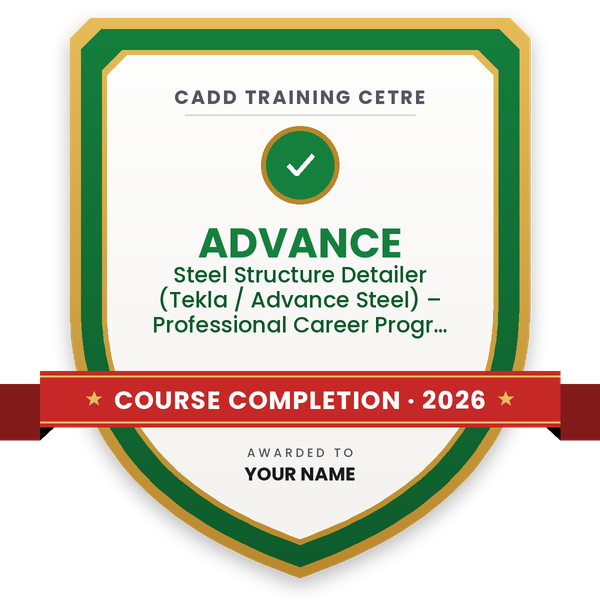
    Finish the course and get your course-completion certificate and a digital completion badge with your name.
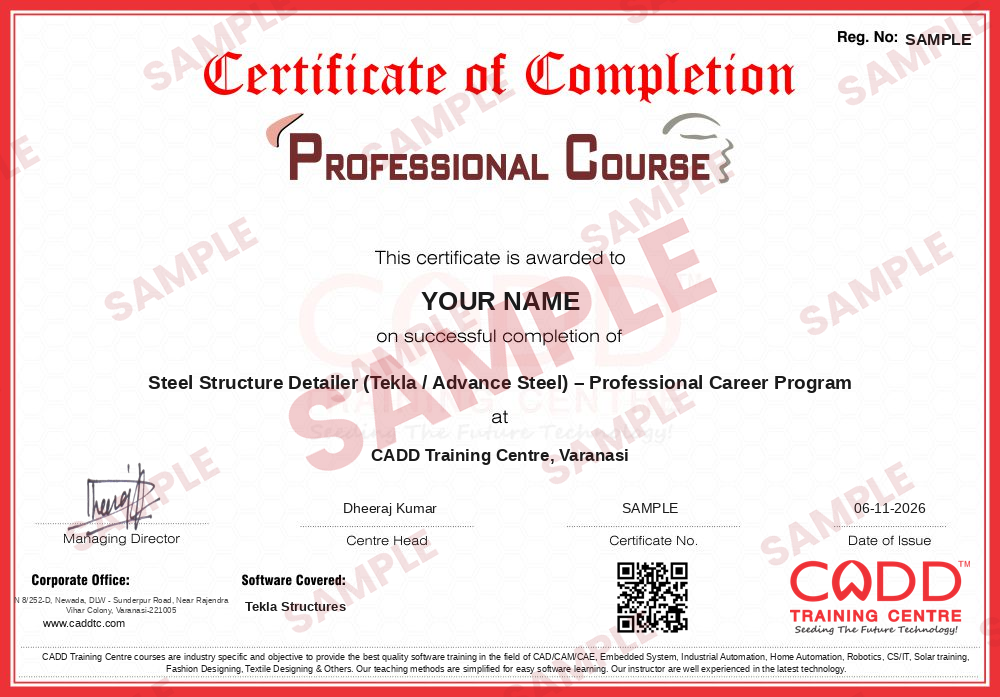
    Sample course-completion certificate — Steel Structure Detailer (Tekla / Advance Steel) – Professional Career Program
    Course-completion certificate (sample) — Steel Structure Detailer (Tekla / Advance Steel) – Professional Career Program · verifiable online
    Course-completion badge — Steel Structure Detailer (Tekla / Advance Steel) – Professional Career Program
    Course-completion badge
    Course
    Steel Structure Detailer (Tekla / Advance Steel) – Professional Career Program
    Issued by
    CADD Training Cetre
    Training
    Classroom or live online
    How to earn
    Complete the course and its project
    With your name and year · its own verify link · “Add to profile” on LinkedIn
  6. Certification exam

    Take the certification exam: a theory test and a practical task — at the centre or online.

  7. Certified certificate + marksheet

    Pass the exam and get the certified certificate with your marksheet. Anyone can check it online with its QR code.

  8. Certified badge

    Your certified badge — add it to LinkedIn and share it anywhere; it opens its own verify page.

    Certified badge — Steel Structure Detailer (Tekla / Advance Steel) – Professional Career Program
    Certified badge
    Course
    Steel Structure Detailer (Tekla / Advance Steel) – Professional Career Program
    Issued by
    CADD Training Cetre
    Training
    Classroom or live online
    How to earn
    Pass the certification exam
    You also get
    Certified certificate + marksheet
    With your name and year · its own verify link · “Add to profile” on LinkedIn
  9. Make your CV & apply for jobs

    Make your CV in your student panel (Career → My CV) — your course, certificates and projects are added for you. Send it as a link with a preview picture, and apply to jobs and Hire Me requests from companies.

About the Tekla Structures course

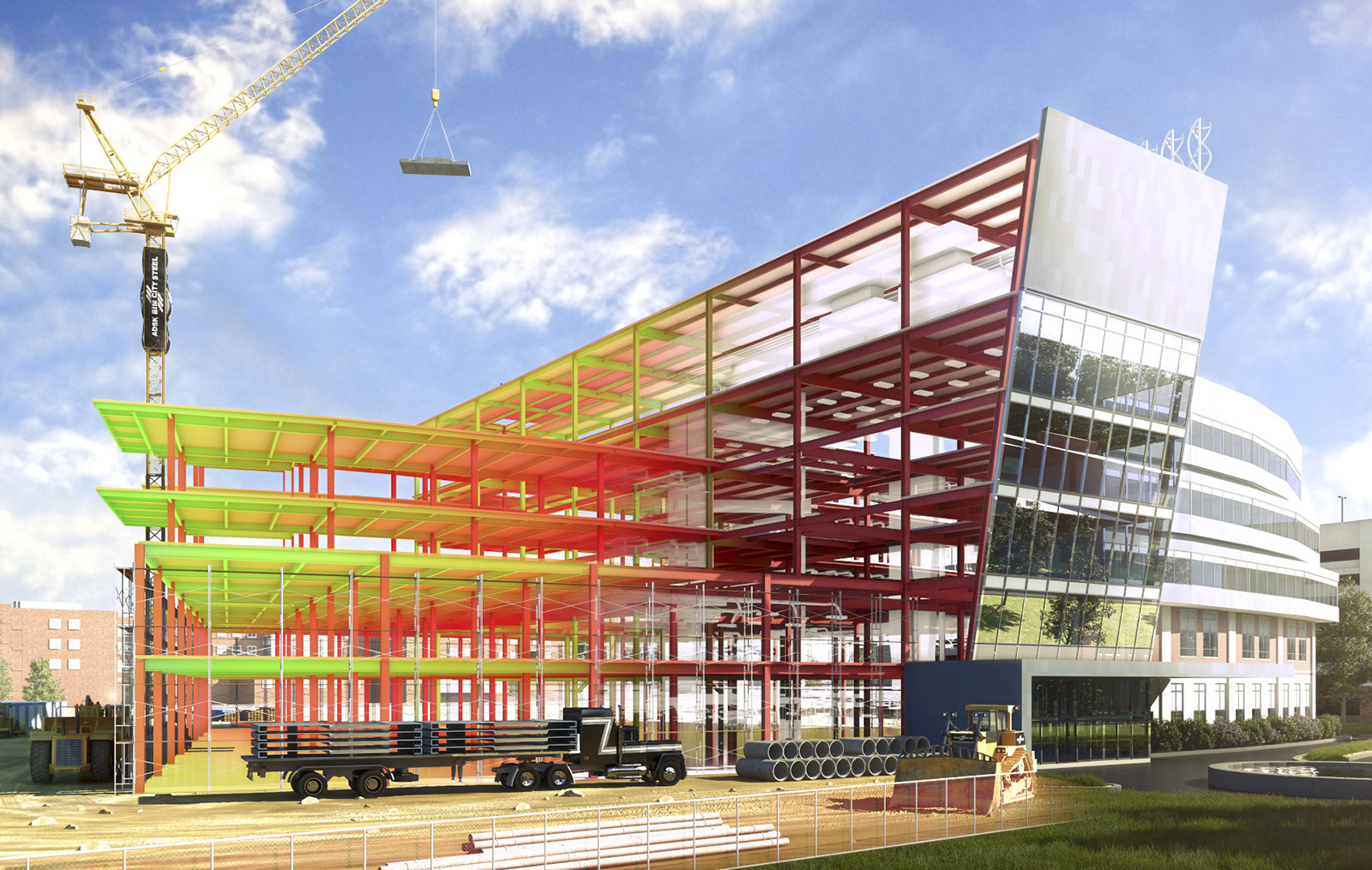
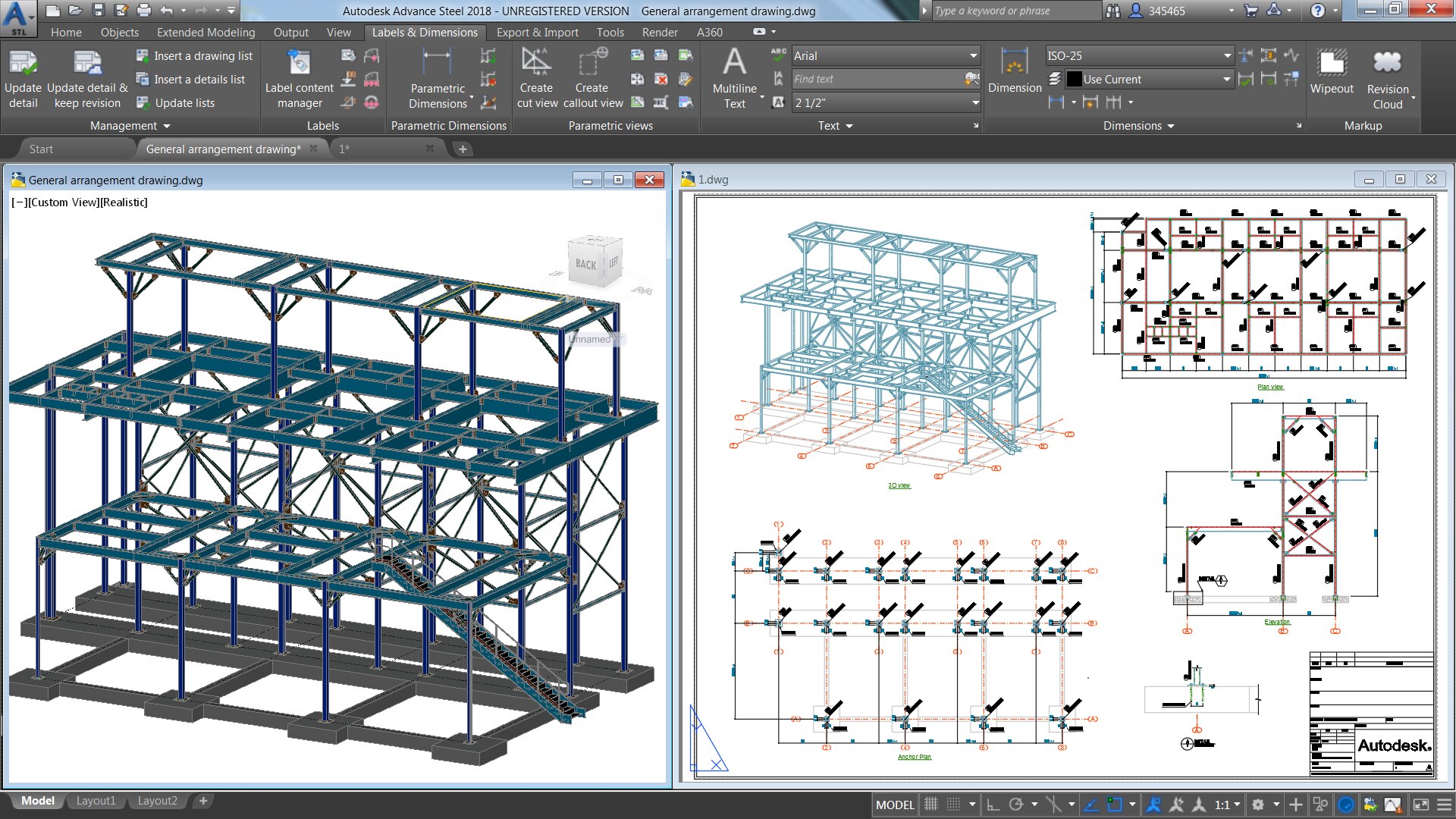
Tekla Structures is Trimble's structural BIM software, widely used for steel detailing. Detailers build an accurate 3D model of beams, columns, plates, bolts and welds, add connections, and then produce general arrangement, assembly and single-part fabrication drawings directly from that model. Steel fabricators, PEB and industrial shed companies, structural consultants and detailing outsourcing firms in India and abroad use it to deliver shop drawings and material lists.

This 80-hour course takes you through the full steel detailing workflow. You start with grids, views and work planes, then model columns, beams, bracing, purlins, plates and built-up sections using profile and material catalogues. You add bolts, welds and cuts, apply system components for base plates, end plates, clip angles, gusset and splice connections, and customise them through their dialog settings. You then learn assembly and part numbering, create GA, assembly and single-part drawings with dimensions and marks, and generate reports such as bills of material, bolt lists and assembly lists. Model checking, clash checks, NC file output and IFC exchange with other BIM software complete the course.

Training runs in the classroom at CADD centres or in live online classes, and the centre provides the software for practice. You work on an industrial steel building from first grid to final drawing set, and receive a CADD Training Centre certificate that can be verified online after the assessment.

The course supports roles such as steel detailer, Tekla modeller and structural draughtsman. Many learners pair it with STAAD.Pro for analysis or move on to connection design and checking.

You will be able to

  • Set up a Tekla model with grids, views, work planes and project properties
  • Model columns, beams, bracing, purlins, plates and built-up members from profile catalogues
  • Add bolts, welds, cuts and fittings and combine parts into assemblies
  • Apply and customise system components for base plate, end plate, clip angle and bracing connections
  • Number assemblies and parts correctly and manage revisions
  • Create GA, assembly and single-part fabrication drawings with dimensions and marks
  • Generate reports, check the model for clashes and exchange data through IFC

Who it is for

  • Civil and mechanical engineering students interested in steel structures
  • Structural draughtsmen moving from 2D AutoCAD detailing to 3D
  • Professionals at steel fabrication, PEB and structural consultancy firms
  • Diploma holders who want to work in steel detailing

What you need

  • Basic knowledge of structural steel members and engineering drawings
  • AutoCAD basics are helpful but not compulsory
  • For live online classes: a Windows PC with 16 GB RAM and a dedicated graphics card recommended

Courses that include Tekla Structures

Steel Structure Detailer (Tekla / Advance Steel) – Professional Career ProgramProfessional Career Program · 250 Hours · 5 software
Enquire →
Structural Design Engineer – Master Career ProgramMaster Career Program · 444 Hours · 9 software
Enquire →

Tekla Structures Syllabus

10 chapters · 56 topics
01 Introduction to Tekla Structures 5 topics
  1. Steel detailing workflow from model to shop drawings
  2. Tekla configurations, environments and roles
  3. Interface, ribbon, side pane and quick access toolbar
  4. Creating a new model and project properties
  5. Saving, autosave and model folder contents
02 Grids, Views and Work Planes 6 topics
  1. Creating and modifying grids
  2. Grid views, basic views and 3D views
  3. View properties, depth and visibility
  4. Work planes and local coordinate systems
  5. Snapping, point creation and construction lines
  6. Selection filters and view filters
03 Modelling Steel Members 6 topics
  1. Profile and material catalogues
  2. Columns, beams and polybeams
  3. Bracing, purlins and girts
  4. Plates and contour plates
  5. Built-up and tapered members
  6. Copy, move, mirror and array tools
04 Detailing Parts 6 topics
  1. Bolts and bolt assemblies
  2. Shop and site welds
  3. Line cuts, polygon cuts and part cuts
  4. Fittings, chamfers and edge chamfers
  5. Assemblies and sub-assemblies
  6. Main part and secondary part rules
05 Connections and Components 6 topics
  1. Using the Applications and components catalog
  2. Base plate and anchor bolt connections
  3. End plate and clip angle connections
  4. Gusset and bracing connections
  5. Splice and stiffener details
  6. Saving custom component settings
06 Model Checking and Numbering 5 topics
  1. Clash check and resolving clashes
  2. Inquire tools and model checks
  3. Numbering series and settings
  4. Assembly and part position marks
  5. Revision control and change management
07 General Arrangement Drawings 6 topics
  1. Drawing types and the Document manager
  2. Creating GA drawings from views
  3. Drawing properties and layouts
  4. Grid dimensions and member marks
  5. Section views and detail views
  6. Annotation and title blocks
08 Assembly and Single-Part Drawings 5 topics
  1. Creating assembly drawings automatically
  2. Single-part drawings for fabrication
  3. Dimensioning rules and editing dimensions
  4. Bolt, weld and part marks
  5. Cloning drawings and updating after changes
09 Reports, NC Files and Interoperability 6 topics
  1. Bill of material, bolt list and assembly list reports
  2. Exporting reports to Excel
  3. NC (DSTV) files for CNC fabrication
  4. IFC export and import
  5. Reference models from other BIM software
  6. Printing drawings to PDF and DWG
10 Steel Detailing Project 5 topics
  1. Project brief: industrial steel shed or mezzanine structure
  2. Complete 3D model with connections
  3. Numbering and clash check
  4. GA, assembly and single-part drawing set
  5. Reports and IFC for final submission

Ratings & reviews

Students rate the course after they finish it — their ratings appear here.

Tekla Structures course — FAQ

What is Tekla Structures used for?

Tekla Structures is used to build detailed 3D models of steel structures and produce fabrication drawings, material lists and NC files from them. It is common in steel detailing and fabrication work.

Who can join the Tekla Structures course?

Civil and mechanical engineering students, structural draughtsmen and professionals from steel fabrication or PEB companies can join. A basic understanding of steel members and drawings helps.

How long is the Tekla Structures course?

The Tekla Structures course is 80 hours long, covering modelling, connections, numbering, drawings, reports, IFC and a complete steel detailing project.

Is Tekla Structures training available online?

Yes. Tekla classes run in CADD Training Centre classrooms and as live online classes. The centre provides the software for practice, so you can model and detail along with the trainer.

Is there a certification exam for Tekla Structures?

This course does not include a global certification exam. You complete an internal theory and practical assessment and receive a CADD Training Centre certificate that can be verified online.

Should I learn STAAD.Pro or Tekla Structures?

They do different jobs. STAAD.Pro is used to analyse and design a structure, while Tekla is used to detail it for fabrication. Design engineers usually learn STAAD.Pro, and detailers learn Tekla.

More questions? Ask our counsellor or read the general FAQ.

Tekla Structures80 Hours
Enquire now