Classroom & live online 40 Hours Verifiable certificate Syllabus ↓

HTML Course

Learn HTML from scratch: page structure, text, links, images, tables, forms, semantic tags and SEO basics.

Your roadmap — from admission to certificate

  1. Free counselling

    Talk to our counsellor — choose the right course, batch time and mode.

  2. Admission

    Join at a CADD centre near you or online. You get your student login and ID card.

  3. Learn step by step

    40 Hours of hands-on HTML classes — in the classroom or live online.

    Introduction to the Web and HTMLHTML Document StructureText and ContentLinks, Images and MediaLists and TablesForms and InputsSemantic HTML, Accessibility and SEOHTML Project and Publishing
  4. Practice & project

    Exercises in every class and a final project, checked by your trainer.

  5. Course completion certificate + completion badge

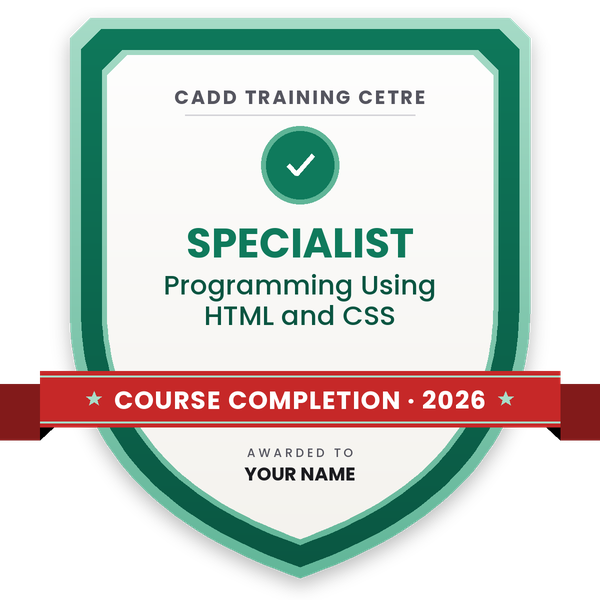
    Finish the course and get your course-completion certificate and a digital completion badge with your name.
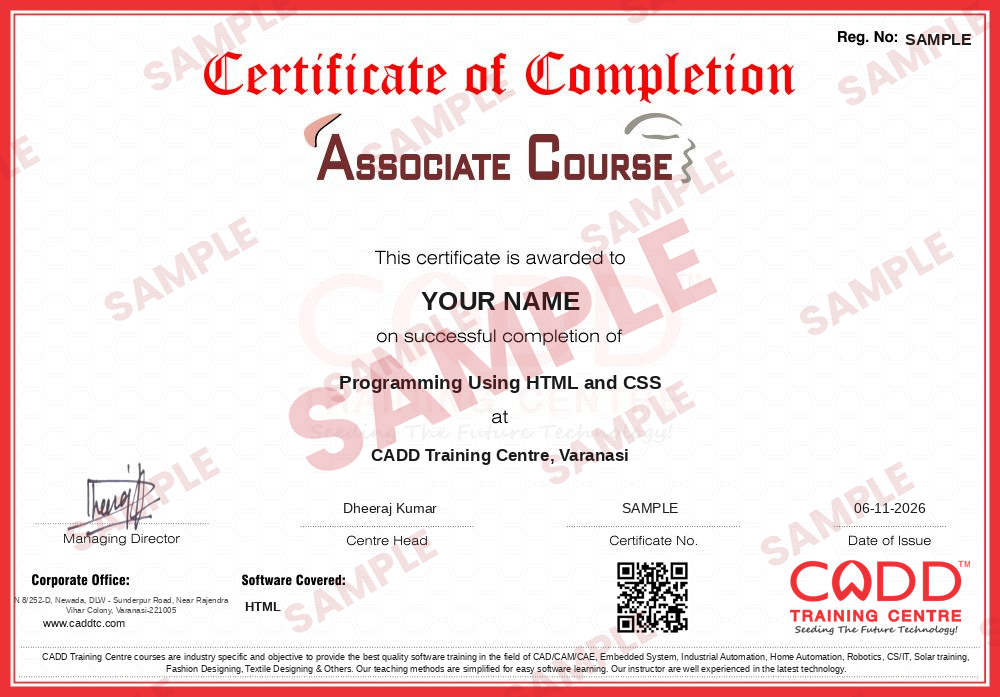
    Sample course-completion certificate — Programming Using HTML and CSS
    Course-completion certificate (sample) — Programming Using HTML and CSS · verifiable online
    Course-completion badge — Programming Using HTML and CSS
    Course-completion badge
    Course
    Programming Using HTML and CSS
    Issued by
    CADD Training Cetre
    Training
    Classroom or live online
    How to earn
    Complete the course and its project
    With your name and year · its own verify link · “Add to profile” on LinkedIn
  6. Certification exam

    Take the certification exam: a theory test and a practical task — at the centre or online.

  7. Certified certificate + marksheet

    Pass the exam and get the certified certificate with your marksheet. Anyone can check it online with its QR code.

  8. Certified badge

    Your certified badge — add it to LinkedIn and share it anywhere; it opens its own verify page.
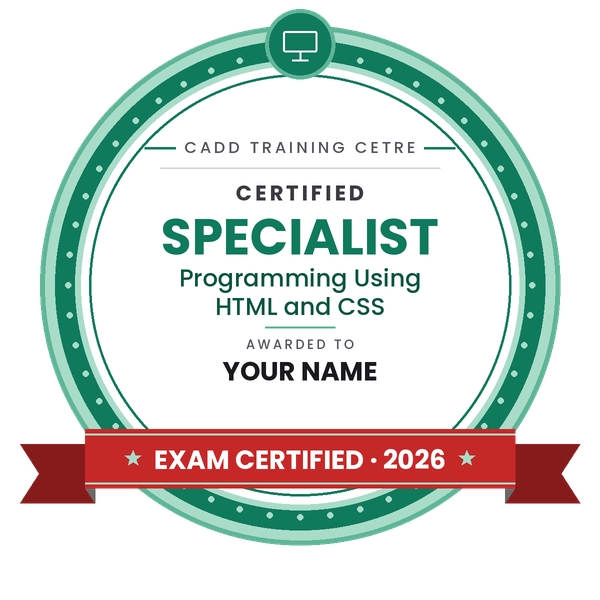
    Certified badge — Programming Using HTML and CSS
    Certified badge
    Course
    Programming Using HTML and CSS
    Issued by
    CADD Training Cetre
    Training
    Classroom or live online
    How to earn
    Pass the certification exam
    You also get
    Certified certificate + marksheet
    With your name and year · its own verify link · “Add to profile” on LinkedIn
  9. Make your CV & apply for jobs

    Make your CV in your student panel (Career → My CV) — your course, certificates and projects are added for you. Send it as a link with a preview picture, and apply to jobs and Hire Me requests from companies.

About the HTML course

HTML (HyperText Markup Language) is the language that gives every web page its structure. Headings, paragraphs, links, images, tables and forms are all written in HTML, which CSS then styles and JavaScript makes interactive. Web designers, front-end developers, email template developers and content editors all work with it daily, so it is the natural first step for anyone starting in web work.

This 40-hour course assumes no coding background. You set up VS Code and browser developer tools, write your first page, and learn document structure, text formatting, links, images, audio and video. Next come lists, tables and forms with built-in validation, followed by semantic elements such as header, nav, main and footer, basic accessibility and the meta tags that help search engines understand a page. Each class is hands-on coding, in a CADD Training Centre classroom or in live online classes, and the course ends with a multi-page portfolio or business website that you plan, build and publish online.

HTML alone is the foundation, not the full skill set. Continue with the CSS course to style and lay out your pages, then JavaScript, to build the core of front-end web development.

You will be able to

  • Set up a code editor and browser developer tools for web work
  • Write well-structured HTML documents with head and body sections
  • Format text, add links, images, audio and video to web pages
  • Build lists, tables and accessible forms with input validation
  • Lay out pages with semantic elements such as header, nav, main and footer
  • Add meta tags and headings that help search engines understand a page
  • Publish a small multi-page website online

Who it is for

  • Beginners who want to start web designing or web development
  • School and college students in computer science or IT
  • Bloggers and small business owners who want to edit their own pages
  • Graphic designers moving into web design

What you need

  • Basic computer and internet skills
  • No coding experience needed
  • A computer with a code editor such as VS Code and a modern browser

Courses that include HTML

Programming Using HTML and CSSAssociate Course · 100 Hours · 2 software
Enquire →
Web Developer – Associate Career ProgramAssociate Career Program · 160 Hours · 3 software
Enquire →
Java Developer – Associate Career ProgramAssociate Career Program · 260 Hours · 4 software
Enquire →
UI / UX Designer – Professional Career ProgramProfessional Career Program · 300 Hours · 5 software
Enquire →
Web Developer – Professional Career ProgramProfessional Career Program · 244 Hours · 5 software
Enquire →
Java Developer – Professional Career ProgramProfessional Career Program · 364 Hours · 6 software
Enquire →
Python Developer – Professional Career ProgramProfessional Career Program · 232 Hours · 6 software
Enquire →

HTML Syllabus

8 chapters · 40 topics
01 Introduction to the Web and HTML 5 topics
  1. How websites, browsers and servers work
  2. What HTML, CSS and JavaScript each do
  3. Installing VS Code and useful extensions
  4. Your first HTML page
  5. Using browser developer tools
02 HTML Document Structure 5 topics
  1. Doctype, html, head and body
  2. Meta charset, viewport and title
  3. Elements, attributes and nesting
  4. Comments and clean indentation
  5. Validating HTML
03 Text and Content 5 topics
  1. Headings and paragraphs
  2. Bold, italic, quotes and code text
  3. Line breaks and horizontal rules
  4. Special characters and entities
  5. Block and inline elements
04 Links, Images and Media 5 topics
  1. Absolute and relative links
  2. Linking within a page and opening new tabs
  3. Images, alt text and image formats
  4. Figure and figcaption
  5. Audio, video and iframe embeds
05 Lists and Tables 5 topics
  1. Ordered, unordered and description lists
  2. Nested lists for menus
  3. Table rows, headers and cells
  4. Colspan, rowspan and captions
  5. When to use tables and when not to
06 Forms and Inputs 5 topics
  1. Form, label and input elements
  2. Text, email, password, number and date inputs
  3. Radio buttons, checkboxes and select menus
  4. Textarea and buttons
  5. Built-in validation: required, pattern, min and max
07 Semantic HTML, Accessibility and SEO 5 topics
  1. Header, nav, main, section, article, aside, footer
  2. Heading hierarchy and document outline
  3. Accessibility basics and ARIA labels
  4. Meta description and Open Graph tags
  5. Favicons and linking a stylesheet
08 HTML Project and Publishing 5 topics
  1. Planning a multi-page website
  2. Building a portfolio or business site
  3. Organising files and folders
  4. Publishing on free static hosting
  5. Final review and assessment

Ratings & reviews

Students rate the course after they finish it — their ratings appear here.

HTML course — FAQ

What is HTML used for?

HTML is the markup language that structures every web page. It defines headings, paragraphs, links, images, tables and forms, which CSS then styles and JavaScript makes interactive.

Can a beginner learn HTML without coding experience?

Yes. HTML is the usual first step into web development. This course assumes no coding background and starts from creating your first page in a code editor.

How long does the HTML course take?

The HTML course is 40 hours long, including hands-on coding in every class and a small website project at the end.

Can I learn HTML online with CADD Training Centre?

Yes. You can learn in a classroom at a CADD centre or in live online classes, coding along with the trainer on your own computer.

Will I get a certificate after learning HTML?

Yes. After the HTML course you receive a CADD Training Centre certificate; it can be checked online by QR code or verification code, and your published website shows your skill.

What jobs can I get after learning HTML?

HTML is the base for roles like web designer, front-end developer, email template developer and website content editor. Most of these roles also need CSS and JavaScript.

Is HTML a programming language?

HTML is a markup language, not a programming language. It describes the structure of content; logic and interactivity are added with JavaScript.

What should I learn after HTML?

Learn CSS next to style and lay out your pages, then JavaScript for interactivity. Together they form the core of front-end web development.

More questions? Ask our counsellor or read the general FAQ.

HTML40 Hours
Enquire now