Classroom & live online80 HoursVerifiable certificateSyllabus ↓
Office Automation Associate Course
Hands-on Office Automation Associate training with real projects and an online-verifiable certificate.
Your roadmap — from admission to certificate
1
Free counselling
Talk to our counsellor — choose the right course, batch time and mode.
2
Admission
Join at a CADD centre near you or online. You get your student login and ID card.
3
Learn step by step
80 Hours of hands-on Office Automation Associate classes — in the classroom or live online.
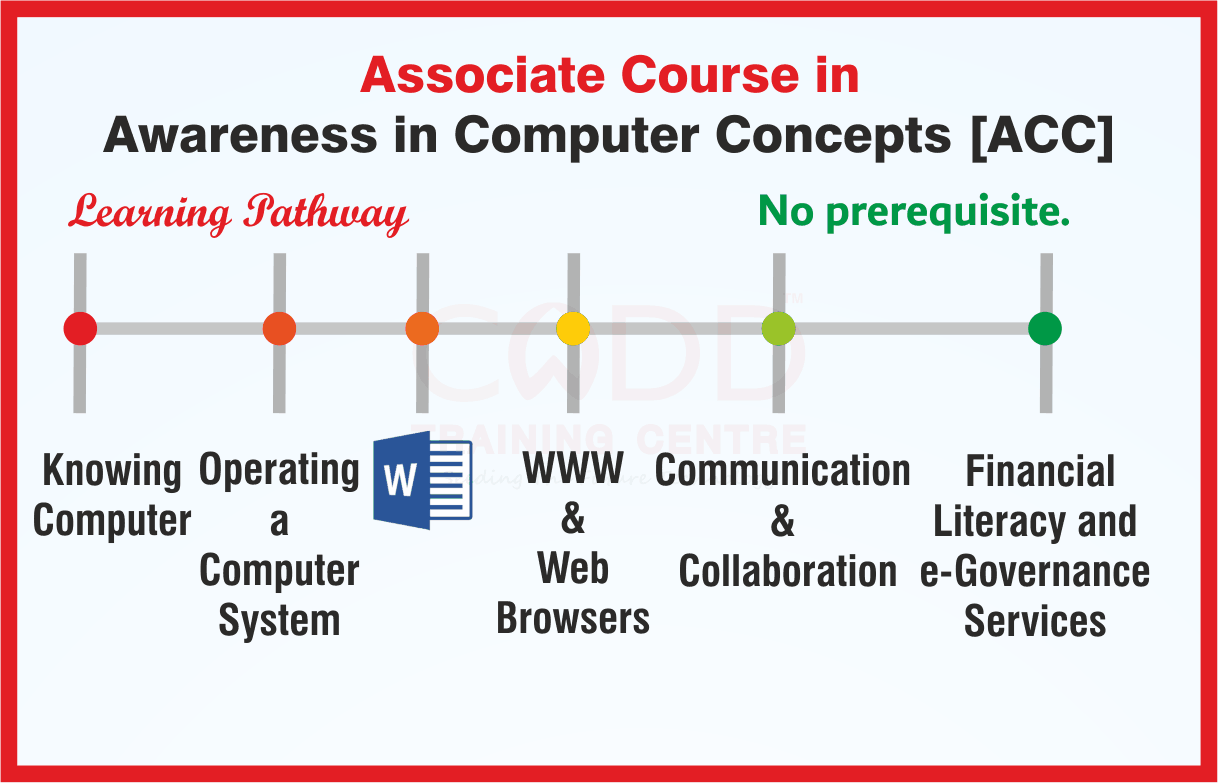
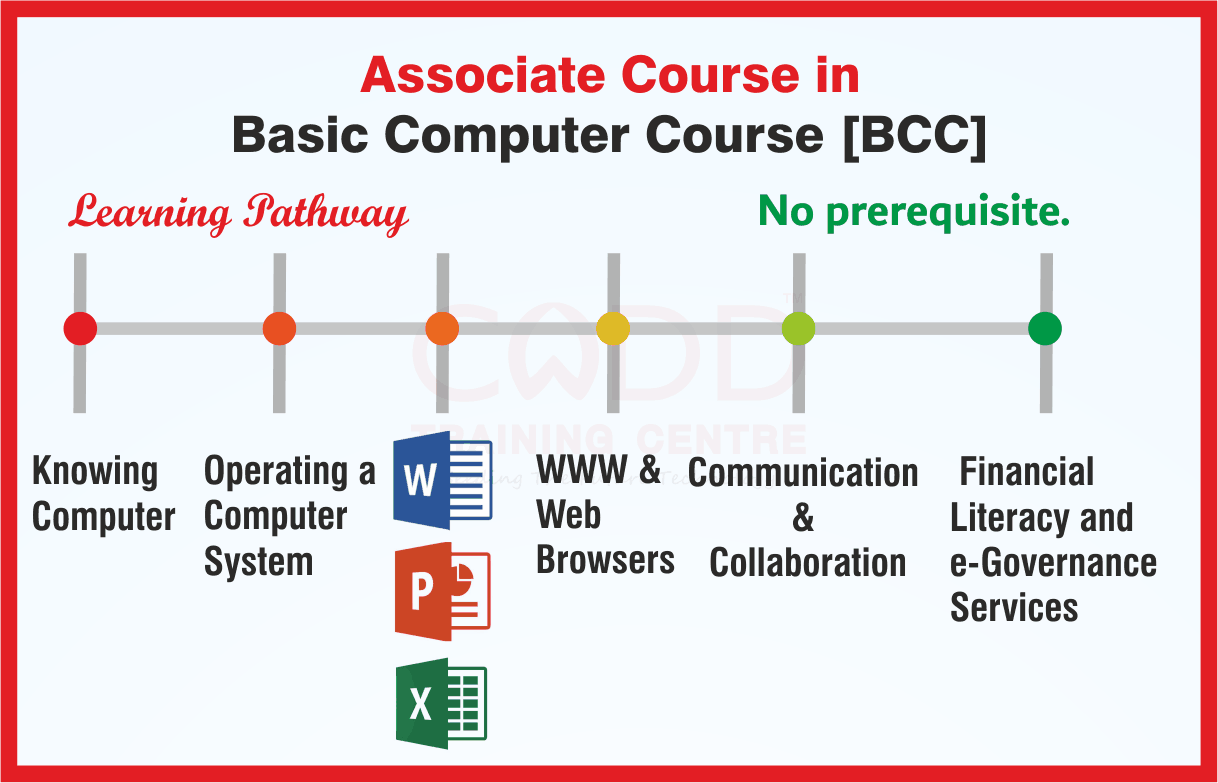
Introduction to ComputersWindows Operating SystemTyping SkillsMS Word: DocumentsMS Word: Advanced FeaturesMS Excel: BasicsMS Excel: Working with DataMS PowerPointInternet, Email and Digital ServicesCyber Safety and Practice Project
4
Practice & project
Exercises in every class and a final project, checked by your trainer.
5
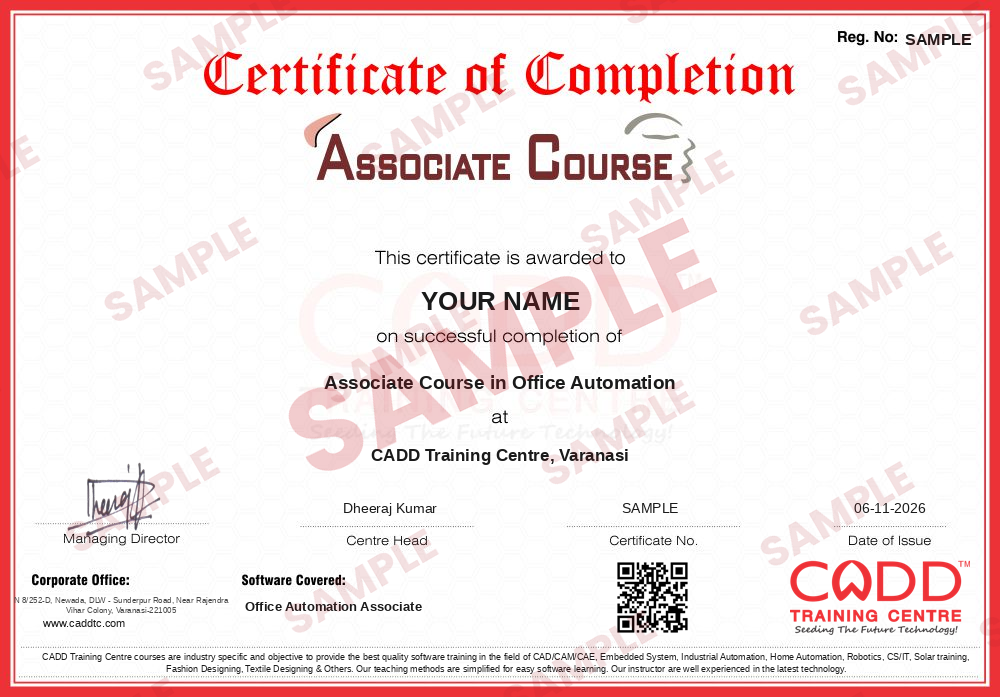
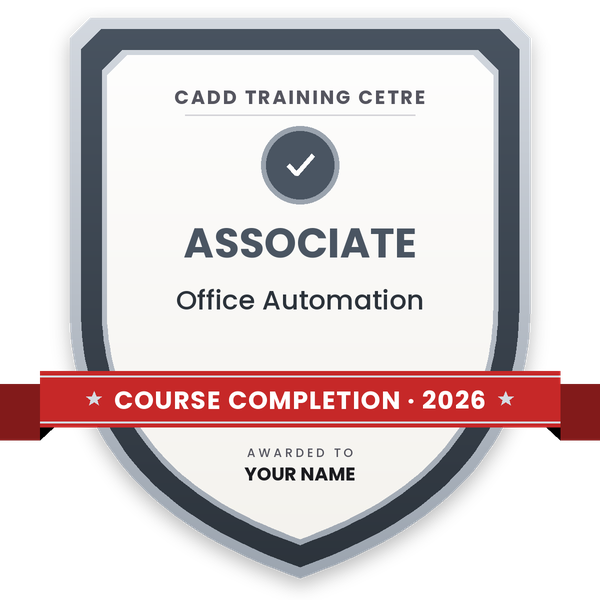
Course completion certificate + completion badge
Finish the course and get your course-completion certificate and a digital completion badge with your name.
With your name and year · its own verify link · “Add to profile” on LinkedIn
6
Certification exam
Take the certification exam: a theory test and a practical task — at the centre or online.
7
Certified certificate + marksheet
Pass the exam and get the certified certificate with your marksheet. Anyone can check it online with its QR code.
8
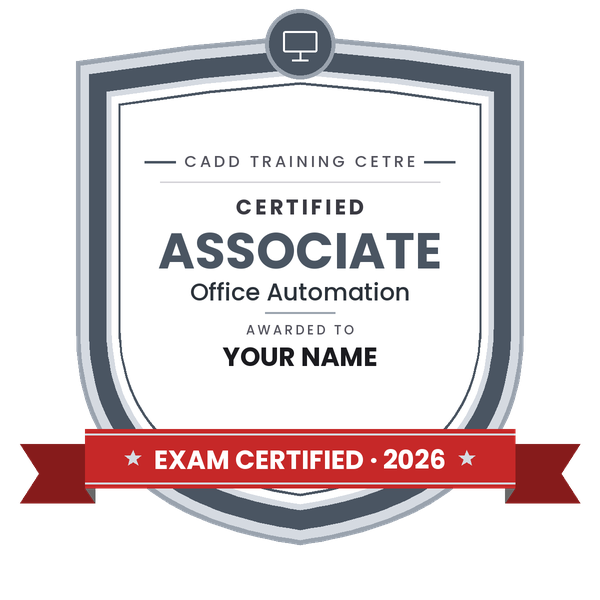
Certified badge
Your certified badge — add it to LinkedIn and share it anywhere; it opens its own verify page.
Certified badge
Course
Associate Course in Office Automation
Issued by
CADD Training Cetre
Training
Classroom or live online
How to earn
Pass the certification exam
You also get
Certified certificate + marksheet
With your name and year · its own verify link · “Add to profile” on LinkedIn
9
Make your CV & apply for jobs
Make your CV in your student panel (Career → My CV) — your course, certificates and projects are added for you. Send it as a link with a preview picture, and apply to jobs and Hire Me requests from companies.
To provide an in-depth training in use of office automation, internet and internet tools. The course also helps the candidates to get acquainted with IT.
Learning Outcomes
After completion of the course, students would be able to documents, spreadsheets, make small presentations and would be acquainted with internet.
Duration of the Course
(in hours) 80 hrs Appr.
Minimum Eligibility Criteria and prerequisites
if any Knowledge of reading and writing in English.
You will be able to
Use a computer, Windows and File Explorer confidently for daily office work
Type, format and print letters, applications and reports in MS Word
Build Excel sheets with formulas, functions, charts and simple data lists
Create clear presentations with slides, images and animations in PowerPoint
Browse the internet, send email with attachments and use cloud storage
Use common online services and follow safe practices against cyber fraud
Who it is for
Beginners who have never used a computer for office work
School and college students who need MS Office for studies
Job seekers preparing for office assistant and computer operator roles
Homemakers, retired people and shopkeepers who want digital skills
What you need
Ability to read and write basic English
No earlier computer knowledge is needed
A PC or laptop with internet access for live online classes
Courses that include Office Automation Associate
Associate Course in Office AutomationAssociate Course · 80 Hours
Students rate the course after they finish it — their ratings appear here.
Office Automation Associate course — FAQ
What is office automation?
Office automation means using computers and software such as MS Word, Excel, PowerPoint, email and the internet to do everyday office tasks faster, from writing letters to keeping records and making presentations.
Who can join the Office Automation Associate course?
Anyone who can read and write basic English can join. It is designed for complete beginners, students, job seekers, homemakers and shopkeepers.
How long is the Office Automation Associate course?
The Office Automation Associate course is 80 Hours long, with daily practice on Windows, MS Office, typing and the internet.
Can I learn MS Office online?
Yes. MS Office basics can be learned at a CADD Training Centre classroom or in live online classes from home; a PC or laptop with MS Office is all you need.
Will I get a certificate after the MS Office course?
Yes. Office Automation Associate learners get a CADD Training Centre certificate. Offices hiring computer operators can check it online using the QR code or verification code.
What jobs can I get after an office automation course?
You can apply for roles such as computer operator, office assistant, data entry operator, receptionist and front office executive.
What course should I take after Office Automation Associate?
You can continue with Office Automation Professional for advanced Excel and Tally, or move to Tally, graphic design or programming courses based on your career goal.