Classroom & live online24 HoursVerifiable certificateSyllabus ↓
Enscape for Revit Course
Learn Enscape for Revit: real-time walkthroughs, materials, lighting, renders, panoramas and videos.
Your roadmap — from admission to certificate
1
Free counselling
Talk to our counsellor — choose the right course, batch time and mode.
2
Admission
Join at a CADD centre near you or online. You get your student login and ID card.
3
Learn step by step
24 Hours of hands-on Enscape for Revit classes — in the classroom or live online.
Introduction to Enscape and Real-Time RenderingVisual SettingsEnscape MaterialsLighting and Asset LibraryOutput: Images, Panoramas and VideosPresentation Project
4
Practice & project
Exercises in every class and a final project, checked by your trainer.
5
Course completion certificate + completion badge
Finish the course and get your course-completion certificate and a digital completion badge with your name.
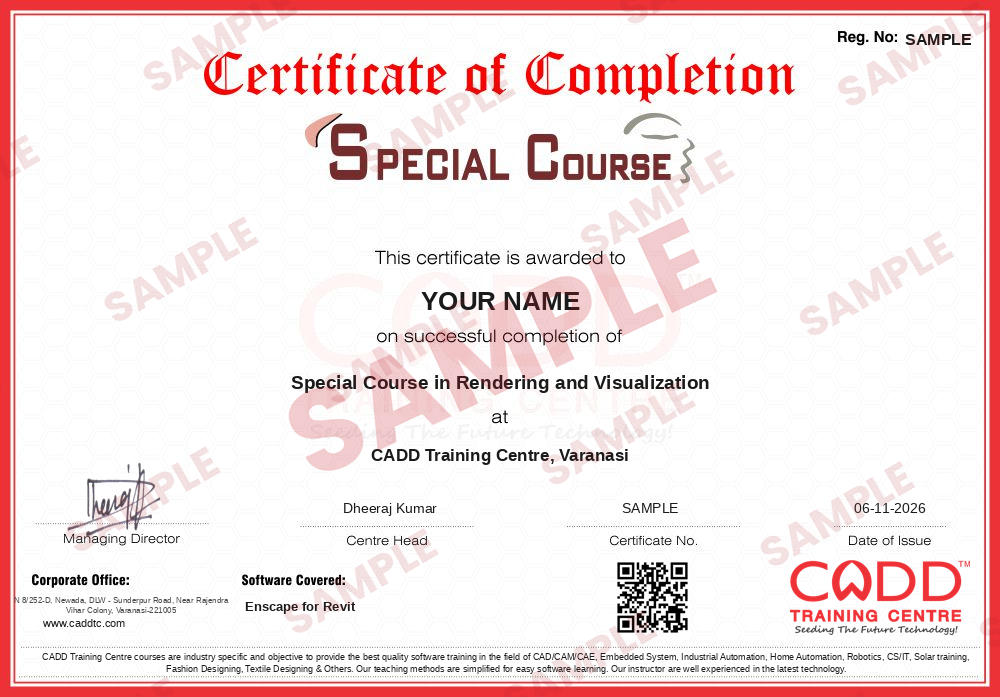
Course-completion certificate (sample) — Special Course in Rendering and Visualization · verifiable online
Course-completion badge
Course
Special Course in Rendering and Visualization
Issued by
CADD Training Cetre
Training
Classroom or live online
How to earn
Complete the course and its project
With your name and year · its own verify link · “Add to profile” on LinkedIn
6
Certification exam
Take the certification exam: a theory test and a practical task — at the centre or online.
7
Certified certificate + marksheet
Pass the exam and get the certified certificate with your marksheet. Anyone can check it online with its QR code.
8
Certified badge
Your certified badge — add it to LinkedIn and share it anywhere; it opens its own verify page.
Certified badge
Course
Special Course in Rendering and Visualization
Issued by
CADD Training Cetre
Training
Classroom or live online
How to earn
Pass the certification exam
You also get
Certified certificate + marksheet
With your name and year · its own verify link · “Add to profile” on LinkedIn
9
Make your CV & apply for jobs
Make your CV in your student panel (Career → My CV) — your course, certificates and projects are added for you. Send it as a link with a preview picture, and apply to jobs and Hire Me requests from companies.
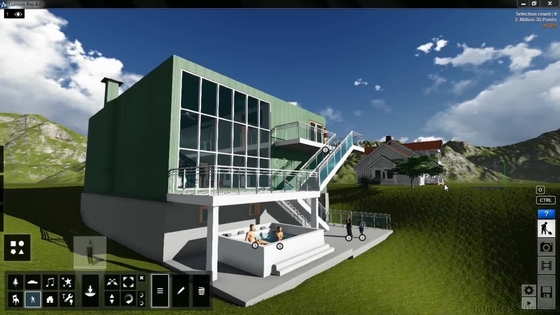
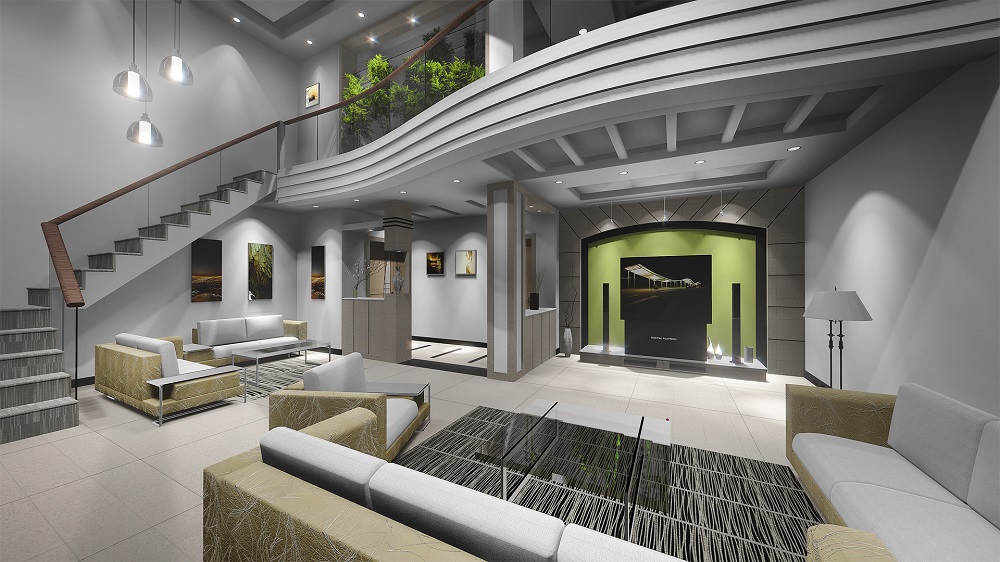
Revit users can use Enscape with their favorite modeling software. As a plugin to Revit, using Enscape as a real-time rendering tool won’t disrupt your design workflow. Enscape allows you to explore your Revit project in a high-quality, real-time environment. This is especially useful for client presentations and design processes.
You will be able to
Start Enscape from Revit and navigate the model in real time with live updates
Adjust visual settings for rendering quality, atmosphere, sky and exposure
Apply and edit Enscape materials for glass, water, grass, metal and wood
Light interior and exterior scenes with sun, artificial lights and emissive materials
Place entourage from the Enscape Asset Library such as people, plants and furniture
Export still renders, batch renders, 360 panoramas and walkthrough videos
Share presentations as standalone executables or web exports
Who it is for
Architecture and interior design students who use Revit
Architects and designers who prepare client presentations
BIM modellers who want to add visualisation skills
Civil engineers presenting building projects
What you need
Working knowledge of Revit modelling
A Windows PC with a dedicated graphics card (Enscape depends heavily on the GPU)
Revit and Enscape installed for live online classes
Courses that include Enscape for Revit
Special Course in Rendering and VisualizationSpecial Course · 24 Hours
01Introduction to Enscape and Real-Time Rendering5 topics+
What real-time rendering is
Enscape toolbar inside Revit
Starting Enscape and Live Updates
Walk mode, fly mode and navigation keys
Synchronising views and saving view positions
02Visual Settings5 topics+
Rendering quality and render styles
Image settings: exposure, depth of field and bloom
Atmosphere: fog, illumination and wind
Sky: horizon, clouds and time of day
Saving and loading visual setting presets
03Enscape Materials5 topics+
Material editor and Revit material sync
Albedo, bump and roughness maps
Reflection and metallic surfaces
Glass, water, grass and carpet types
Self-illumination and texture scaling
04Lighting and Asset Library5 topics+
Sun position and Revit project location
Revit light families in Enscape
Enscape area, spot and sphere lights
Night scenes and interior lighting
Placing people, vegetation, vehicles and furniture assets
05Output: Images, Panoramas and Videos6 topics+
Screenshots and batch rendering
360-degree mono and stereo panoramas
Video editor and keyframe paths
Render resolution and export settings
Standalone executable and web standalone export
VR headset preview overview
06Presentation Project4 topics+
Interior render set for a residence
Exterior day and night renders
Walkthrough video of a building
Final presentation review
Ratings & reviews
Students rate the course after they finish it — their ratings appear here.
Enscape for Revit course — FAQ
What is Enscape used for?
Enscape is a real-time rendering plugin that works inside Revit and other design tools. Architects use it to walk through a design instantly and create renders, panoramas and videos for clients.
Do I need to know Revit before Enscape?
Yes. Enscape works on top of your Revit model, so you should be comfortable modelling in Revit. The course then teaches you to make that model look realistic.
How long is the Enscape for Revit course?
The Enscape for Revit course is 24 Hours long and ends with a presentation project including interior and exterior renders and a walkthrough video.
Can I learn Enscape online?
Yes. Classes run both in the classroom at CADD Training Centre branches and live online. For online learning, a PC with a capable graphics card is important.
What graphics card do I need for Enscape?
Enscape needs a dedicated, up-to-date graphics card from NVIDIA or AMD with enough video memory. Laptops with only integrated graphics usually struggle, so check the hardware with your counsellor.
Will I receive a certificate for Enscape training?
Yes. The Enscape for Revit course gives you a CADD Training Centre certificate, checkable online by QR code or verification code. Your render set and walkthrough video add to it.
Is Enscape better than V-Ray for Revit?
They serve different needs. Enscape is fast and easy for real-time design review and quick renders, while V-Ray gives more control for detailed photorealistic images. Many studios use both.