Classroom & live online40 HoursVerifiable certificateSyllabus ↓
Navisworks Course
Learn Navisworks for model review, clash detection, 4D TimeLiner and quantity take-off.
Your roadmap — from admission to certificate
1
Free counselling
Talk to our counsellor — choose the right course, batch time and mode.
2
Admission
Join at a CADD centre near you or online. You get your student login and ID card.
3
Learn step by step
40 Hours of hands-on Navisworks classes — in the classroom or live online.
Getting Started with NavisworksModel Navigation and ReviewSelections and Model DataClash Detection with Clash Detective4D Construction Simulation with TimeLinerAnimator, Scripter and PresentationQuantification and CollaborationBIM Coordination Project
4
Practice & project
Exercises in every class and a final project, checked by your trainer.
5
Course completion certificate + completion badge
Finish the course and get your course-completion certificate and a digital completion badge with your name.
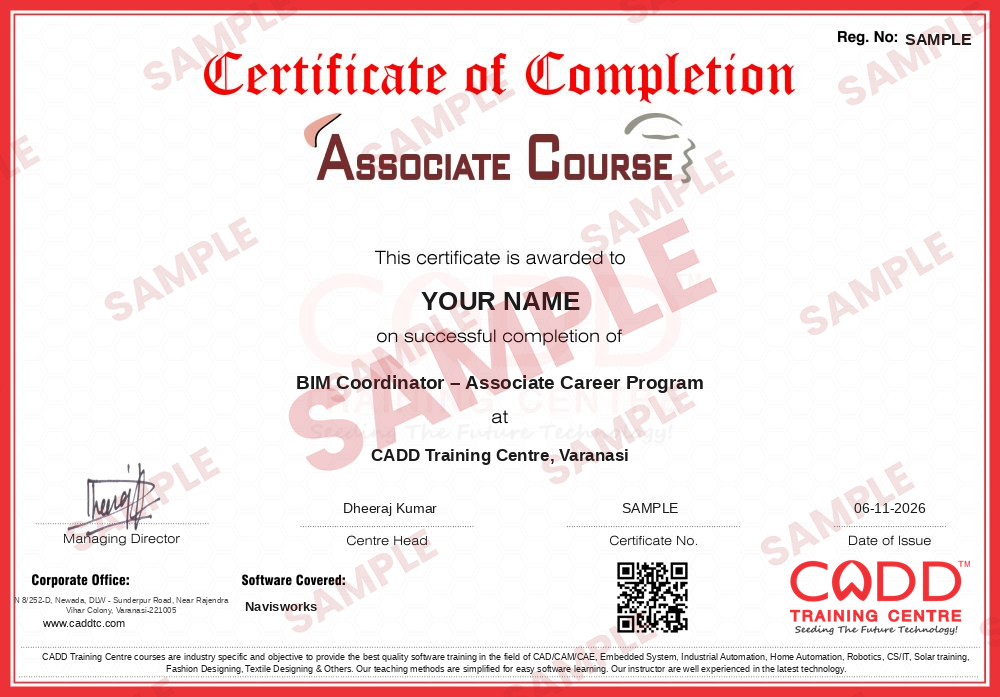
Course-completion certificate (sample) — BIM Coordinator – Associate Career Program · verifiable online
Course-completion badge
Course
BIM Coordinator – Associate Career Program
Issued by
CADD Training Cetre
Training
Classroom or live online
How to earn
Complete the course and its project
With your name and year · its own verify link · “Add to profile” on LinkedIn
6
Certification exam
Take the certification exam: a theory test and a practical task — at the centre or online.
7
Certified certificate + marksheet
Pass the exam and get the certified certificate with your marksheet. Anyone can check it online with its QR code.
8
Certified badge
Your certified badge — add it to LinkedIn and share it anywhere; it opens its own verify page.
Certified badge
Course
BIM Coordinator – Associate Career Program
Issued by
CADD Training Cetre
Training
Classroom or live online
How to earn
Pass the certification exam
You also get
Certified certificate + marksheet
With your name and year · its own verify link · “Add to profile” on LinkedIn
9
Make your CV & apply for jobs
Make your CV in your student panel (Career → My CV) — your course, certificates and projects are added for you. Send it as a link with a preview picture, and apply to jobs and Hire Me requests from companies.
Learn Navisworks Training Course: Our Navisworks training course, you will learn to use Navisworks to integrate Revit, 3D AutoCAD and compatible software programs into a 3D Navisworks model. That Navisworks model create clash detection between various architectural, structural, MEP and fire-suppression systems.
You will be able to
Combine Revit, AutoCAD, Civil 3D and other models into one Navisworks project
Navigate and review large models with viewpoints, sections and measuring tools
Create selection sets and search sets for each discipline and system
Run Clash Detective tests, group clashes and publish clash reports
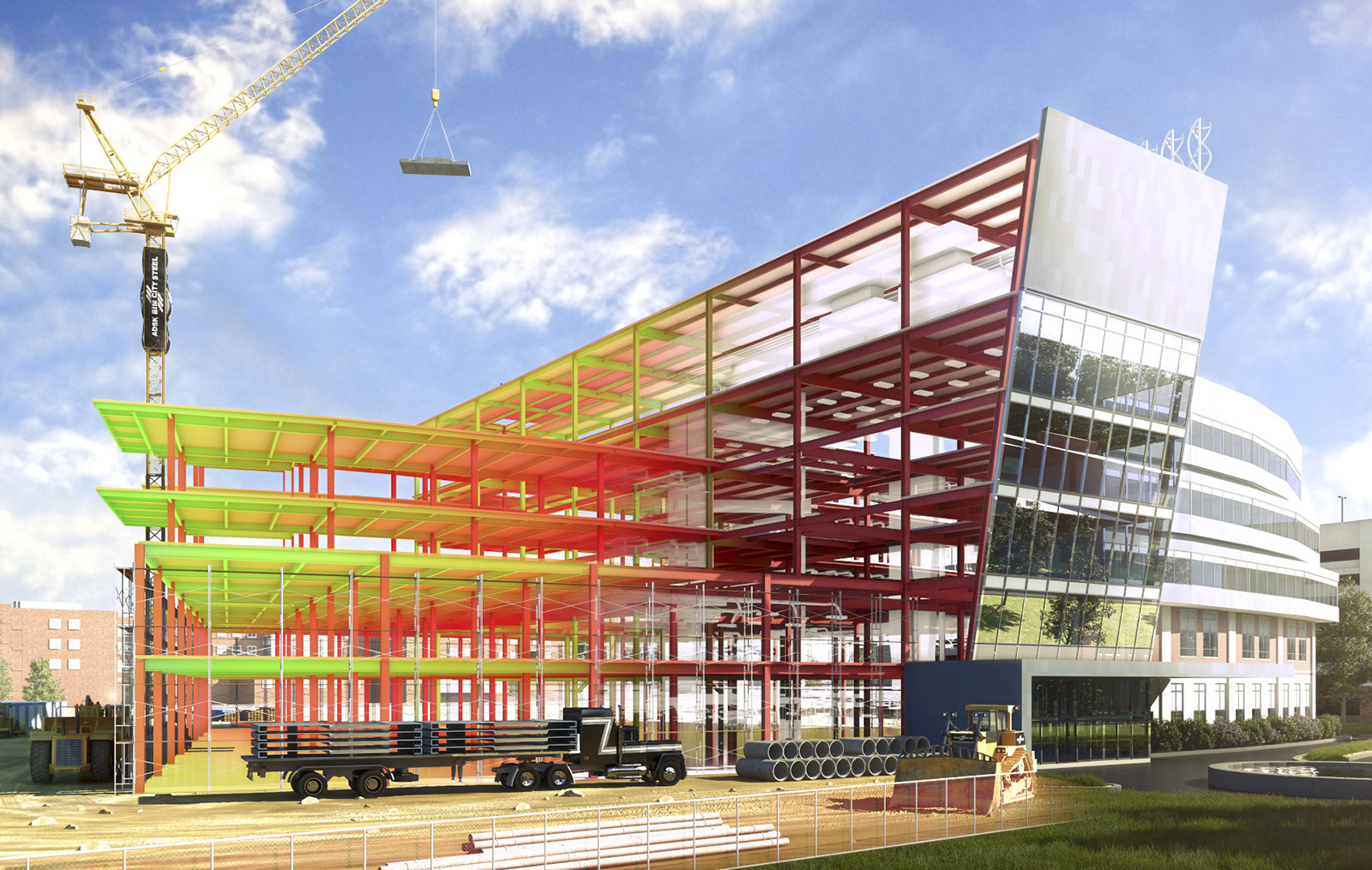
Link a construction schedule to model elements and run 4D TimeLiner simulations
Take off quantities with Quantification for estimation work
Mark up, comment and share NWD files with project teams
Who it is for
Civil, architecture and MEP engineers working on BIM projects
Revit and AutoCAD users moving into BIM coordination
Site engineers, planners and quantity surveyors
BIM modellers who want to become BIM coordinators
What you need
Basic knowledge of Revit or AutoCAD 3D models
Understanding of building or MEP drawings
A Windows PC with 16 GB RAM and a dedicated graphics card for live online classes
Courses that include Navisworks
BIM Coordinator – Associate Career ProgramAssociate Career Program · 230 Hours · 4 software
Navisworks Manage and the free Navisworks Freedom viewer
Interface, ribbon and dockable windows
NWC, NWF and NWD file formats
Opening, appending and merging models
File readers and exporters from Revit and AutoCAD
02Model Navigation and Review6 topics+
Orbit, Walk, Fly and Look Around
Navigation wheels and ViewCube
Realism settings: gravity, collision, crouch
Saved viewpoints and viewpoint animation
Sectioning planes and section box
Measure tools and Redline markups
03Selections and Model Data6 topics+
Selection Tree and selection resolution
Properties window and model data
Find Items and search sets
Selection sets for disciplines and systems
Hide, override colour and transparency
Appearance Profiler
04Clash Detection with Clash Detective6 topics+
Clash test types: hard, clearance and duplicates
Setting rules and tolerances
Running tests between selection sets
Reviewing, grouping and assigning clashes
Clash status workflow and comments
Exporting clash reports in HTML and XML
054D Construction Simulation with TimeLiner5 topics+
Creating tasks manually and with auto-add
Importing schedules from MS Project or Primavera
Attaching selection sets to tasks
Task types and appearance settings
Running and exporting 4D simulations
06Animator, Scripter and Presentation4 topics+
Animator scenes and keyframes
Scripter events and actions
Autodesk Rendering materials and lights
Exporting images and videos
07Quantification and Collaboration5 topics+
Quantification workbook setup
Model take-off and virtual take-off
Exporting quantities to Excel
Switchback to Revit and AutoCAD
Publishing NWD files and Batch Utility
08BIM Coordination Project4 topics+
Federating architecture, structure and MEP models
Clash review meeting workflow
4D simulation of a building project
Final coordination report
Ratings & reviews
Students rate the course after they finish it — their ratings appear here.
Navisworks course — FAQ
What is Navisworks used for?
Navisworks is Autodesk's project review software. Teams use it to combine models from different disciplines, find clashes between structure and services, simulate construction sequences and take off quantities.
What is clash detection in Navisworks?
Clash detection finds places where elements collide or come too close, such as a duct passing through a beam. Clash Detective runs these tests and helps teams resolve problems before construction.
Who can join the Navisworks course?
It suits civil, architecture and MEP professionals, Revit users and BIM modellers. You should already understand building drawings and have basic Revit or AutoCAD knowledge.
How long is the Navisworks training?
The Navisworks course is 40 Hours long, covering model review, clash detection, TimeLiner, quantification and a coordination project.
Is Navisworks training available online?
Yes. Navisworks classes run at CADD Training Centre branches and live online; you receive federated sample models to run clash tests and TimeLiner simulations on your own PC.
Will I get a certificate for Navisworks?
Yes. A CADD Training Centre certificate is awarded at the end of the Navisworks course. Its QR code or verification code lets any BIM manager confirm it online.
What jobs need Navisworks skills?
Navisworks is used by BIM coordinators, MEP coordinators, clash detection engineers, project planners and BIM managers in construction and consultancy firms.
Should I learn Revit before Navisworks?
Yes, it is recommended. Most Navisworks models come from Revit, so knowing Revit helps you understand the elements, fix clashes and use Switchback efficiently.