Classroom & live online80 HoursVerifiable certificateSyllabus ↓
Solid Edge Course
Learn Solid Edge part, sheet metal, assembly and drafting with synchronous technology.
Your roadmap — from admission to certificate
1
Free counselling
Talk to our counsellor — choose the right course, batch time and mode.
2
Admission
Join at a CADD centre near you or online. You get your student login and ID card.
3
Learn step by step
80 Hours of hands-on Solid Edge classes — in the classroom or live online.
Introduction of SolidedgeSketchingModellingModify ToolsCreate PatternCreating AssemblyMating ComponantCreating drawing
4
Practice & project
Exercises in every class and a final project, checked by your trainer.
5
Course completion certificate + completion badge
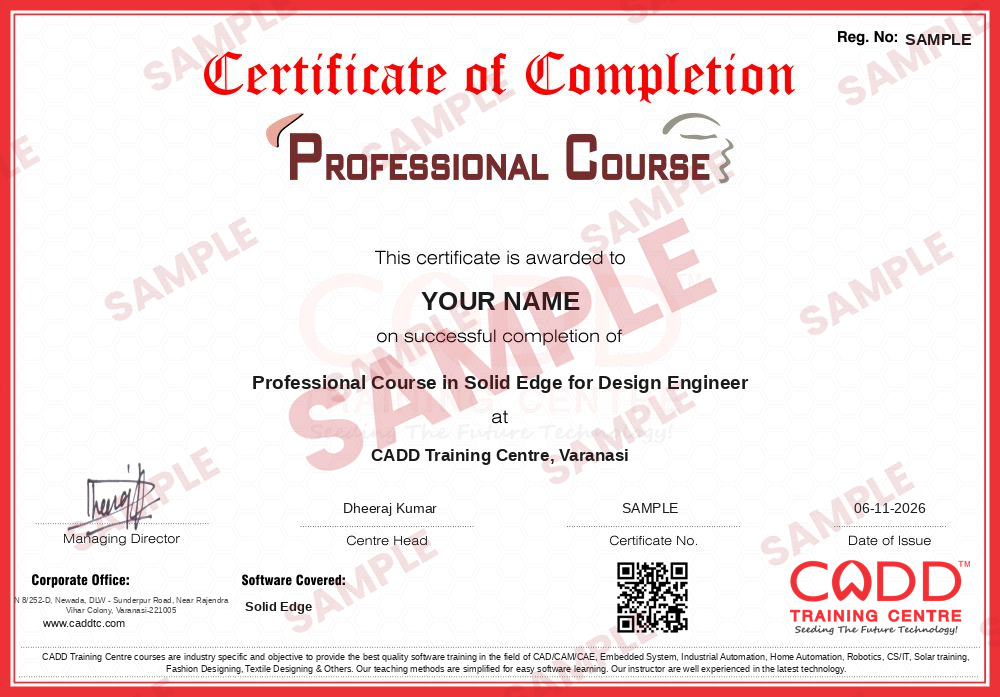
Finish the course and get your course-completion certificate and a digital completion badge with your name.
Course-completion certificate (sample) — Professional Course in Solid Edge for Design Engineer · verifiable online
Course-completion badge
Course
Professional Course in Solid Edge for Design Engineer
Issued by
CADD Training Cetre
Training
Classroom or live online
How to earn
Complete the course and its project
With your name and year · its own verify link · “Add to profile” on LinkedIn
6
Certification exam
Take the certification exam: a theory test and a practical task — at the centre or online.
7
Certified certificate + marksheet
Pass the exam and get the certified certificate with your marksheet. Anyone can check it online with its QR code.
8
Certified badge
Your certified badge — add it to LinkedIn and share it anywhere; it opens its own verify page.
Certified badge
Course
Professional Course in Solid Edge for Design Engineer
Issued by
CADD Training Cetre
Training
Classroom or live online
How to earn
Pass the certification exam
You also get
Certified certificate + marksheet
With your name and year · its own verify link · “Add to profile” on LinkedIn
9
Make your CV & apply for jobs
Make your CV in your student panel (Career → My CV) — your course, certificates and projects are added for you. Send it as a link with a preview picture, and apply to jobs and Hire Me requests from companies.
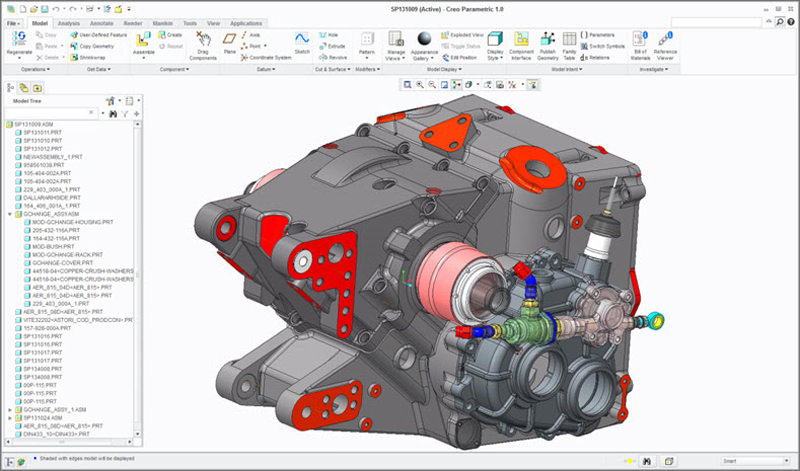
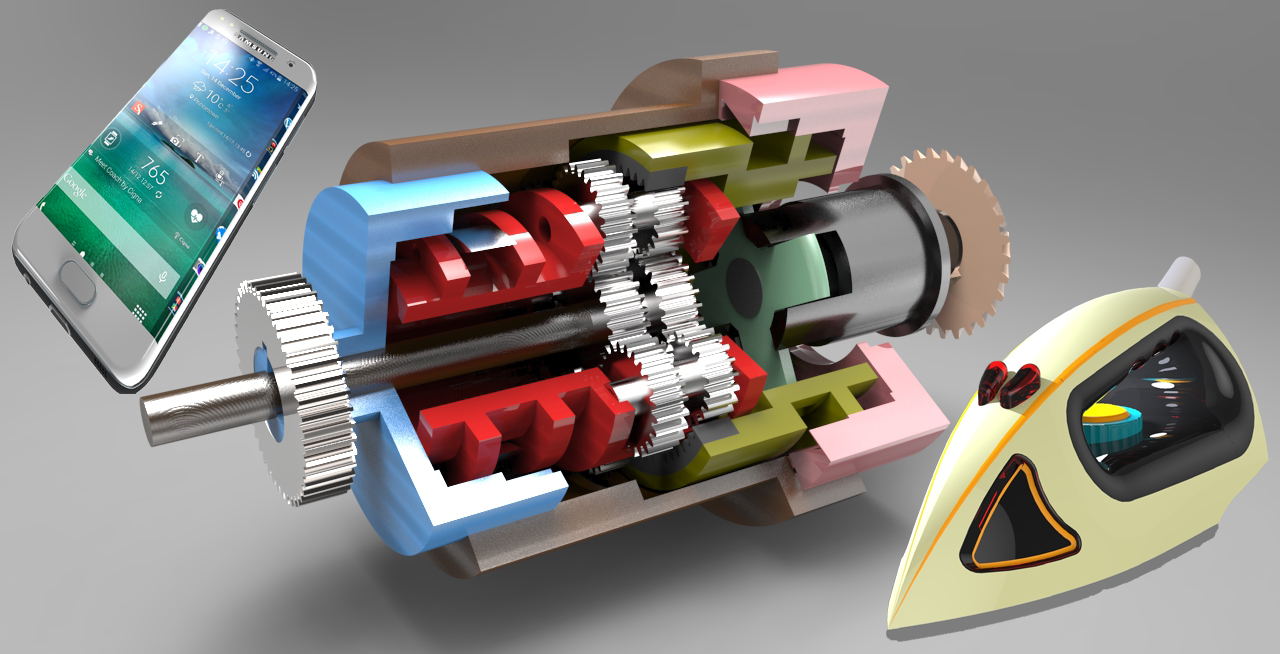
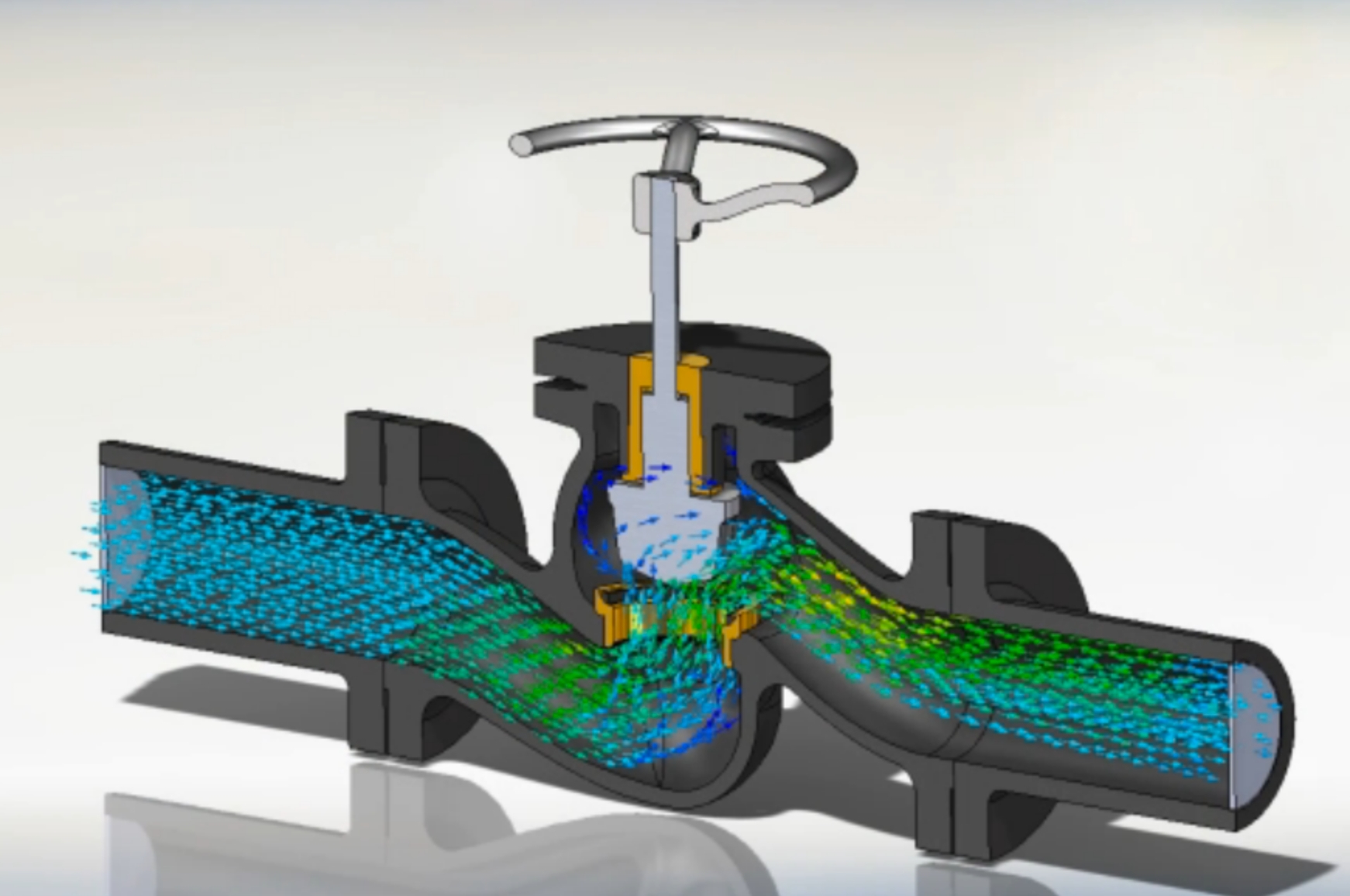
Solid Edge is a portfolio of affordable, easy-to-use software tools that addresses all aspects of the product development process–3D design, simulation, manufacturing, data management and more. Solid Edge combines the speed and simplicity of direct modeling with the flexibility and control of parametric design – made possible with synchronous technology.
You will be able to
Create 2D sketches with relations and dimensions and turn them into 3D parts
Model parts with both ordered (history-based) and synchronous features
Edit imported or existing geometry directly using the steering wheel and live rules
Design sheet metal parts with tabs, flanges, bends and flat patterns
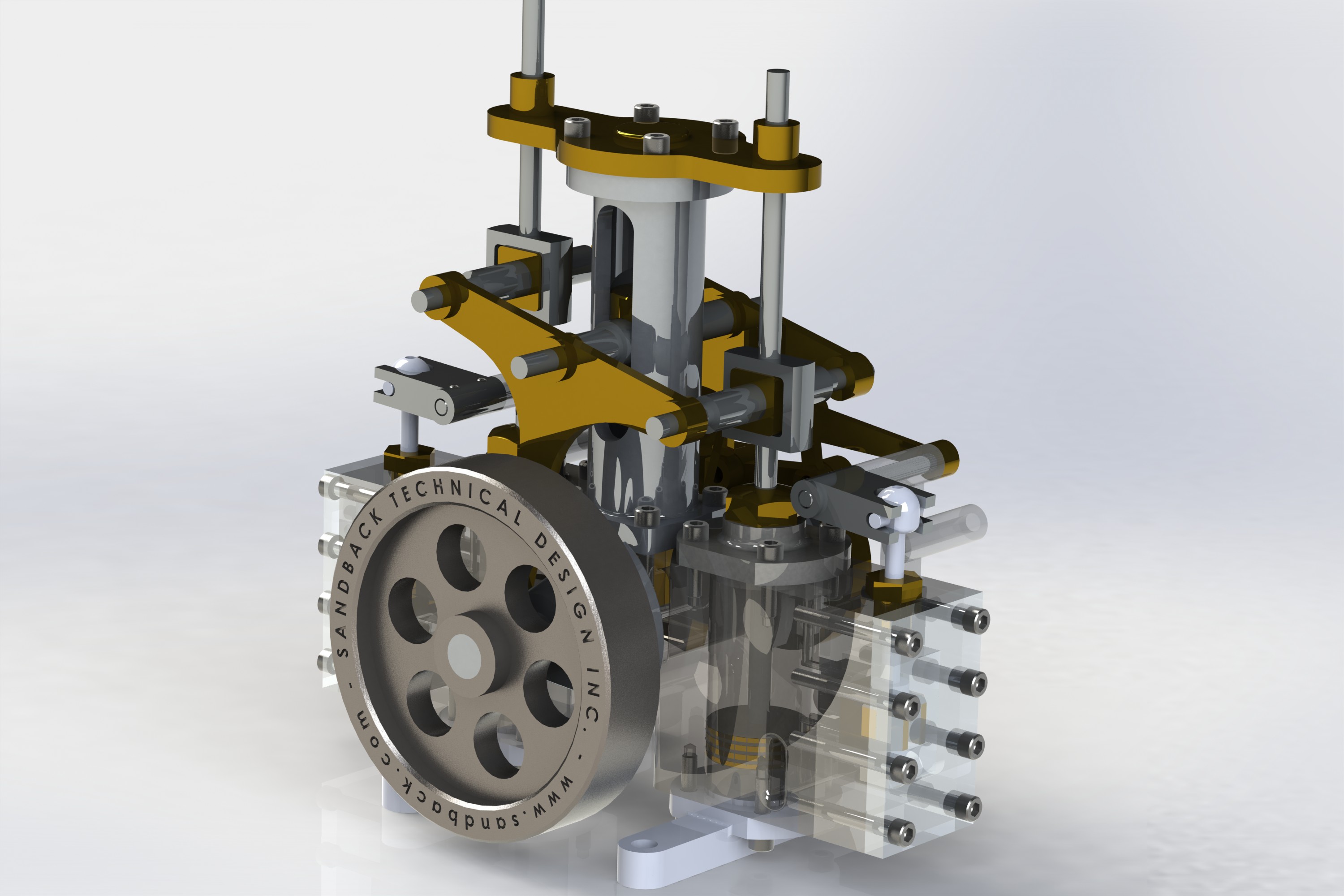
Build assemblies with relationships, check interference and create exploded views
Produce detailed 2D drafts with views, dimensions, annotations and a parts list
Complete a mechanical product design project from part to drawing
Who it is for
Mechanical, production and automobile engineering students
Diploma and ITI students who want to learn 3D product design
Design engineers and draughtsmen working in manufacturing companies
Users of other CAD software who need to work with Solid Edge files
What you need
Basic computer skills and knowledge of engineering drawing
AutoCAD basics are helpful but not compulsory
A Windows PC with at least 8 GB RAM and a dedicated graphics card for live online classes
Courses that include Solid Edge
Professional Course in Solid Edge for Design EngineerProfessional Course · 80 Hours
Students rate the course after they finish it — their ratings appear here.
Solid Edge course — FAQ
What is Solid Edge used for?
Solid Edge is a Siemens 3D CAD application used to design mechanical parts, sheet metal components and assemblies, and to create manufacturing drawings. It is popular in machinery, tooling and equipment design.
What is synchronous technology in Solid Edge?
Synchronous technology lets you edit a model directly by pushing or pulling faces, without depending on the feature history. Solid Edge combines it with ordered, history-based modelling, so you get both speed and control.
Who can join the Solid Edge course?
Mechanical, production and automobile students, diploma and ITI learners, and working designers can join. You only need basic computer skills and an understanding of engineering drawing.
How many hours is the Solid Edge course?
The Solid Edge course is 80 Hours long and covers sketching, part modelling, sheet metal, assemblies and drafting with regular practice exercises.
Can I learn Solid Edge online?
Yes. Solid Edge is taught in the classroom at CADD Training Centre branches and in live online sessions, where the trainer reviews your sketches, parts and drafts on screen.
Do I get a certificate for Solid Edge training?
Yes. Solid Edge trainees receive a CADD Training Centre certificate when the course ends. Its QR code and verification code allow a design firm to check it online in seconds.
Which jobs need Solid Edge skills?
Solid Edge is useful for roles such as mechanical design engineer, CAD designer, product design trainee and sheet metal draughtsman in manufacturing and engineering firms.