Classroom & live online200 HoursVerifiable certificateSyllabus ↓
ECC - Expert Computer Course Course
ECC course: computer hardware and maintenance, OS installation, networking, office automation, internet, e-governance and soft skills.
Your roadmap — from admission to certificate
1
Free counselling
Talk to our counsellor — choose the right course, batch time and mode.
2
Admission
Join at a CADD centre near you or online. You get your student login and ID card.
3
Learn step by step
200 Hours of hands-on ECC - Expert Computer Course classes — in the classroom or live online.
Computer FundamentalsComputer HardwareBIOS, OS Installation and MaintenanceTroubleshooting and Preventive MaintenanceNetworking BasicsWord ProcessingSpreadsheetsPresentationsOffice Productivity ToolsInternet, e-Governance and Digital Payments
4
Practice & project
Exercises in every class and a final project, checked by your trainer.
5
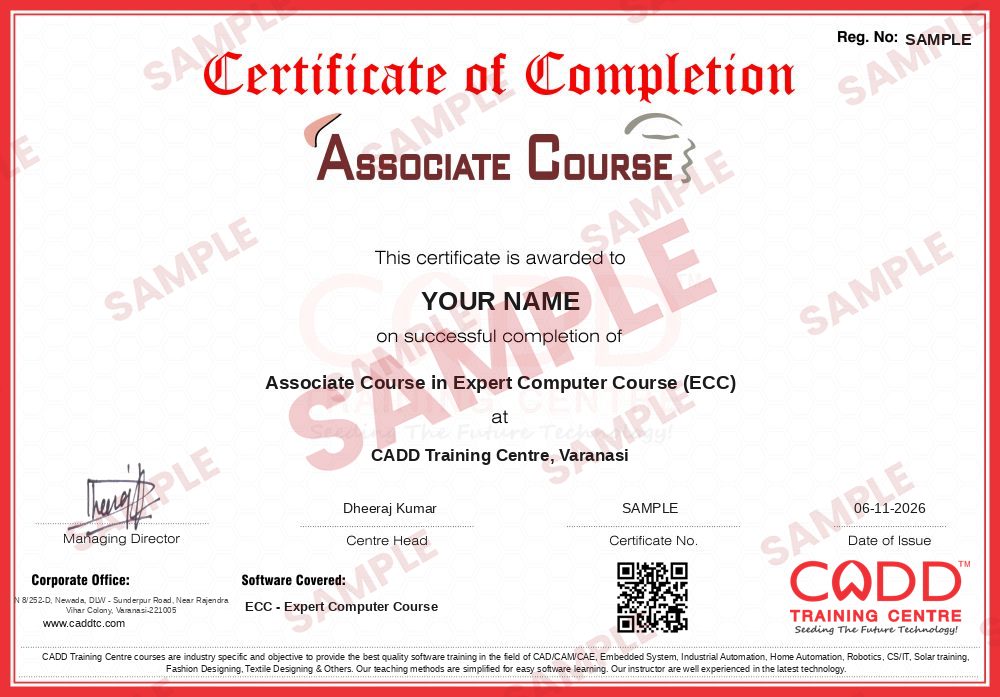
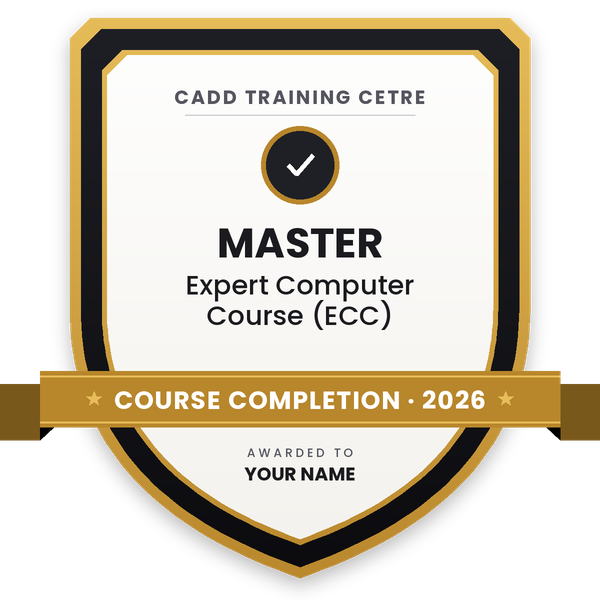
Course completion certificate + completion badge
Finish the course and get your course-completion certificate and a digital completion badge with your name.
With your name and year · its own verify link · “Add to profile” on LinkedIn
6
Certification exam
Take the certification exam: a theory test and a practical task — at the centre or online.
7
Certified certificate + marksheet
Pass the exam and get the certified certificate with your marksheet. Anyone can check it online with its QR code.
8
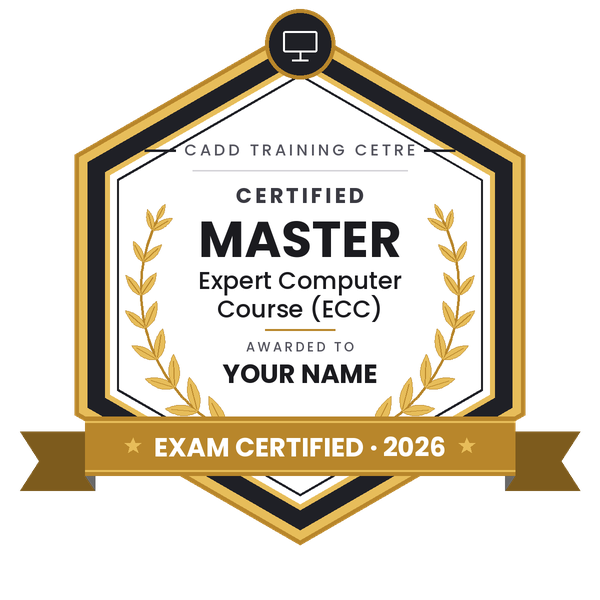
Certified badge
Your certified badge — add it to LinkedIn and share it anywhere; it opens its own verify page.
Certified badge
Course
Associate Course in Expert Computer Course (ECC)
Issued by
CADD Training Cetre
Training
Classroom or live online
How to earn
Pass the certification exam
You also get
Certified certificate + marksheet
With your name and year · its own verify link · “Add to profile” on LinkedIn
9
Make your CV & apply for jobs
Make your CV in your student panel (Career → My CV) — your course, certificates and projects are added for you. Send it as a link with a preview picture, and apply to jobs and Hire Me requests from companies.
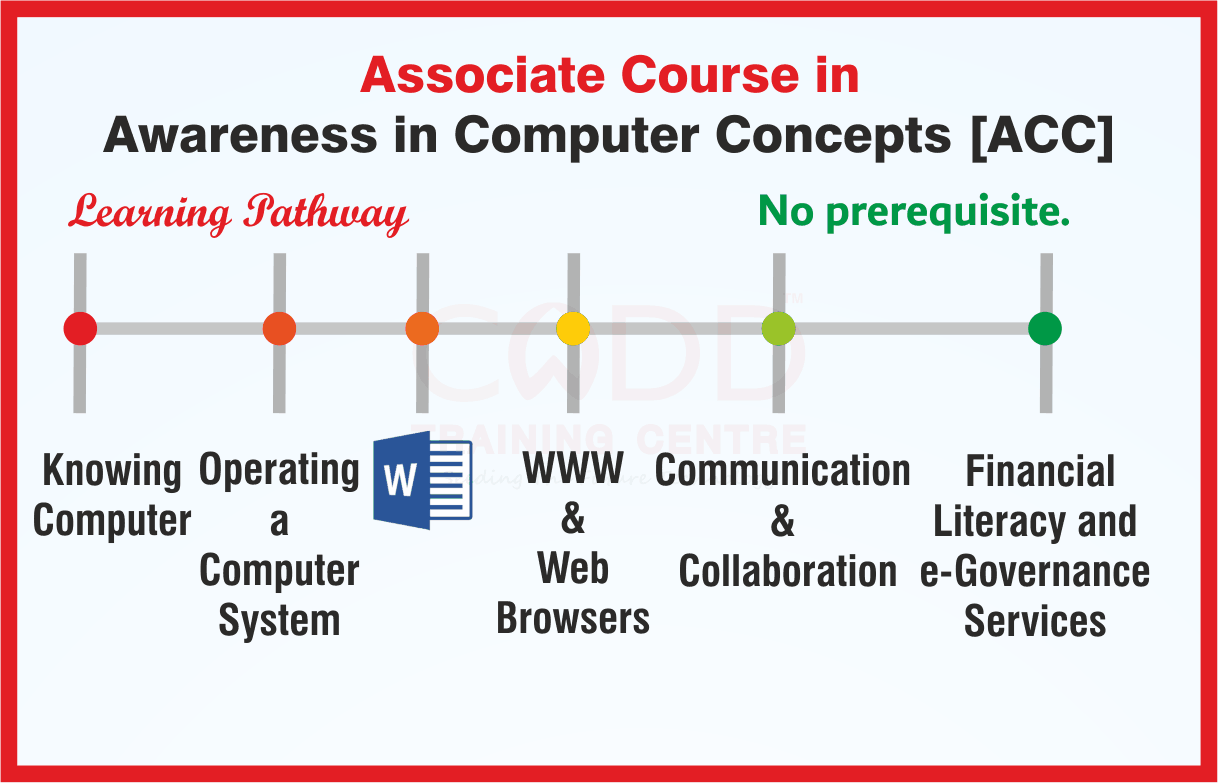
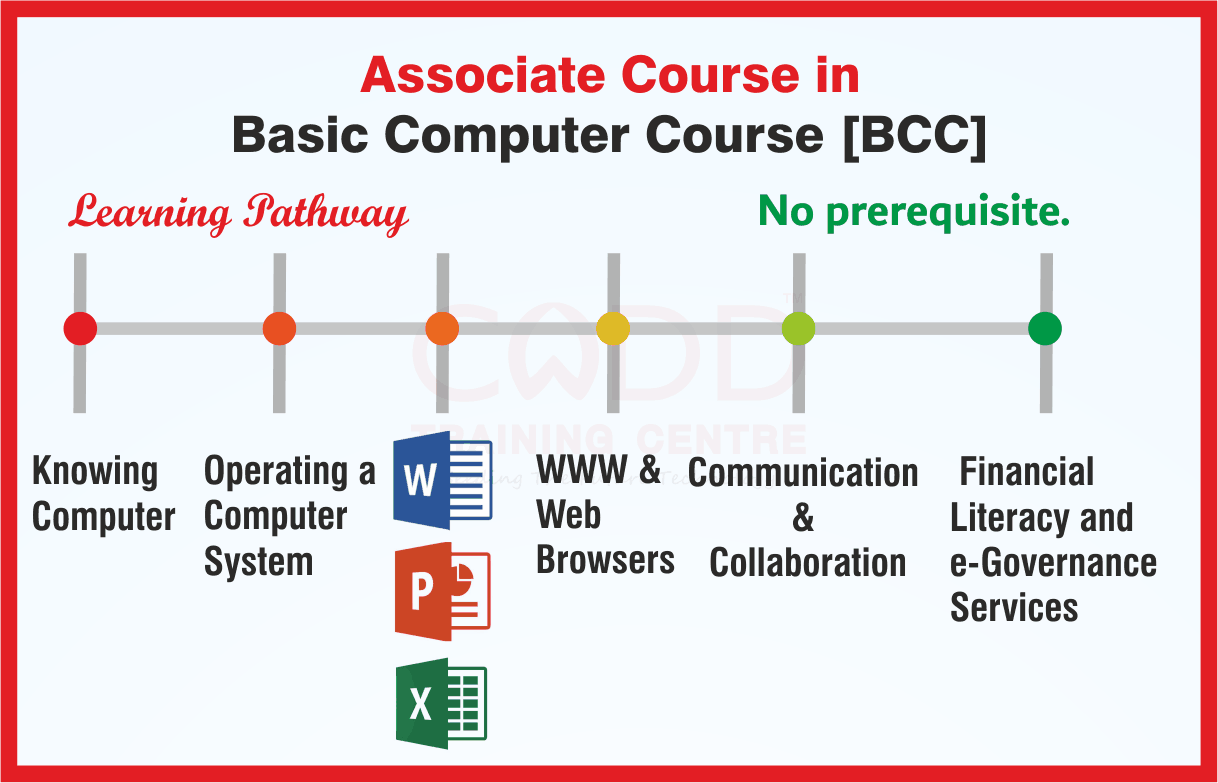
The aim of ECC is to assist a prospective entrant into a professional stream with attaining the necessary skills and knowledge needed to complete in today’s competitive scenario. The focus of the course is divided amongst the following four dimensions:
Understanding Computer Hardware, Software and its maintenance
Office Automation – Disposal of daily routine jobs using Office Automation Tools
Exploring the wide world of Internet and latest technologies in online services and e-Gov applications
Personality development with communication skills
The course emphasizes on skill development and latest advancements in the technological world that will help an individual to build up and upgrade skills thereby closing the technological gaps. The module on financial literacy will enable the individuals to understand the various financial services and be aware of the various schemes of Government of India.
Duration
200 Hours
You will be able to
Identify, assemble and upgrade PC components and configure BIOS or UEFI settings
Install and maintain Windows and Linux, drivers, updates and antivirus software
Set up a small office network, share printers and troubleshoot connectivity
Handle daily office work with word processing, spreadsheets and presentations
Use internet services, cloud tools, e-governance portals and digital payments
Protect computers and data with cyber security best practices
Communicate professionally in emails, presentations and interviews
Who it is for
Students after Class 10 or 12 who want a complete job-oriented computer course
Job seekers aiming for computer operator, office or IT support roles
Learners who completed CCC and want hardware and practical IT skills
Small business owners who manage their own computers and office work
What you need
Basic computer familiarity is helpful; the course starts from fundamentals
Interest in both hardware and office software
Hardware practicals are best done in the classroom; online learners need a PC with internet
04Troubleshooting and Preventive Maintenance5 topics+
Boot and startup problems
Common hardware faults and diagnosis
Virus removal and antivirus tools
Printer and peripheral troubleshooting
Preventive maintenance routine
05Networking Basics5 topics+
LAN, WAN and Wi-Fi
IP addressing and DHCP basics
Router and switch setup
Sharing files and printers
Network troubleshooting commands
06Word Processing5 topics+
Document creation and formatting
Tables, images and page layout
Mail merge
Templates and styles
Printing and PDF export
07Spreadsheets5 topics+
Data entry and formatting
Formulas and functions
Sorting, filtering and validation
Charts and pivot tables
Printing reports
08Presentations4 topics+
Slide design and layouts
Images, charts and multimedia
Animations and transitions
Delivering a presentation
09Office Productivity Tools5 topics+
PDF tools and scanning
Email clients, calendar and contacts
Cloud storage and file sharing
Typing speed and shortcuts
Video conferencing
10Internet, e-Governance and Digital Payments4 topics+
Web browsing and search skills
Online forms and citizen portals
DigiLocker, UMANG and online applications
UPI, net banking and safe payments
11Cyber Security and Safe Computing4 topics+
Malware, phishing and online fraud
Passwords and two-factor authentication
Data backup and privacy
Safe use of social media
12Communication Skills and Personality Development5 topics+
Professional email writing
Spoken communication and presentation skills
Resume writing
Interview preparation
Teamwork and workplace etiquette
13Project and Assessment4 topics+
PC assembly and OS installation practical
Office automation project
Mock tests and revision
Final practical and viva
Ratings & reviews
Students rate the course after they finish it — their ratings appear here.
ECC - Expert Computer Course course — FAQ
What is the ECC computer course?
ECC means Expert Computer Course. It combines computer hardware and maintenance, operating system installation, networking, office automation, internet and e-governance services, and communication and personality development skills.
Who can join the ECC course?
Students after Class 10 or 12, job seekers, CCC holders and small business owners can join. The course begins with fundamentals, so no earlier technical background is needed.
How long is the Expert Computer Course?
The ECC course is 200 hours long. Your counsellor will share how the hours are spread across weeks for your batch.
Is ECC available online or only in the classroom?
Both. You can study in the classroom at a CADD centre or in live online classes. Hardware assembly practicals work best in the classroom, so online learners may be asked to attend some lab sessions.
Will I get a certificate after the ECC course?
Yes. ECC learners who finish the 200-hour course receive a CADD Training Centre certificate, and its genuineness can be checked online using the printed QR code or verification code.
Does ECC include computer hardware training?
Yes. A large part of ECC is hardware: PC components, assembly, BIOS setup, OS installation, troubleshooting and basic networking, along with office software.
What jobs can I get after ECC?
ECC prepares you for roles such as computer operator, office assistant, desktop support technician, hardware and networking assistant and data entry operator.