Classroom & live online40 HoursVerifiable certificateSyllabus ↓
Fusion 360 User Course
Learn Fusion 360 sketching, solid and freeform modelling, assemblies, drawings, rendering and CAM basics.
Your roadmap — from admission to certificate
1
Free counselling
Talk to our counsellor — choose the right course, batch time and mode.
2
Admission
Join at a CADD centre near you or online. You get your student login and ID card.
3
Learn step by step
40 Hours of hands-on Fusion 360 User classes — in the classroom or live online.
Getting started with Fusion 360Creating Solid 3D Objects
4
Practice & project
Exercises in every class and a final project, checked by your trainer.
5
Course completion certificate + completion badge
Finish the course and get your course-completion certificate and a digital completion badge with your name.
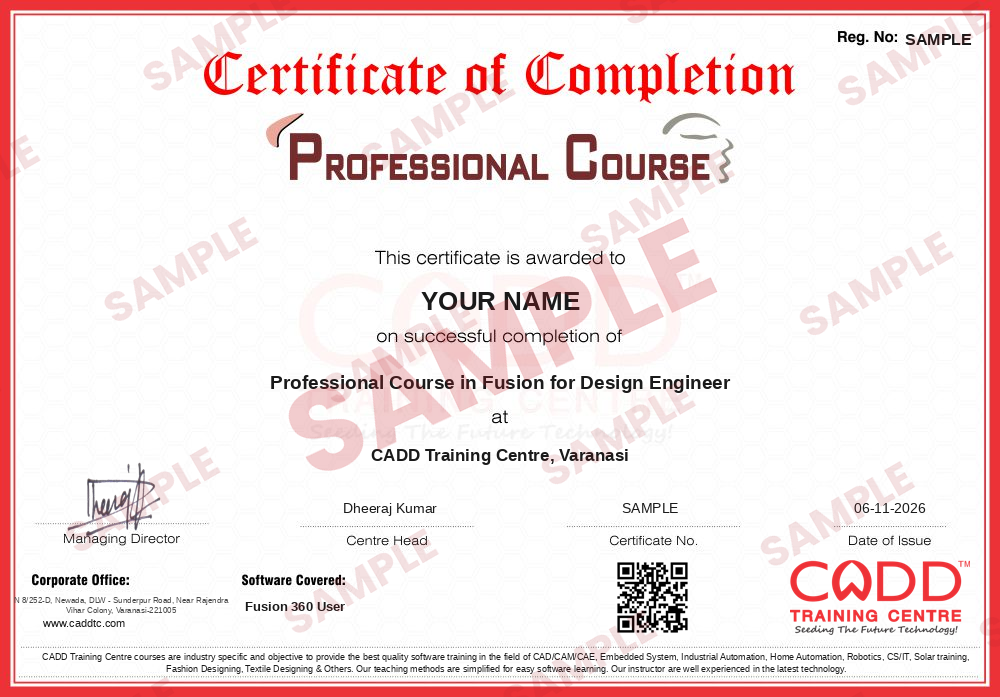
Course-completion certificate (sample) — Professional Course in Fusion for Design Engineer · verifiable online
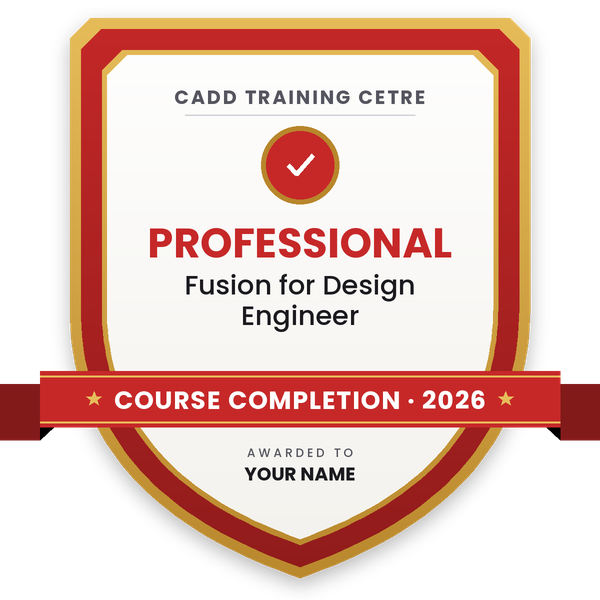
Course-completion badge
Course
Professional Course in Fusion for Design Engineer
Issued by
CADD Training Cetre
Training
Classroom or live online
How to earn
Complete the course and its project
With your name and year · its own verify link · “Add to profile” on LinkedIn
6
Certification exam
Take the certification exam: a theory test and a practical task — at the centre or online.
7
Certified certificate + marksheet
Pass the exam and get the certified certificate with your marksheet. Anyone can check it online with its QR code.
8
Certified badge
Your certified badge — add it to LinkedIn and share it anywhere; it opens its own verify page.
Certified badge
Course
Professional Course in Fusion for Design Engineer
Issued by
CADD Training Cetre
Training
Classroom or live online
How to earn
Pass the certification exam
You also get
Certified certificate + marksheet
With your name and year · its own verify link · “Add to profile” on LinkedIn
9
Make your CV & apply for jobs
Make your CV in your student panel (Career → My CV) — your course, certificates and projects are added for you. Send it as a link with a preview picture, and apply to jobs and Hire Me requests from companies.
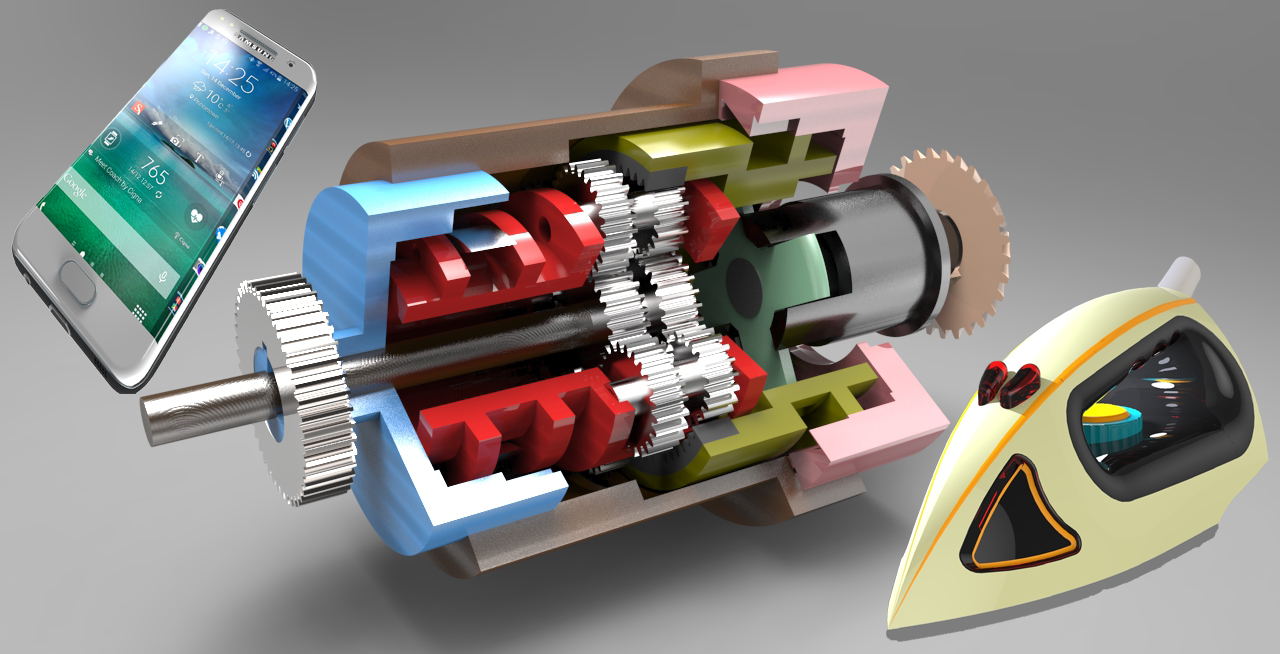
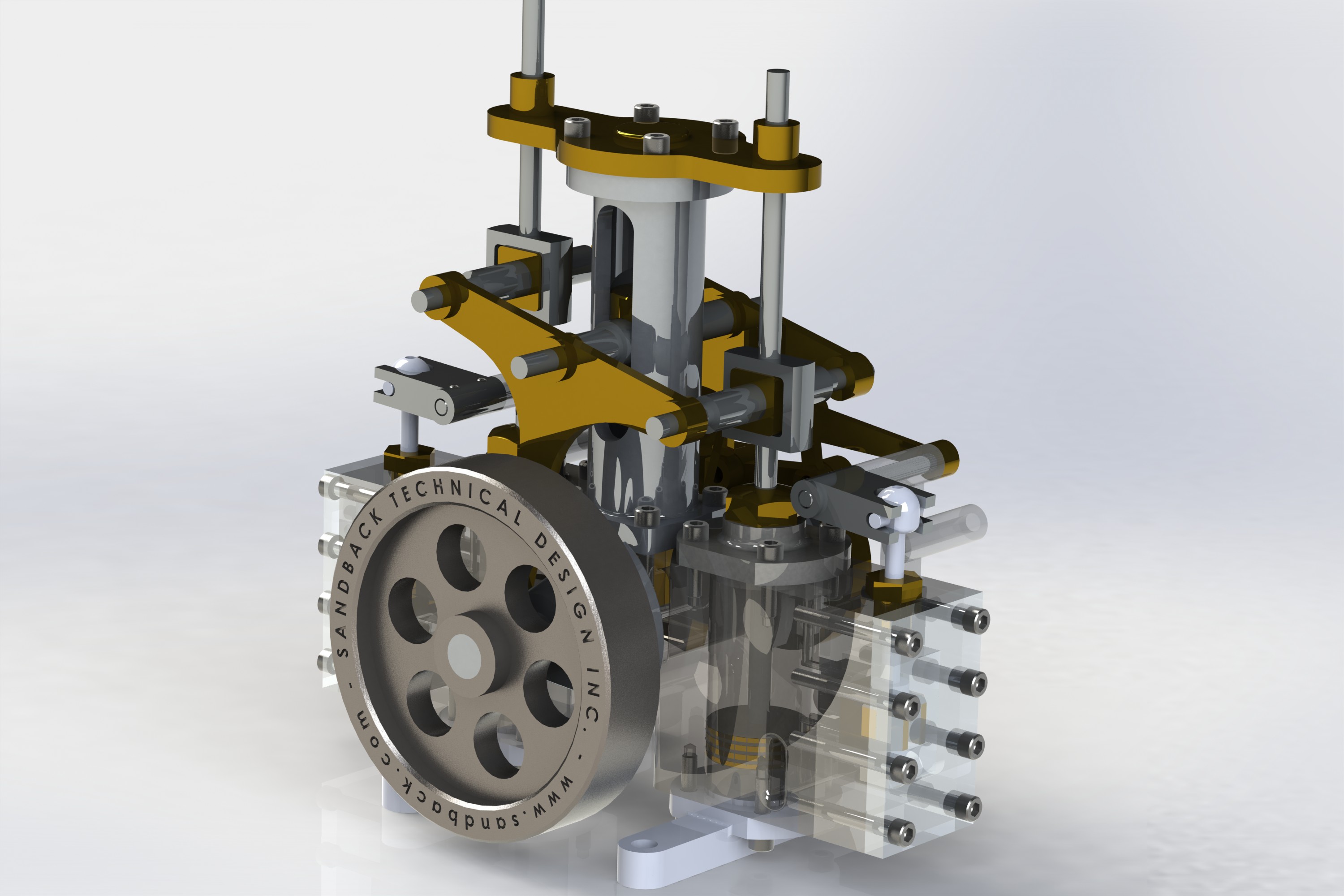
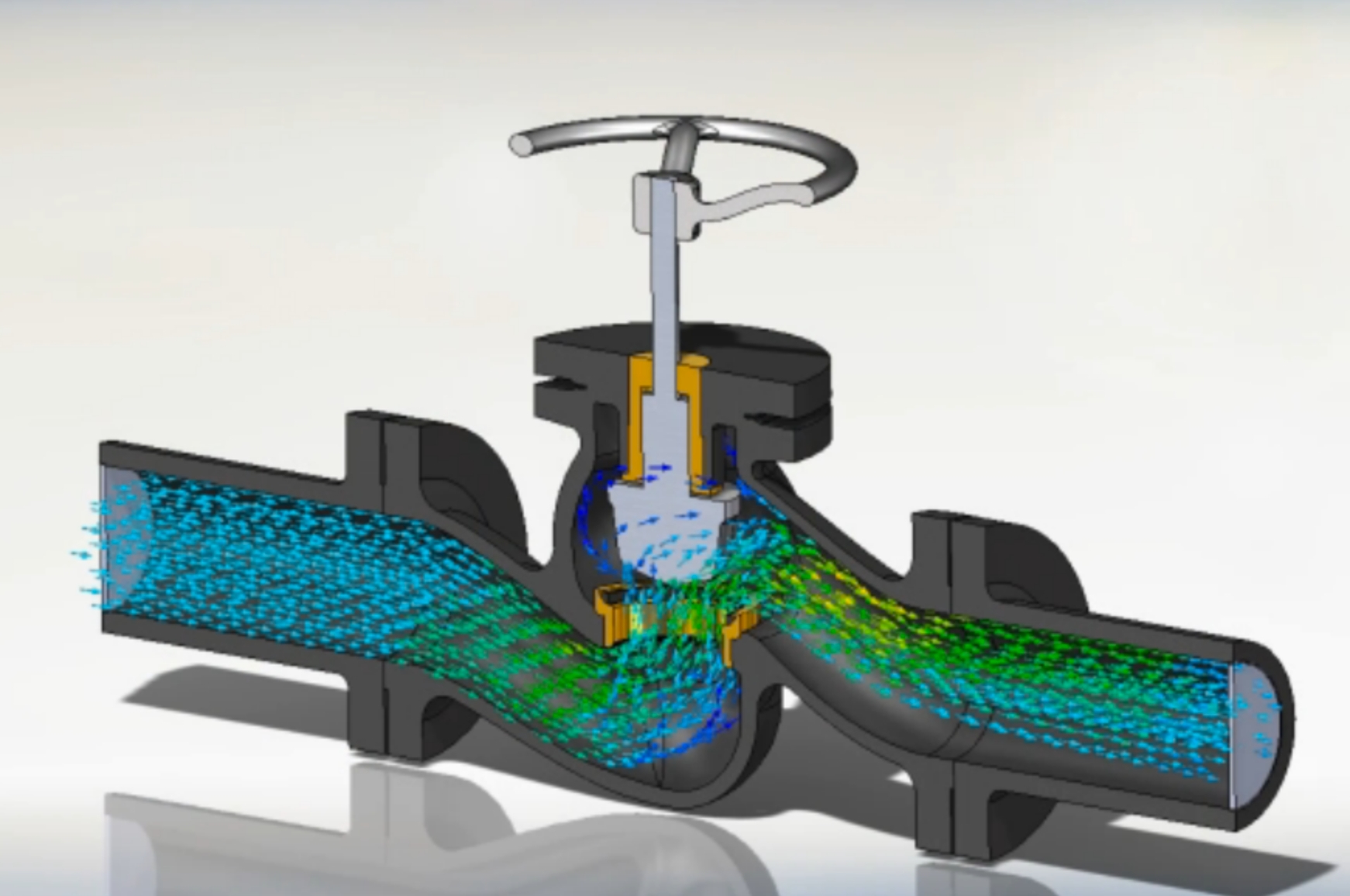
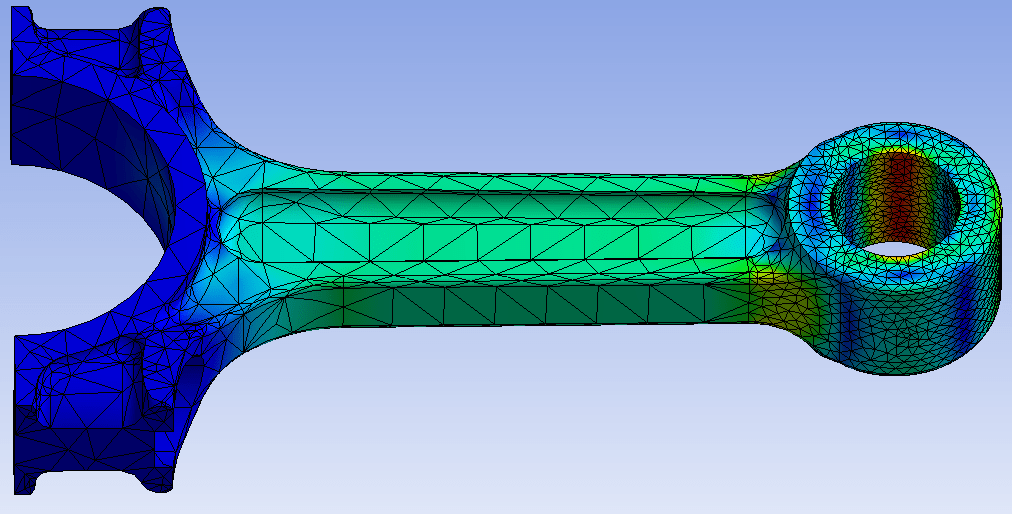
Fusion 360 is a cloud-based CAD/CAM/CAE tool for collaborative product development. Fusion 360 combines fast and easy organic modeling with precise solid modeling, to help you create manufacturable designs.
Watch this short video to learn about what you can achieve with Fusion 360
You will be able to
Create fully constrained 2D sketches with dimensions and geometric constraints
Model solid parts with Extrude, Revolve, Sweep, Loft, Fillet, Shell and patterns
Shape organic forms with T-spline Form tools and convert them to solid bodies
Build assemblies with components, joints and motion studies
Prepare 2D drawings with views, sections, dimensions and a parts list
Render realistic product images and set up basic CAM toolpaths for machining
Organise, version and share designs through Fusion's cloud data panel
Who it is for
Mechanical, production, automobile and agricultural engineering students
Diploma and ITI students in mechanical and manufacturing trades
Product designers, makers and 3D printing enthusiasts
Working engineers who want an integrated CAD and CAM tool
What you need
Basic computer skills; knowledge of engineering drawing is helpful
A Windows or macOS computer with 8 GB RAM and a dedicated graphics card recommended
A stable internet connection, as Fusion 360 stores designs in the cloud
An Autodesk account (free education licence for eligible students)
Courses that include Fusion 360 User
Professional Course in Fusion for Design EngineerProfessional Course · 40 Hours
Adjusting the Visual Styles, Environment and Effects
Using the Selection Tools, Selection Filters and Selection Priority
Creating and Using Custom Named Views
Importing or Uploading Files to Fusion 360
Set-Up your preferences
Using Fusion 360 keyboard shortcuts
02Creating Solid 3D Objects1 topic+
Introducing Solid 3D Modeling
Ratings & reviews
Students rate the course after they finish it — their ratings appear here.
Fusion 360 User course — FAQ
What is Fusion 360 used for?
Fusion 360, which Autodesk now calls Autodesk Fusion, is used to design and manufacture products. In one tool you can sketch, model parts and assemblies, make drawings, render, simulate and create CNC toolpaths, with files saved in the cloud.
Is Fusion 360 easy to learn for beginners?
Yes, Fusion 360 is one of the friendlier CAD tools for beginners because of its simple interface and timeline. The course starts with sketching and moves step by step to assemblies, drawings and CAM.
Who can join the Fusion 360 course?
Mechanical, production, automobile and agricultural engineering students, diploma and ITI students, product designers and working engineers. Basic computer skills are enough to start.
How long is the Fusion 360 course?
The Fusion 360 User course is 40 hours of hands-on training. The counsellor will share timings for your centre or for live online classes.
Can I learn Fusion 360 online?
Yes. You can attend live online classes or study in the classroom at a CADD centre. Since Fusion 360 is cloud-based, online learners need a reasonably fast internet connection.
Will I get a certificate after the Fusion 360 course?
Yes. Completing the Fusion 360 User course gives you a CADD Training Centre certificate. Employers can scan its QR code or enter its verification code online to confirm it.
Is Fusion 360 free for students?
Autodesk offers a free education licence of Fusion to eligible students and teachers, and a limited free licence for personal use. The trainer will help you set up the right licence.
What jobs can I get after learning Fusion 360?
Fusion 360 skills help in roles such as CAD designer, product design engineer, CNC programmer, design draughtsman and 3D printing technician, especially in start-ups and small manufacturers.